UI/UX design guide
Scope of the guide
Short answer: UI/UX design programs do not consist of a single “best” practice, but rather a set of tools selected according to the stage of the project; As of October 2026, Figma is the common file in the interface and prototyping, while separate tools are used for research, whiteboarding, advanced prototyping and testing.
I am Selçuk Aker; I graduated from Marmara University, Faculty of Fine Arts, Graphic Design and I have been designing brands, printed works and digital interfaces for over 19 years. One of the most frequently asked questions from both students and employers is "Which program should I learn?" or "Which program should the designer work in?" It's happening. In this guide, I describe the tools not as a brand list, but according to which needs they meet at which step of the job. Since product plan, price and feature information changes frequently, I recommend checking the manufacturer's own page for each vehicle; The following status information is written as of October 2026.
Vehicle selection is made according to the stage
A UI/UX project involves different work, from research to developer handover. Since the needs are different in every job, it is unrealistic to expect a single program to be equally powerful in every job. It is a healthier way to choose the stage first, then the need, and the tool last.
| Stage | Basic need | Vehicle type | Sample vehicles |
|---|---|---|---|
| Discovery and research | Interview notes, survey, observation record | Memo, survey, recording tools | Form and survey tools, video call recording |
| Idea and flow | Thinking together, drawing flow | Digital whiteboard | FigJam, Miro |
| Wireframe | Low detail layout | Interface tool or whiteboard | Figma, Penpot, FigJam |
| Visual interface | Component, style, state | Interface design tool | Figma, Sketch, Penpot |
| Prototype | Clickable stream | Interface tool's prototype mode or advanced prototype tool | Figma, ProtoPie |
| Test | Mission success, comments, registration | Remote testing and analytics | Maze and similar test platforms |
| Developer turnover | Measure, token, asset | Review and export | Figma Dev Mode, design token exports |
| Asset generation | Icon, illustration, photography | Vector and image editing | Illustrator, Photoshop |
This table is not a list of requirements. On a small project, research notes may fit on one document and flows may fit on one page of the interface file. The important thing is that the output of each stage is not lost and everyone in the team can access the same file.
Figma: common file in interface and prototype
Figma is an interface design tool that works in the browser and desktop application, where multiple people can work on the same file simultaneously. The practical reason for its spread is that the designer, product manager, and developer can open the same link and leave comments. The problem of sending files and mixing versions is largely eliminated.
The main features that are useful in interface design are:
- Component and variant: Defining a button once and using it from the same source on every screen with size, status and type options.
- Auto layout: The box adjusts itself when the content becomes longer or shorter. This is very useful in cases where Turkish texts are longer than English.
- Variables and styles: Keeping color, spacing and text dimensions as named values; manage light and dark theme.
- Prototype mode: Connecting screens and establishing a clickable flow with transitions, swipes and simple interactions.
- Dev Mode: The view where the developer can examine size, color value and component information.
As of October 2026, Figma's pricing page includes a free starter plan (Starter) and paid plans; There are usage limits on the free plan. Plan names and limits are subject to change, so check current information on Figma price page. I also explained how a professional screen process proceeds in Figma in the article UI design process with Figma.
Alternative and complementary interface tools
While Figma is common, it's not the only option. The team's operating system, data storage preference and budget may make a different tool more logical.
- Sketch: is a native desktop application developed for macOS. As of October 2026, the manufacturer's site states that the app only works on macOS; Team members using Windows cannot edit the file. It is still preferred by Mac-dominant teams that have been using Sketch for a long time.
- Penpot: It is an open source, browser-based design tool. The fact that it can be installed on its own server may be interesting for institutions that do not want to keep their data outside.
- Framer: Focuses on converting the design directly into a publishable website. It is used for the promotional site and landing page rather than the application interface. I discussed the limitations of such ready-made publishing tools and artificial intelligence-supported site generators in the Can a website be made with artificial intelligence guide.
- Adobe XD: Adobe announced that it has put XD in maintenance mode in 2023. New features are not developed and the application is not sold to new users on its own. Details in the frequently asked questions section below.
The biggest cost when replacing a tool is usually not the license but the migration of the component library and old files. That's why, when starting a new project, "will the team be able to open this file in two years?" The question should be asked.
Wireframe and whiteboard tools
Pixel precision is not required at the idea stage. The aim at this stage is to talk about the flow as a team, list the tasks with sticky notes and see the missing steps.
- FigJam: Figma's whiteboard product. Flowchart is used for user journey and workshops; It is advantageous to keep it in the same environment as the interface file.
- Miro: A standalone digital whiteboard. Since it is a tool that non-design teams are used to, it is frequently preferred in multi-stakeholder workshops.
- Paper and pen: Still the fastest wireframing tool. Exhausting initial layout ideas on paper avoids going into unnecessary detail early in the interface file.
A separate wireframe program is not necessary in most projects; Wireframe is also drawn with gray boxes in the interface tool. I detailed which decisions should be tested in the prototype with wireframe in the article wireframe and prototype decisions.
Advanced prototype and motion
Figma's prototype mode is sufficient for most flows. However, in some cases, more realistic behavior is required: actually entering text into the text field, opening a different screen depending on the condition, using phone sensors, etc.
- ProtoPie: Focuses on building high-detail prototypes that work with variable, condition and device sensors. It works well in flows that require behavior close to the real application in user testing.
- After Effects and Lottie: Motion design can be done in tools such as After Effects and exported in Lottie format. Used for loading animation, blank state illustration or demo screen.
Advanced prototyping is an expensive time. It should not be installed for every screen, but for a few streams where uncertainty is highest.
Role of Illustrator and Photoshop
Illustrator and Photoshop are not used to set up the interface system, but to prepare the assets to be used in the interface. Vector drawing of the icon set, custom illustrations and logo files in Illustrator; Product photo retouching, background cleaning and campaign images can be prepared in Photoshop. Screens, components and states are set up in the interface tool.
It is technically possible to design a screen with Photoshop, but since there are no tools such as components, auto layout and prototypes, every change is repeated manually and handing over to the developer becomes difficult. I also discussed the choice of tools for print and branding works in the graphic design programs guide and which tool for which job article.
Research and testing tools
In UX research, the method is chosen before the tool: interview, observation, survey, usability test? The tool follows this decision.
- Interview and observation: The recording feature of video call tools, note template and permission text are sufficient.
- Survey: Short, single-topic form tools. Question writing is more important than the tool.
- Remote usability testing: Platforms like Maze assign tasks on the prototype and collect completion rate, click paths and comments. Unmoderated testing is quick, but should be supplemented with a few moderated conversations to understand why the user is struggling.
- Analytics and session recording: Shows where the live product was abandoned. It does not say by itself why it was abandoned.
In Türkiye, every tool containing participant registration, screenshots and personal data must be evaluated in terms of KVKK. The information text, explicit consent and the country in which the data is stored should be clear before choosing a vehicle. This is a general reminder and does not replace legal opinion. For the research scope, you can see UX research service page.
Developer transfer: review, token and export
When the design file reaches the developer, not only the image of the screen but also its behavior and rules should be transferred. Tools help here in three ways:
- Review mode: Reading of size, color, font style and spacing values.
- Design tokens: Export of color, spacing and typography values as named variables. Thus, the same names are used in the code.
- Asset export: SVG output of icons, images in appropriate resolution.
No matter how advanced the vehicle is, if empty, error, loading and permission situations are not designed, the cycle will be incomplete. I explained which notes should be delivered alongside the components in the articles design system delivery and HTML, CSS and JavaScript delivery. There is a design system service page for projects that require a component library to be installed.
AI tools: what do they help, what don't they solve?
As of October 2026, many design tools offer AI features such as generating screen outlines from text, filling content, or naming layers; There are also standalone tools that produce interfaces with chat. These can be useful for quick idea sketches and variations.
However, the tool itself cannot know which user task a screen serves, which step in the flow is unnecessary, and whether the design system remains consistent. Accessibility and status checks of the produced screen must also be performed by humans. I discussed this issue in detail in the article web and UI/UX design with artificial intelligence and the guide Can applications be made with artificial intelligence.
Which tool to start learning with?
The logical order for a beginner is: first flow and wireframe in paper, then component, auto layout and prototype in a common interface tool, then a small usability test. Learning the program is a few weeks' work; The ability to establish hierarchy, typography and flow develops over the years. You can find the roadmap in the How to become a UI/UX designer guide, and the competencies beyond tools on the UI/UX designer skills page.
My work flow
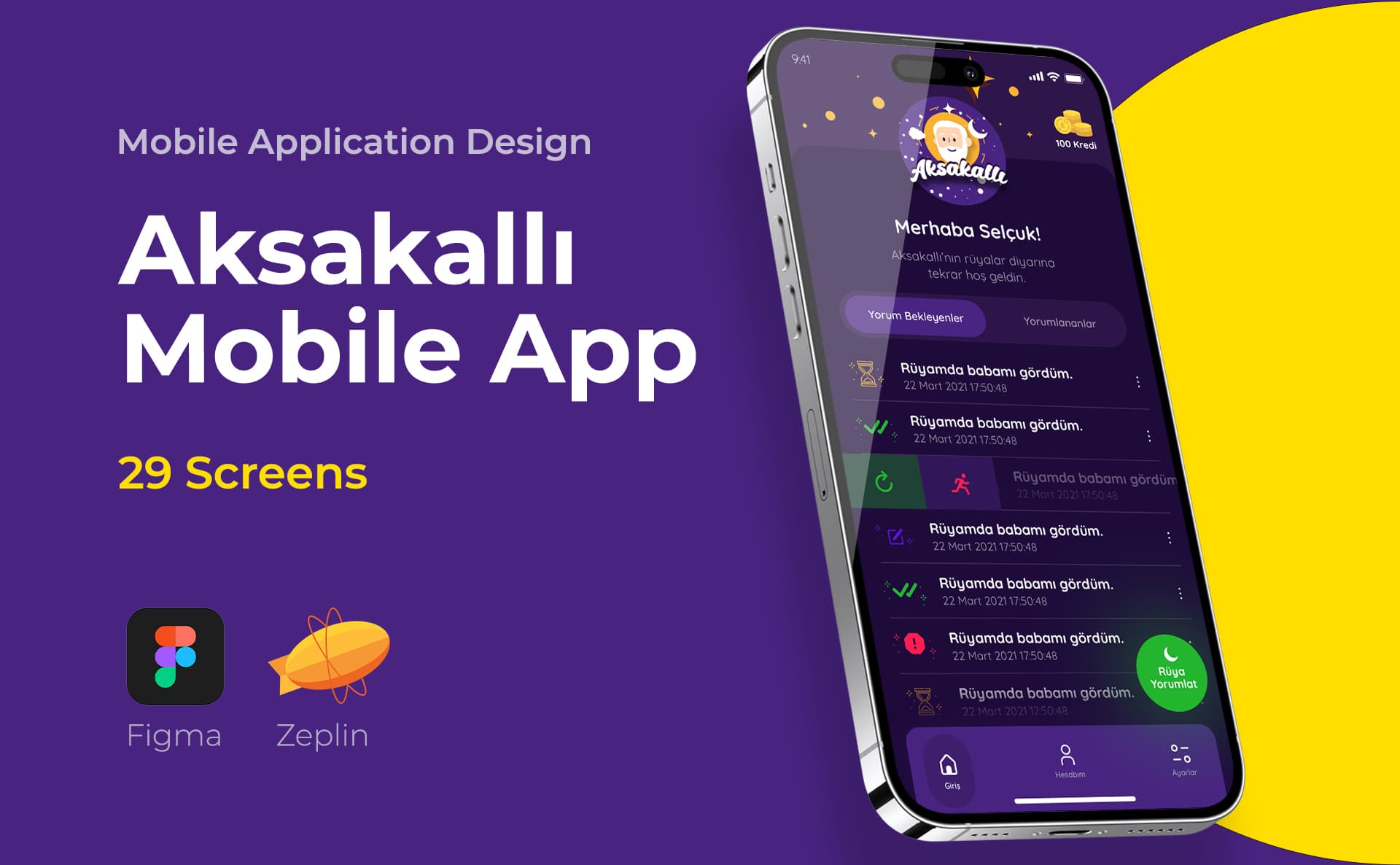
In my interface projects, I prepare the screen, component and prototype file in Figma; If the team uses another tool, the priority is to protect the common file. I prepare assets such as icons and illustrations in vector tools and transfer them to the interface file. My role in Danone and ERP Software projects was interface design; At Yatcim, I prepared the entire website. Coding and publishing the application is a separate responsibility; I write this distinction clearly in the offer. For the process steps, you can access the What is UX design and How to design a mobile application guides and the entire field from the UI/UX design home page.
Summary and checklist
- Choose the tool by stage: flow, interface, prototype, testing and rollover are different needs.
- Designate a single main interface file that everyone in the team can open.
- Carefully consider tools that are in maintenance mode or rely on a single operating system for long projects.
- Only install the advanced prototype for the most uncertain flows.
- Clarify the KVKK and data retention issues before choosing research tools.
- Deliver statuses, tokens and behavior notes during the transfer, not screenshots.
- Always verify plan and pricing information on the manufacturer's current page.
Frequently asked questions about UI/UX design programs
Which program is most used for UI/UX?
As of October 2026, Figma is widely used in interface and prototype works; It is preferred as a common file, especially for intra-team collaboration and developer handover. However, "most used" doesn't mean the right tool for every team; The operating system, data storage requirement, and available files may alter the selection. As of October 2026, Figma also has a limited free plan called Starter; Check Figma pricing page for plan details.
Should Adobe XD still be used?
Adobe announced that it is putting XD in maintenance mode in 2023: no new features are added, the app is not sold on a standalone basis to new users, and bug and security fixes are maintained for existing users. Teams with XD files can open them; However, starting a new project with XD may cause transportation costs in the future. Verify current status on Adobe's XD support pages.
What is the main difference between Sketch and Figma?
Sketch is a native desktop application exclusive to macOS; Figma, on the other hand, runs in the browser and on the desktop, focusing on working on the same file simultaneously. If the entire team uses Macs, Sketch may be suitable; If there are developers or stakeholders using Windows, collaboration becomes difficult.
What is Framer used for?
Framer focuses on turning the design into a publishable website. It is a quick way for landing page and promotional site; It is not a tool for coding the mobile application interface. SEO, speed and accessibility checks of a published site should also be done separately.
Is a prototyping program like ProtoPie needed in every project?
No. Most flows can be tested with the interface tool's own prototype mode. An advanced prototyping tool makes sense in situations where realistic behavior will affect the test outcome, such as real text input, conditional flow, or sensor usage.
What do Illustrator and Photoshop do in UI/UX design?
Illustrator for vector assets such as icons, illustrations and logos; Photoshop is used for photo editing and visual preparation. Screens, components and the prototype are set up in the interface tool. Since screens designed in Photoshop do not have a component structure, they cause difficulties in the update and transfer phase.
How to choose between FigJam and Miro?
Both are digital whiteboards and are used for flowchart, user journey or workshop. If the interface file is in Figma, FigJam makes it easy to stay in the same environment; In organizations where many non-design teams already use Miro, Miro requires less adaptation time. The decision often comes down to what tools participants have access to.
What tools are used for UX research and user testing?
Video calling tools that can record interviews, form tools for surveys, remote testing platforms such as Maze for prototype tests, and analytical tools for the live product are used. FigJam and Miro are useful for grouping findings. For each record containing personal data, the disclosure and permission process within the scope of KVKK must be planned in advance.
Do you have a digital product project?
This guide gives information about UI/UX design. You can share your current screens and goals for your digital product.
- Target user of the product
- Prioritized task and flow
- Platform (web, iOS, Android)