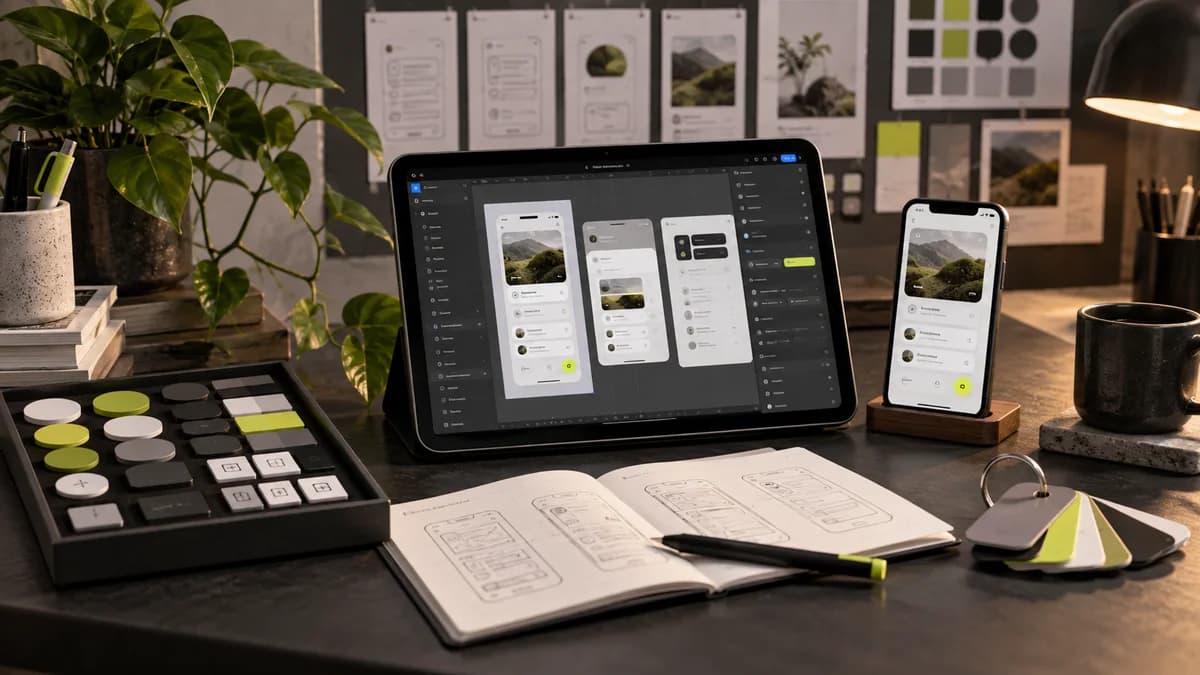
Figma is the common language of modern interface design. However, opening Figma is not enough to create good design; It is necessary to use the tool with a system logic. A professional process is orderly from the first day of the case.
I start with the style basics: color, typography and space scale are defined as design tokens. Thus, all screens are fed from a single source and any changes made later are reflected consistently everywhere.
Auto layout and components (variants) are the backbone of the work. A well-established component library both increases design speed and provides a structure that perfectly matches the developer. Once elements such as buttons, cards, and forms are set up correctly, they save you time throughout the project.
The final stage is developer submission. Naming scheme, layer organization, interaction notes and prototype links; It enables the software team to develop without guesswork. A good delivery is a guarantee that the design will come to life as you see it on the screen.
Frequently asked questions
What does having an organized Figma file bring to the developer?
Makes it easy to find screens, components, and statuses. Meaningful names and behavior annotations reduce the need for the developer to make inferences from the image alone.
Does preparing a Figma prototype mean that the software is complete?
No. The prototype serves to demonstrate the design flow; real data operations, integrations, and behavior in the production environment are also developed and tested.