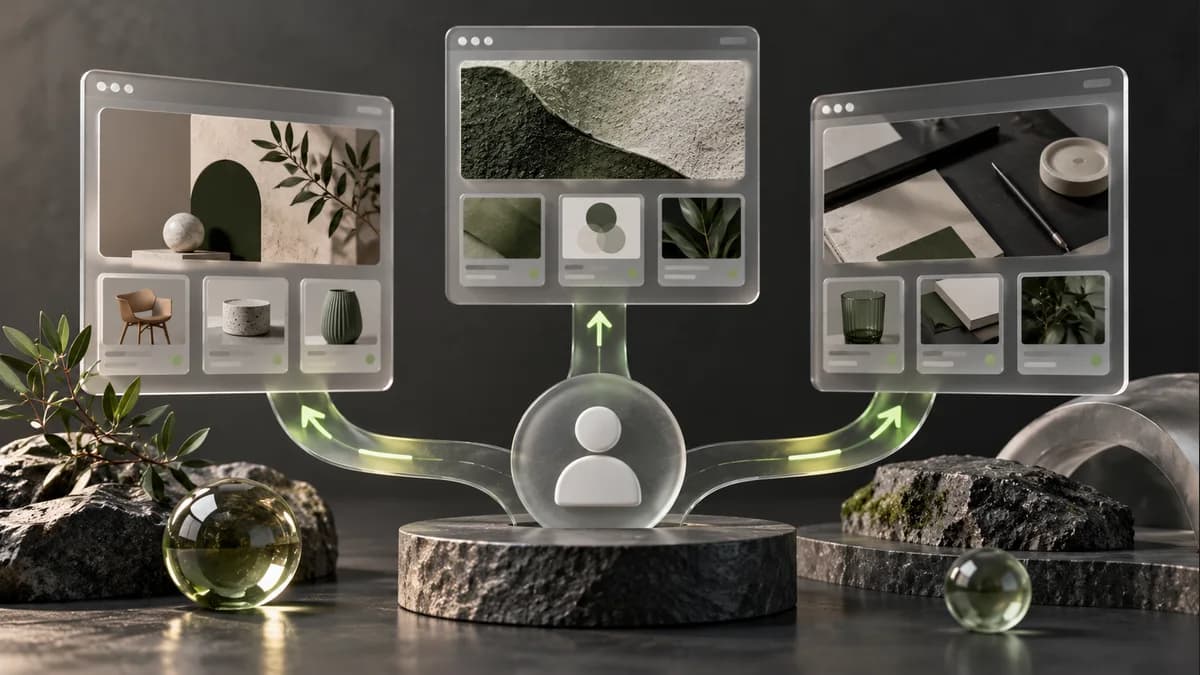
Behavioral personalization is adapting the content or guidance displayed based on a user's context or action. Instead of showing the same banner to everyone, you can highlight relevant information; However, an incorrect assumption can also make the experience harder. As Selçuk Aker, I first design the screen that will change and the user control that should remain unchanged.
Separate trigger from need
Viewing a product twice does not necessarily prove intent to purchase. The user may be comparing, looking for information, or may have landed on the wrong page. Therefore, the decision "we saw this behavior, let's show this message" should include both a justification and an alternative scenario.
| Observed situation | Design to be evaluated | Default state |
|---|---|---|
| User has selected a filter | Keep selection visible | Possibility to reset filters |
| Previously viewed a category | Shortcut to related content | Keep general category navigation available |
| User left a form unfinished | If appropriate, explain the remaining step | Starting over and data checking |
| No relevant data available | General but useful content | Not showing empty or misleading space |
These are sample scenarios; They are not results of success applied to a specific customer.
Describe personalization with a screen contract
In the design file, write who will see what content, the source of the data, priority order and duration. If two rules run simultaneously, which one will prevail? What will appear if the content does not load? How will the screen behave when the user changes their preference? These questions do not appear only in the final image.
Using a tool like Insider will not solve these decisions automatically. Setup, data matching and campaign management are the scope of the relevant team. This guide does not claim to be a platform partnership or account management service.
How to evaluate impact?
First, the user task is determined: find the product, access the appropriate document, or complete the form. Instead of counting the increase in clicks alone as success, errors, backtracking and completed actions are examined together. If an experiment is required, sampling, comparison and duration are planned with the person responsible for measurement.
My role in the ERP Software and Danone projects was interface design; I do not assume that I have established a customization infrastructure for these projects. You can review my UI/UX works, design service and automation brief.
Frequently asked questions
Is it mandatory to know the user for personalization?
Not every scenario requires identification. For example, the screen can be arranged according to the filter the person chooses in the same session. The relevant team must determine the data to be used and the processing conditions.
Is a different design prepared for each user?
Usually, instead of separate designs, common components that meet certain situations are prepared. The number of uncontrolled variants increases the maintenance and testing burden.
Does personalization definitely increase conversions?
No. Incorrect timing or irrelevant messaging can make the experience difficult. The result is evaluated by an appropriate measurement and comparison.