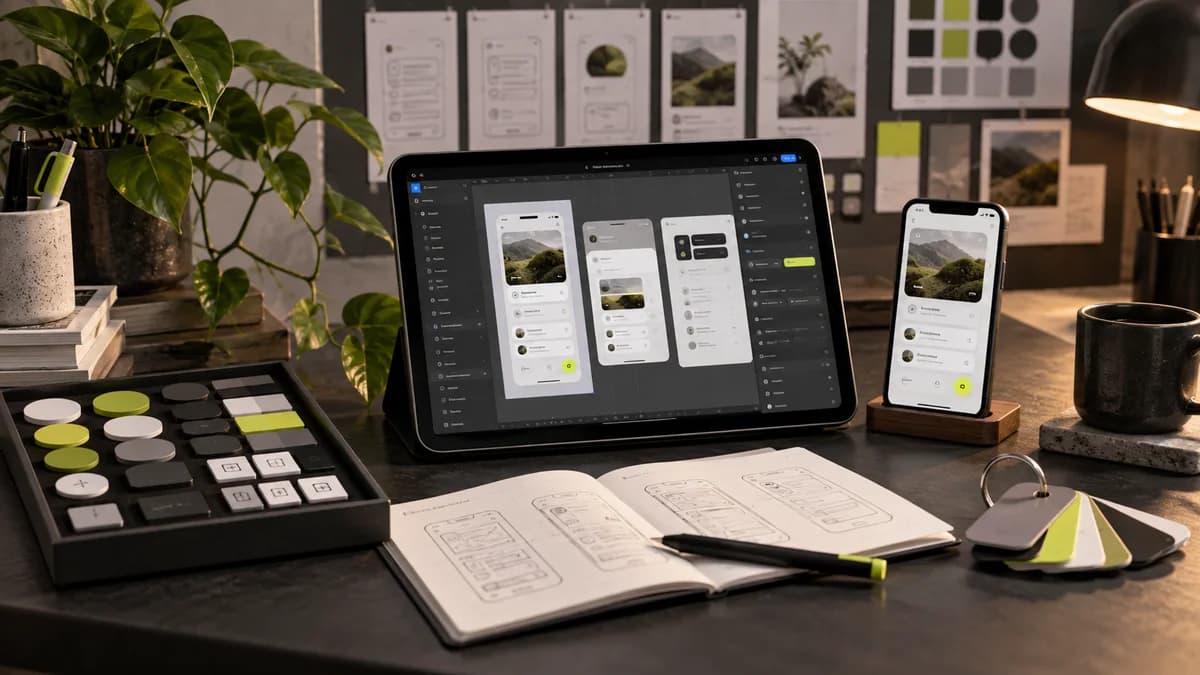
Web design with artificial intelligence can make it easier to produce interface sketches and working prototypes. But a nice-looking screen does not mean that the user can complete his/her job. While UI covers the visible layout, UX; It also covers decisions, transitions, and what happens when problems occur.
Select a task instead of single screen
In a dating app, it's not enough for the home screen to be impressive. Can the user find the appropriate day? What does he see when the time he chooses is up? Can it change the wrong date? To evaluate the design, instead of “looking modern”, set a task to be completed and examine all the steps from start to finish.
Step outside the ideal situation
Try scenarios such as empty list, long name, disconnected, bad form, and pending status. Real content is more challenging than perfect sample data. Narrow screen space in mobile application design; Also check keyboard usage and focus visibility in web design. These are not just visual details to be added later.
Rapid production should not bypass evaluation
Nielsen Norman Group's review on AI and UX notes that the speed of production can exceed the speed of evaluating user experience. The practical lesson here is not to substitute the seemingly ready-made prototype for research and testing. The mere fact that the vehicle produces is not evidence of error; The fact that it has not been tested is uncertainty.
Student exercise: observation with one person
Ask a friend to change the appointment in the prototype. Don't tell him which button to press. Take note of the places he hesitates, the wrong choices he makes, and the questions he asks. One person's trial does not represent all users; but it may be a start to questioning your design assumptions. After editing, try the same task again.
UI Why is a UX designer needed?
Expert; It considers information structure, user flow, interaction situations and visual system together. It ensures that behaviors and components are understandable rather than just providing screenshots to the developer. Applying the screen prepared by artificial intelligence without questioning can move unresolved decisions to the development stage.
When evaluating UI UX design service or mobile app design, discuss user flows and testing scope as well as the number of screens.
For an overview, you can refer to the beginner's guide on designing with artificial intelligence.
Frequently asked questions
Does the interface visual created by artificial intelligence prove the user experience?
No. Single screen; It does not show behaviors such as navigation, form errors, waiting and task completion. It is necessary to prototype the flow and examine whether the user can complete the task.
What are frequently overlooked when producing web screens with AI?
Situations such as empty results, long text, unauthorized access, failed transaction and mobile layout may be missing. Prepare the screen list not only with the ideal content but also with these scenarios.
What should you check in AI-powered product design?
AI-supported product design can accelerate the generation of ideas or alternatives; However, just because the screen looks nice does not mean that the task can be completed. Personal data, accessibility, idle state, errors and consistent component behavior should also be evaluated.
Test suggestions with real content and user tasks when converting a tool output into product design. The rationale for the final design decision should be explainable and the files should be expandable.
Artificial intelligence-supported product design in a startup project
Evaluate the alternatives produced for artificial intelligence-supported product design as a decision draft. Do the screens in the output connect to each other, does the same action work the same way, what happens when there is an error? The user task is not complete without answering these questions.
When preparing a quick demo, a startup team can focus only on the successful flow. Keep it clear that the sample data in the image is not real; Do not share confidential customer information without reviewing the permission and vehicle conditions. The editability of the source files and the applicability of the components by the developer should also be checked.
As Selçuk Aker, I evaluate the product display along with brand language, readability and workflow. Investor prototype preparation describes the scope of demonstration, and startup design errors describes the situations that need to be checked.