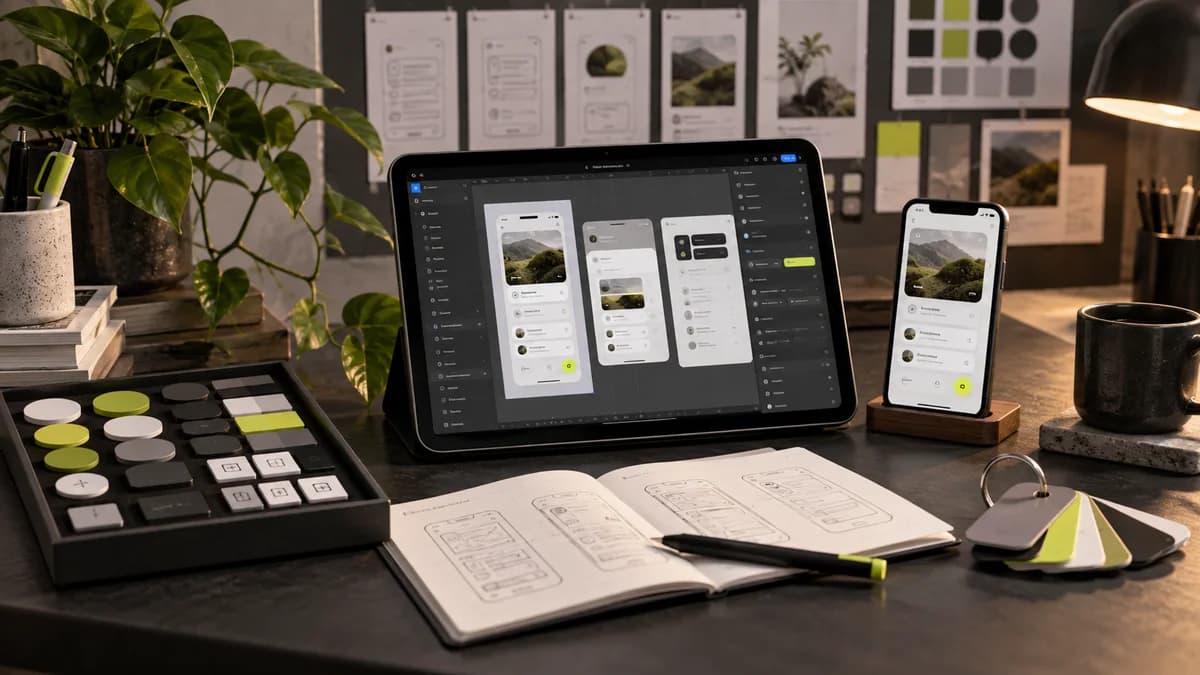
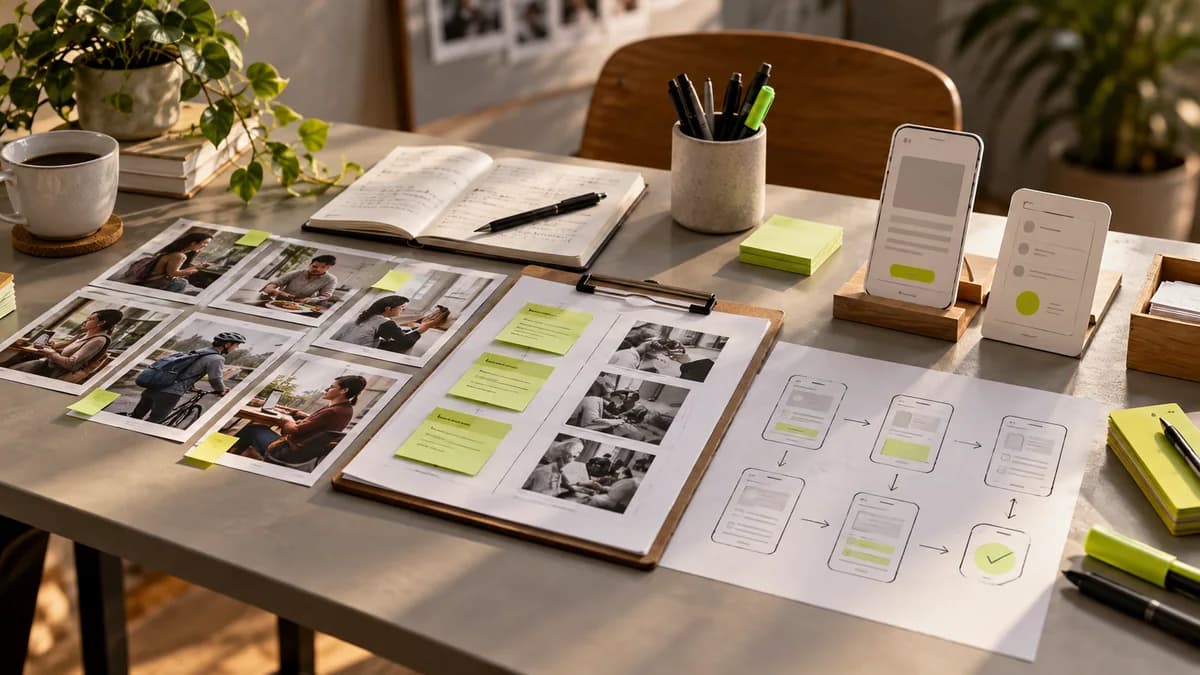
Design mistakes made by early stage startups often occur during the scope and decision process before color selection. Good-looking screens can also lead the team in the wrong direction if it is not clear who the product is designed for. This guide describes concrete issues that can be checked when preparing the first release; It does not assume that there is one right process for every initiative.
As a freelance designer Selçuk Aker, I handle brand and interface works together. The first information I wanted from the founding team was; the user's task, the current state of the product and what to learn in this version. These three pieces of information make it easy to discuss why the design list is growing or which screen is redundant.
First mistake: targeting all users at once
There can be an administrator, expert and end user of a product. Solving all the needs of each role in equal detail in the first release can obscure the basic flow. First write out who will complete the critical task and how other roles support that task. MVP coverage guide can be used to determine this priority.
The control question is: When we remove a feature, can the core task still be completed? If the answer is yes, adding the feature to the next release list may be considered. This doesn't mean the feature is worthless; Makes the border of the first version visible.
Second mistake: only designing successful screens
Empty list, internet problem, incorrect login and lack of authorization are part of the user experience. A nice dashboard full of sample data may not tell a person who doesn't have any data in their new account what to do. Add empty, loading, error, and completed statuses to the design file.
Particularly roles and permissions for SaaS product design; For mobile app interface design, consider fallback and interrupted tasks. These details should not be left as issues for the developer to guess on his own.
Third mistake: constantly reopening the visual aspect
Wanting a plain one week and a completely different style the next isn't just about the interface; It also affects presentation, web page and social media files. Evaluate the design direction on real applications and record the approval decision. If new is needed, first determine which files are affected.
You can review how to choose the first package in the Startup brand identity guide. Brand language and interface behavior are not the same thing: error messages and actions must be clear while maintaining visual consistency.
Fourth mistake: mistaking AI output for a finished product
Screens created during artificial intelligence-supported product design can offer a quick alternative. However, a missing stream, inconsistent component, or accessibility issue will not resolve itself. Also check the appropriateness of the information and images used by the printout. It is necessary to evaluate the tool recommendation based on the real user task.
Fifth mistake: mistaking file delivery for product completion
Design delivery, software implementation and product readiness for publication are different stages. Show the developer which screen is approved, how the interaction works, and which area is still awaiting decision. Discuss at the proposal stage whether designer support will continue during implementation.
You can use a small list of closures: is the critical flow clear, are the situations designed, are the contents approved, are the source files accessible, is the person responsible for implementation questions clear? The list does not reset problems; but it makes unspoken assumptions visible.
Frequently asked questions
How do you design the first product?
Start with a target user and the basic task they will complete. Sketch the flow, test vague decisions, and detail only necessary screens.
Is it necessary to redo the product to fix design errors?
It's not always necessary. Problems stopping the user can be identified and corrections can be made at the flow, text or component level. It is necessary to first examine the existing files and findings.
At what stage should we add the new feature?
Consider whether it is necessary to complete the initial task and its impact on scope. When applying for Startup design support, you can share mandatory features and next version ideas separately.