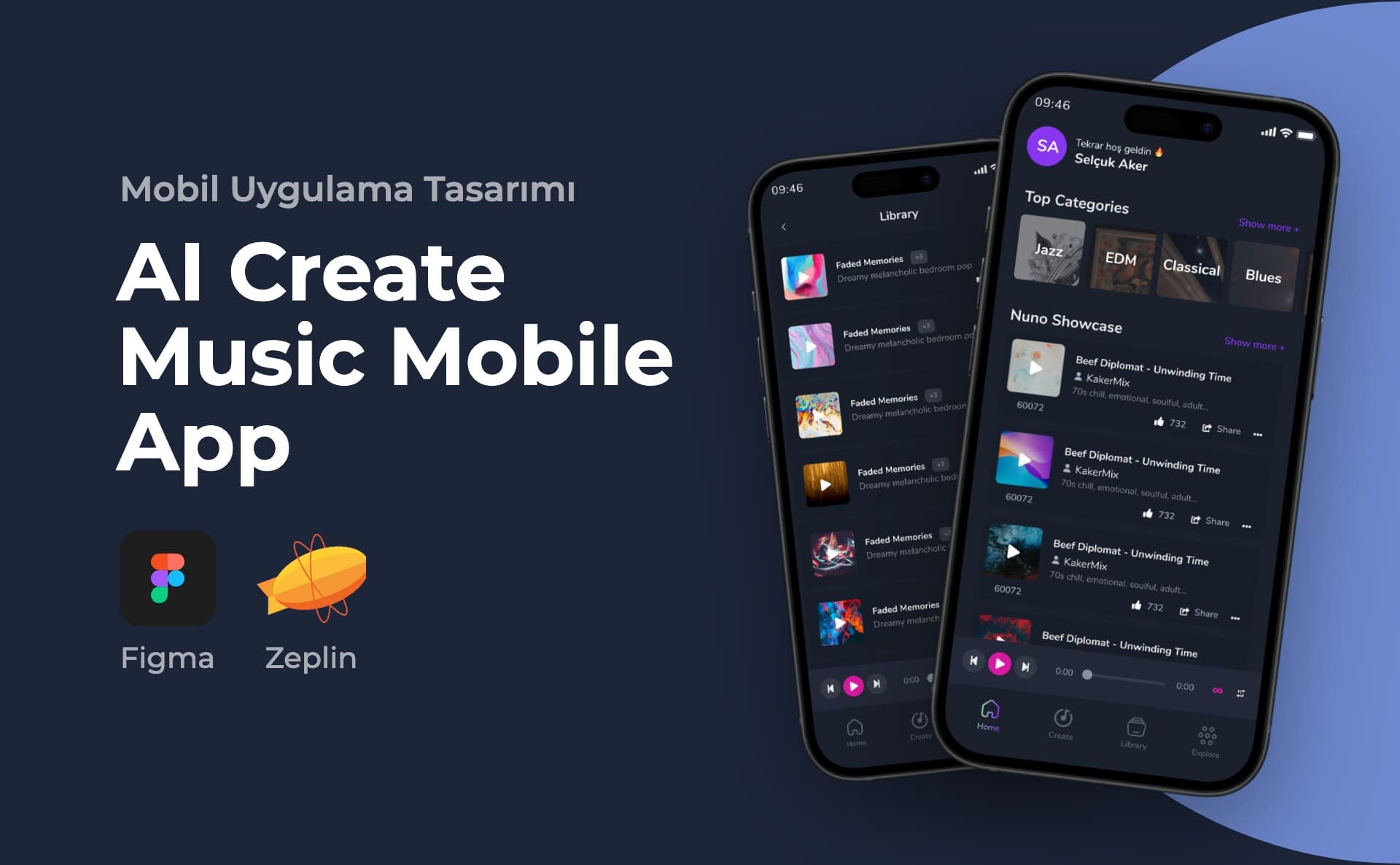
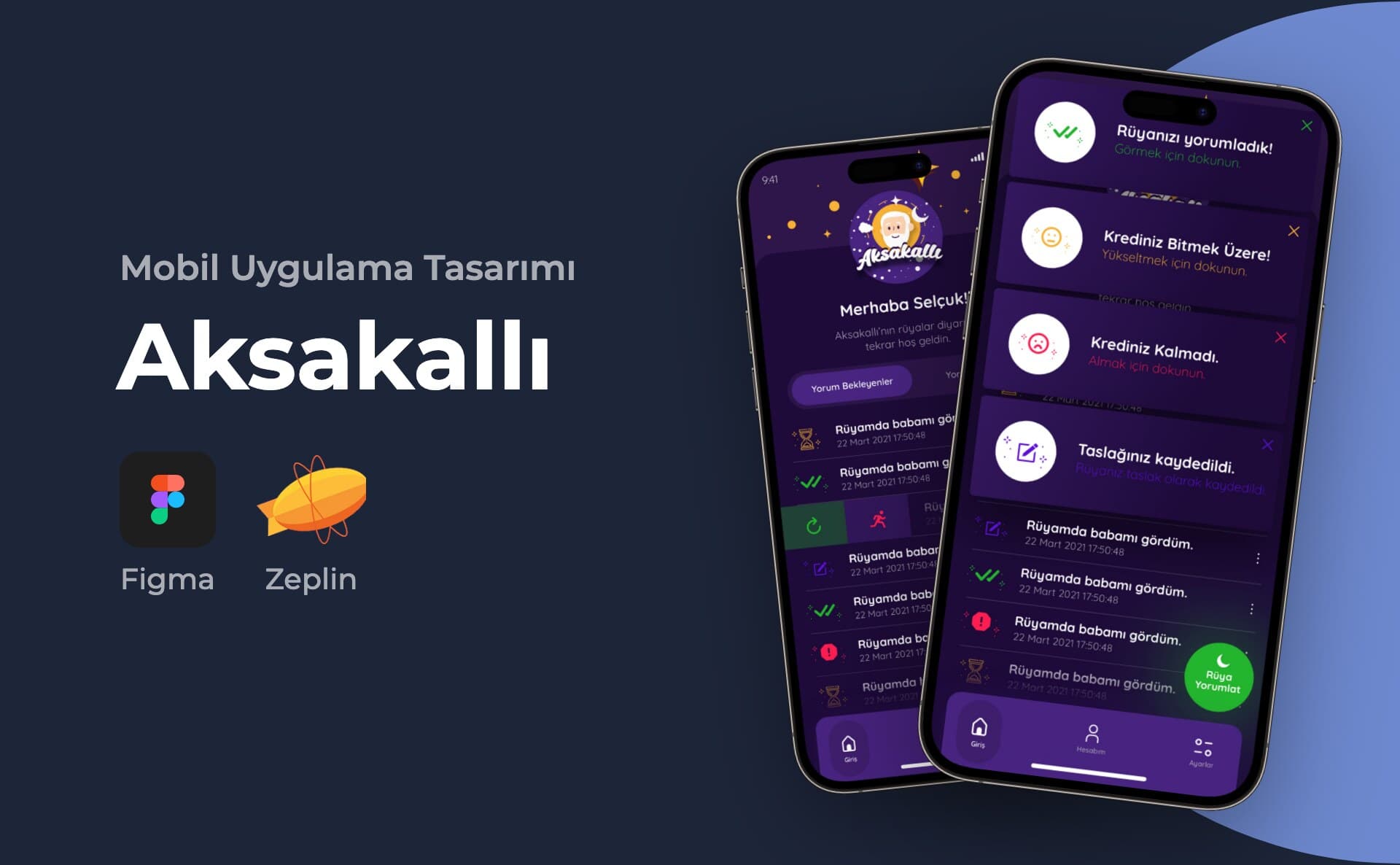
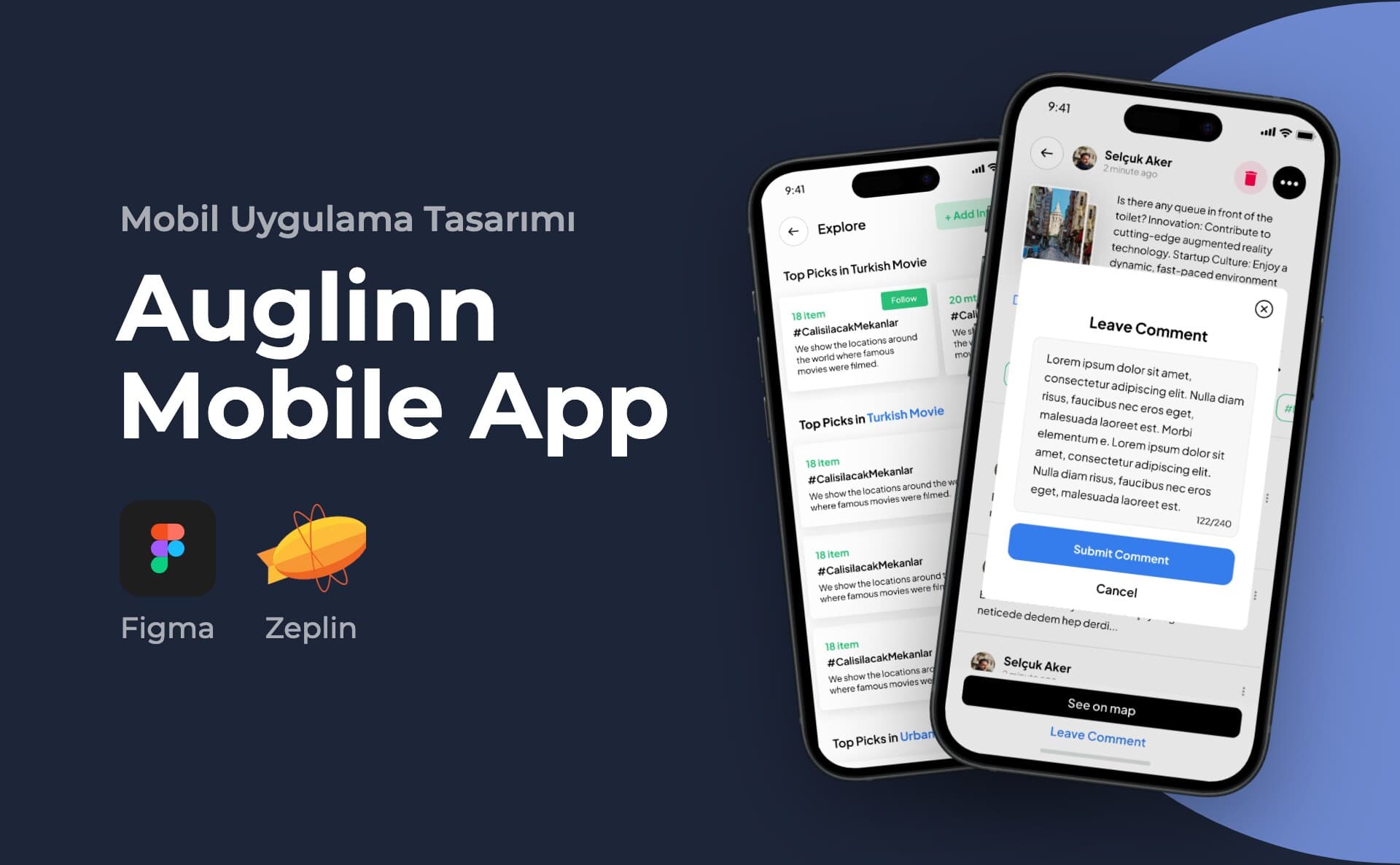
How does Selçuk Aker design a mobile app interface?
Selçuk Aker is a UI/UX designer based in Istanbul. He designs the interface and user experience of iOS and Android apps in Figma. He maps sign-up, onboarding and the core task flows first, and also designs empty, error and permission screens. Screens are handed to the development team with their flows. His work includes the Ayes Rent A Car and Multitek Smart Home apps.
In a mobile app, the relationship of screens to each other takes precedence over their individual appearance. I build the Figma interface on this structure by determining registration, first use and basic task flows. I also consider the moments when the user encounters an empty result, error or permission request as part of the design.
Scope of the study
- User flows and screen priorities
- Interface and components suitable for the platform
- Empty, loading, error and success statuses
Let's define the limit of the first version together
- We define together the basic task that the user will complete in the application, the registration and first use flow. The number of screens appears as a result of this flow.
- While maintaining the common visual language for iOS and Android, we evaluate platform behaviors such as fallbacks, permissions, and system components separately.
- We write the design states of modules such as membership, payment or notification in the scope list; We separate software and third-party integrations separately.
What should be clear when handing over to the developer?
- Besides the basic screens, we schedule empty list, connection error, installation and transaction completed states.
- We specify the different states of the components, the placement when the text is extended, and the touch areas in the design file.
- Clickable prototype describes the flow; It is not a running application. The team responsible for coding, testing, and store release is determined at the outset.
Design process
Preparation, design and delivery
I clarify the first release target of the product and set up the basic flow with wireframe. After the visual design and prototype, I transfer it to the developer with its status.
Deliverables
- Editable Figma screens
- Prototype of basic flows
- Component and developer delivery notes
Frequently asked questions
Are you uploading the app to the store?
This service includes design delivery. Development, store accounts, and the release process are separate responsibilities; Who will manage the project is determined at the beginning.
Does the budget of mobile app design depend on screen count?
In addition to the number of screens, user roles, platform differences, and custom interactions change the budget.
Can I get design support without completely changing my existing application?
Yes. First, we review the problematic flow, existing screens, and user feedback, if any. A specific flow, such as registration, search, or payment, can be treated as a separate job. It is not always necessary to redesign the entire product.
What should I submit for a mobile app design proposal?
Share the purpose of the application, target user, work to be done in the first release, and target platforms. Screenshots of existing product and flows you want to change are also helpful. We create a comparable proposal by writing the design, software and publishing responsibilities separately.
What is delivered in mobile app interface design?
A Figma file, screen flows and handoff notes that make the developer's job easier. Alongside sign-up, onboarding and the core tasks, the file also covers empty, error and permission screens, so the team coding the app doesn't have to guess what should appear in each case.
How do you work with the development team?
Your development team codes the design; I prepare the interface in a form they can build. I deliver the screens in flow order and show in the file how each screen looks in each state.
Can you redesign an existing app?
Yes. First I look at where users get stuck in the current app: which flow is too long, which screen is confusing. Sometimes the whole interface is renewed, sometimes fixing a few flows is enough. We work out which one is needed together in the first meeting.
Let's determine the scope of the project together
In addition to the number of screens, user roles, platform differences, and custom interactions change the budget.
The startup's first mobile application interface
For mobile application interface design, the initial user task, registration need and interrupted operations are planned together. The answer to the question of how to design the first product for a startup is to make the basic flow testable instead of adding all the features at once.
Apply the checklist in the Design mistakes made by early stage startups guide to your product. If a demo is required for the investor call, we can scope product prototype design separately from working application development.
Case studies for this service
- Multitek Smart Home: mobile app interface design
- Ayes Rent A Car: mobile app interface design
All case studies are collected on the case studies page (in Turkish).