Client and sector
Multitek Elektronik is a Turkish company that has been producing door entry and intercom systems since 1989. It manufactures in Sancaktepe, Istanbul. Its products include IP intercoms, smart home modules and building solutions that work with earthquake early warning signals. According to press reports, the company's DiafonBOX product forwards door calls to family members' phones. In the system announced in October 2025, the intercoms relay earthquake early warnings to the apartment and to the phone.
The brief
The app combines three jobs: video intercom, smart home control and earthquake early warning. The user sees who is at the door on their phone and opens the door. They manage devices in the home room by room. They receive earthquake warnings on a separate screen.
My role and scope
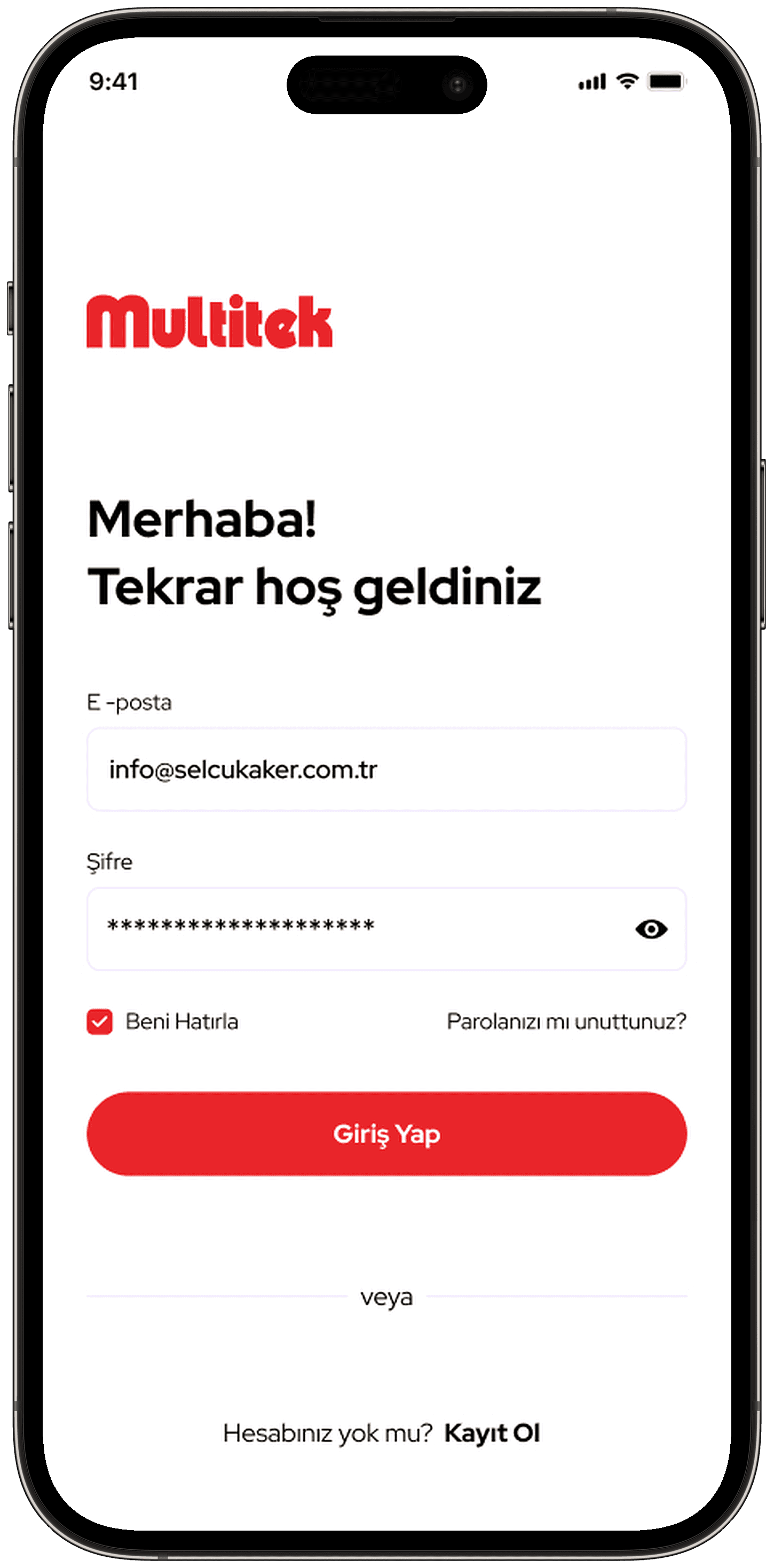
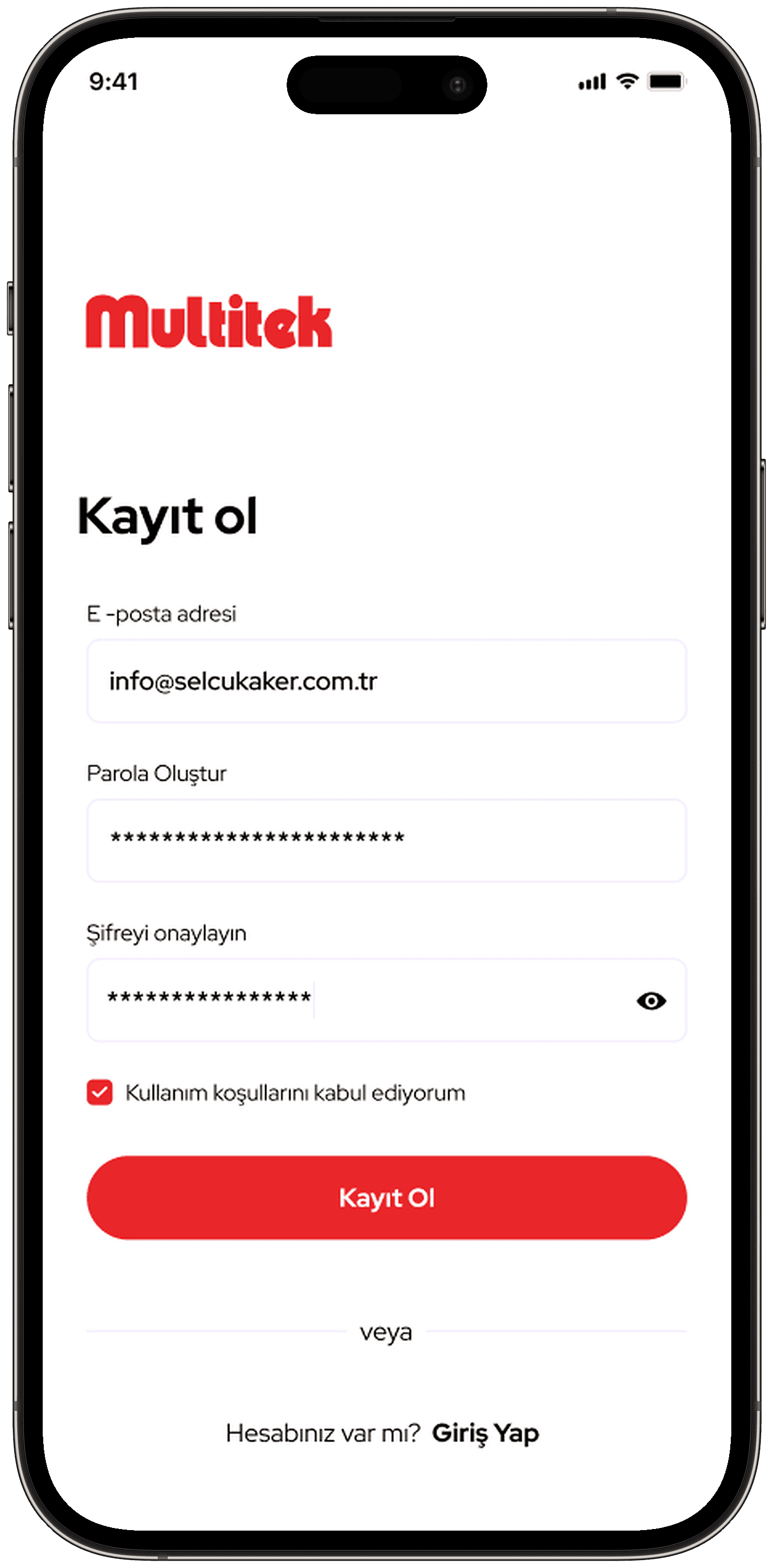
I designed the interface of the Multitek Smart Home mobile app. The portfolio includes 43 screens. The scope runs from login and sign-up to device setup.
Process and design decisions
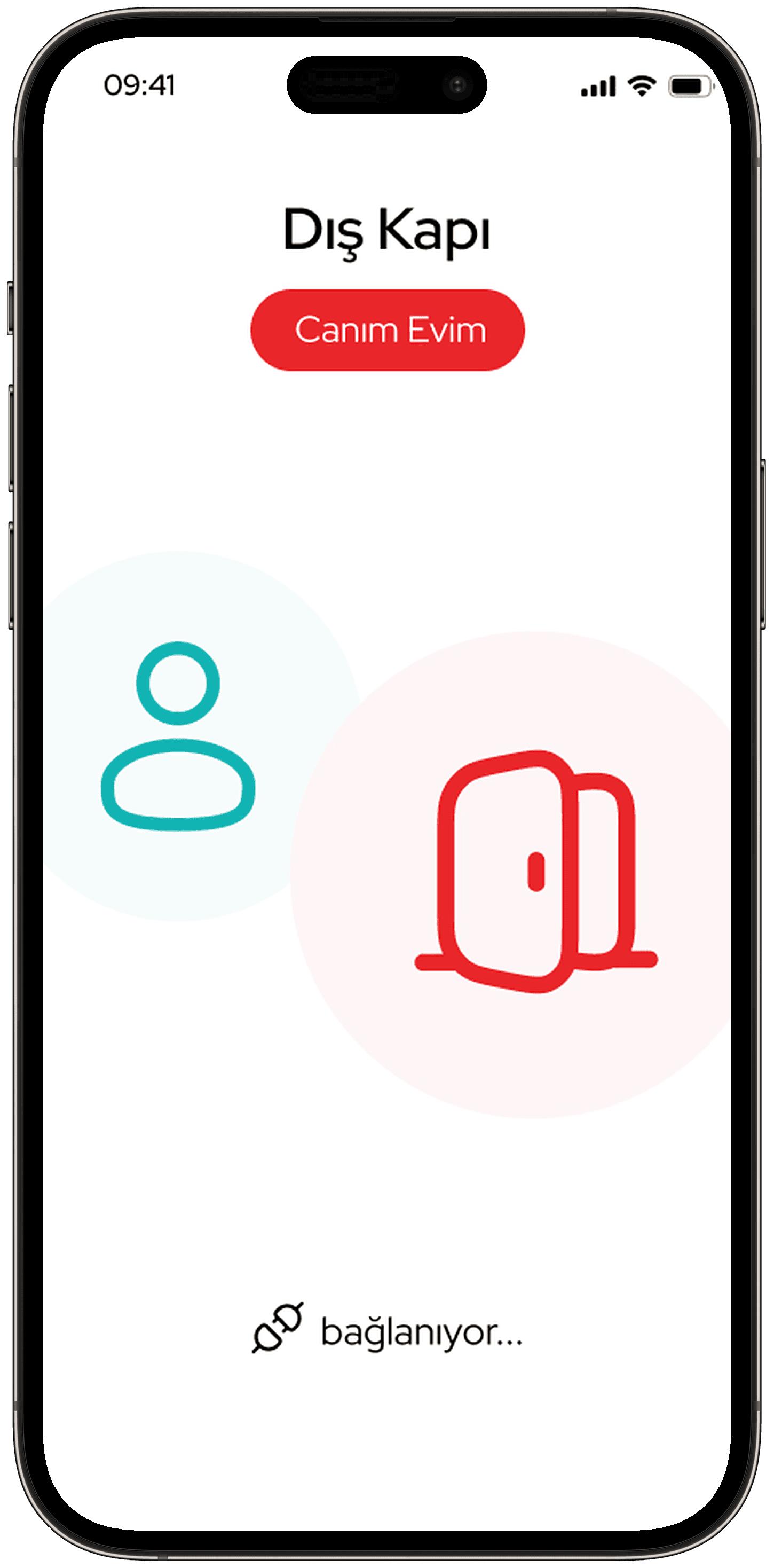
- The home screen shows a greeting, the number of active devices and weather information. On the front door card, the lock opens with a swipe.
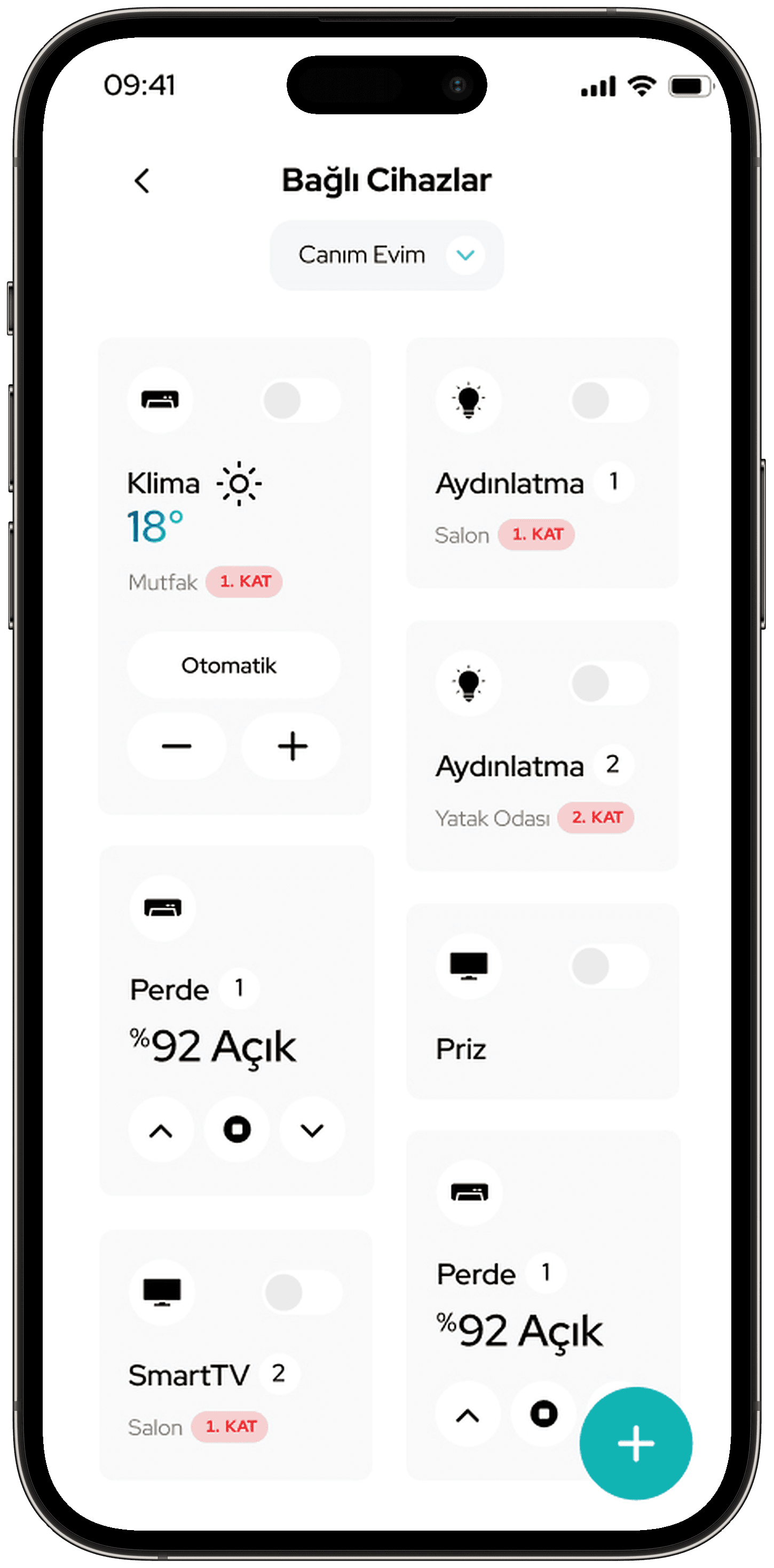
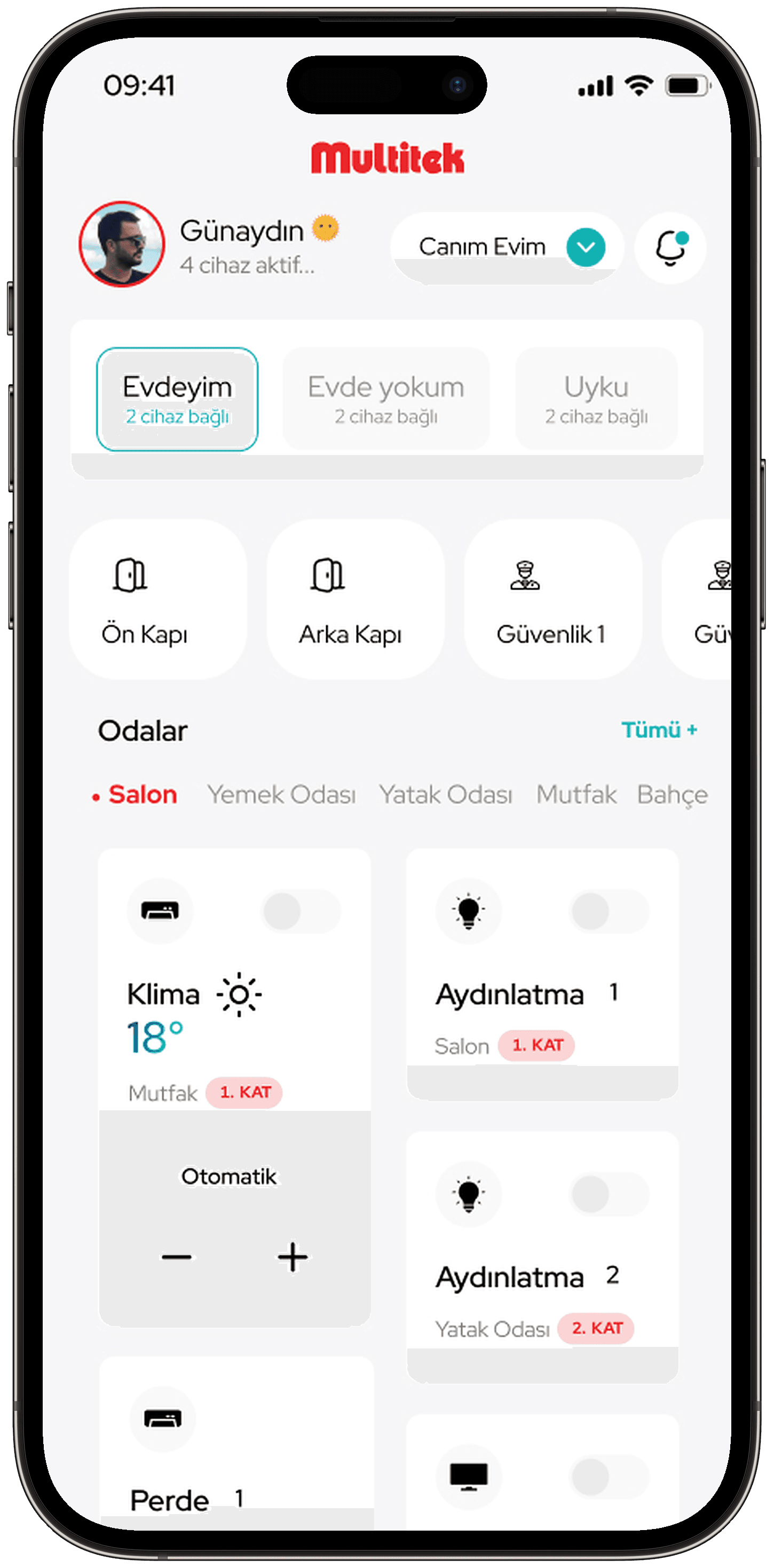
- I divided home control into rooms and scenarios. The scenarios are "Evdeyim" (I'm home), "Evde yokum" (I'm away) and "Uyku" (Sleep). On the air conditioner, lighting, curtain, socket and TV cards, the room and floor are shown on a small label.
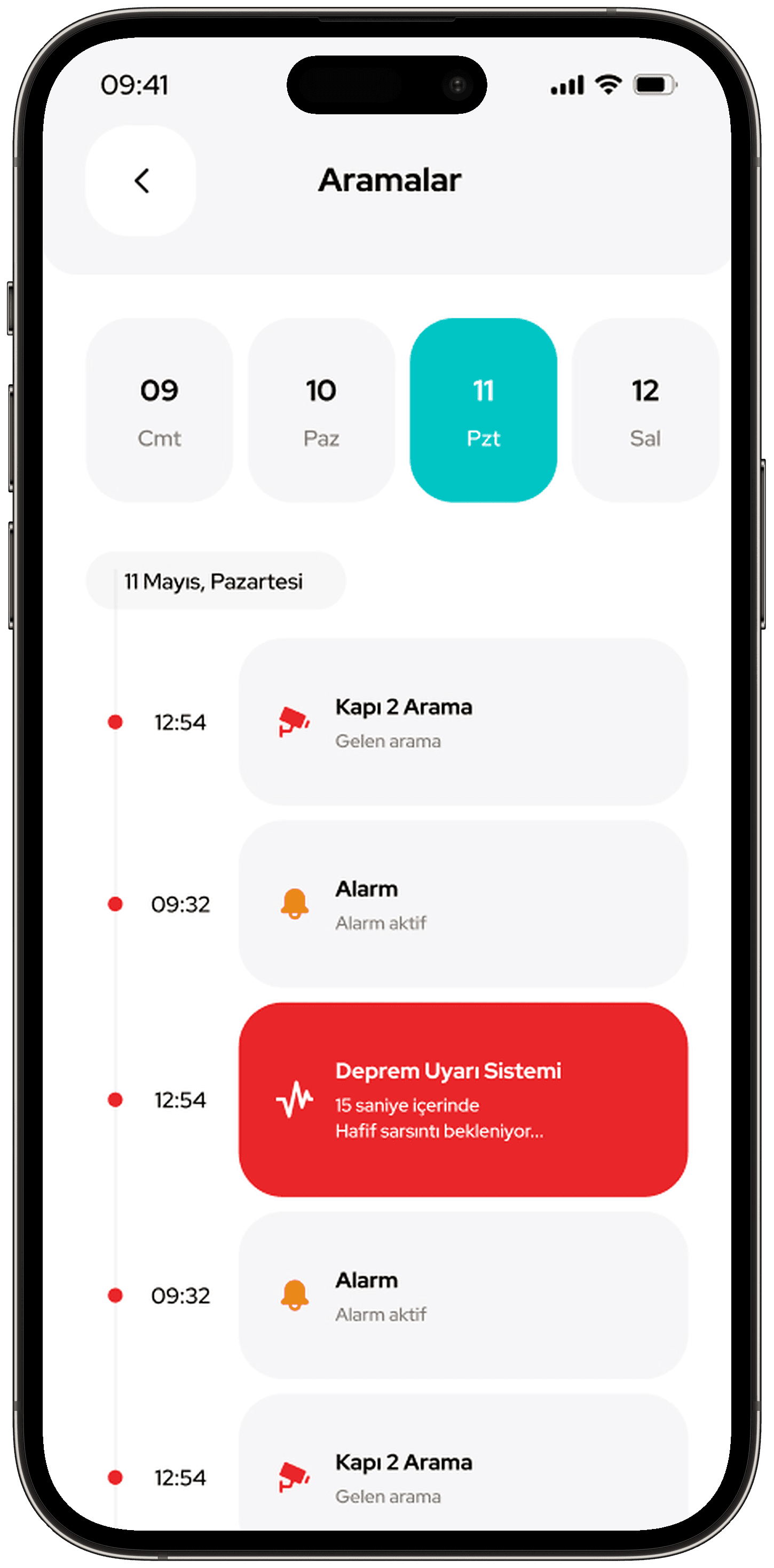
- For door calls I designed the incoming call screen, the video call and the call history. During a call, the microphone, photo, door release, speaker and video buttons sit in a single row. When the door opens, a short confirmation appears on screen.
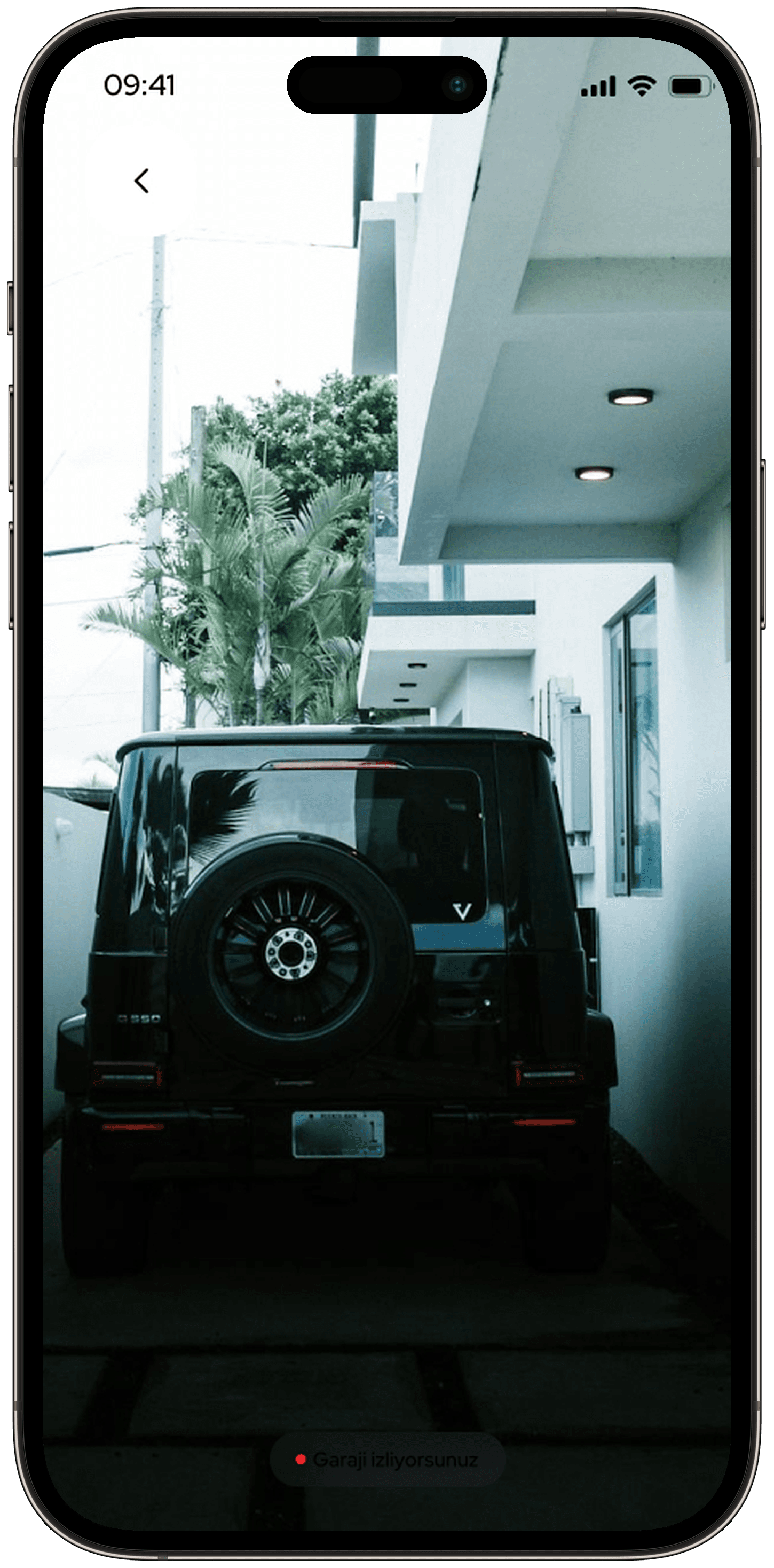
- In the security camera list, each camera is labelled with its location. In the camera details, motion detection records are listed in chronological order.
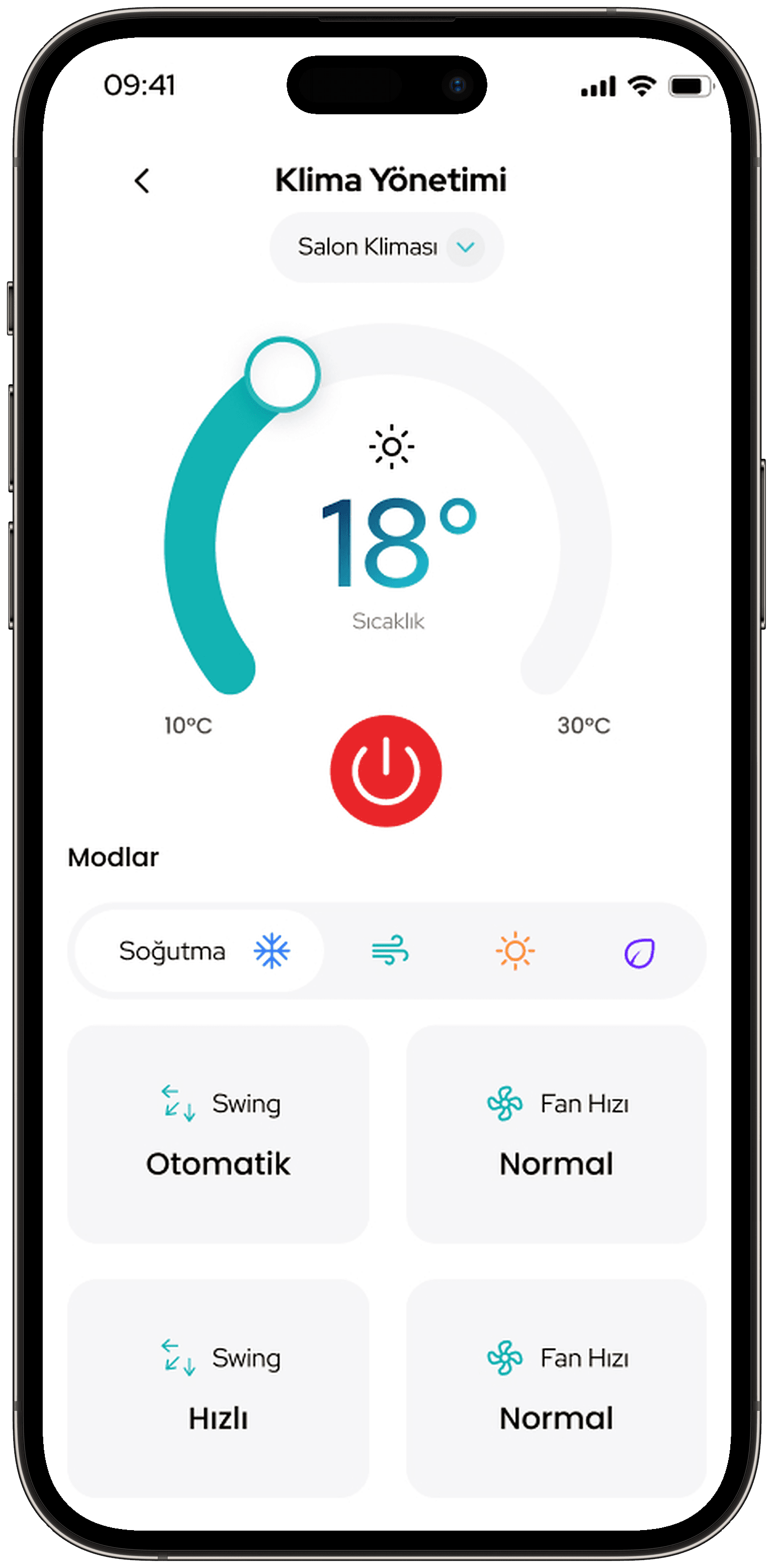
- On the air conditioner screen, the temperature is adjusted with a circular control. Mode and fan speed options sit below.
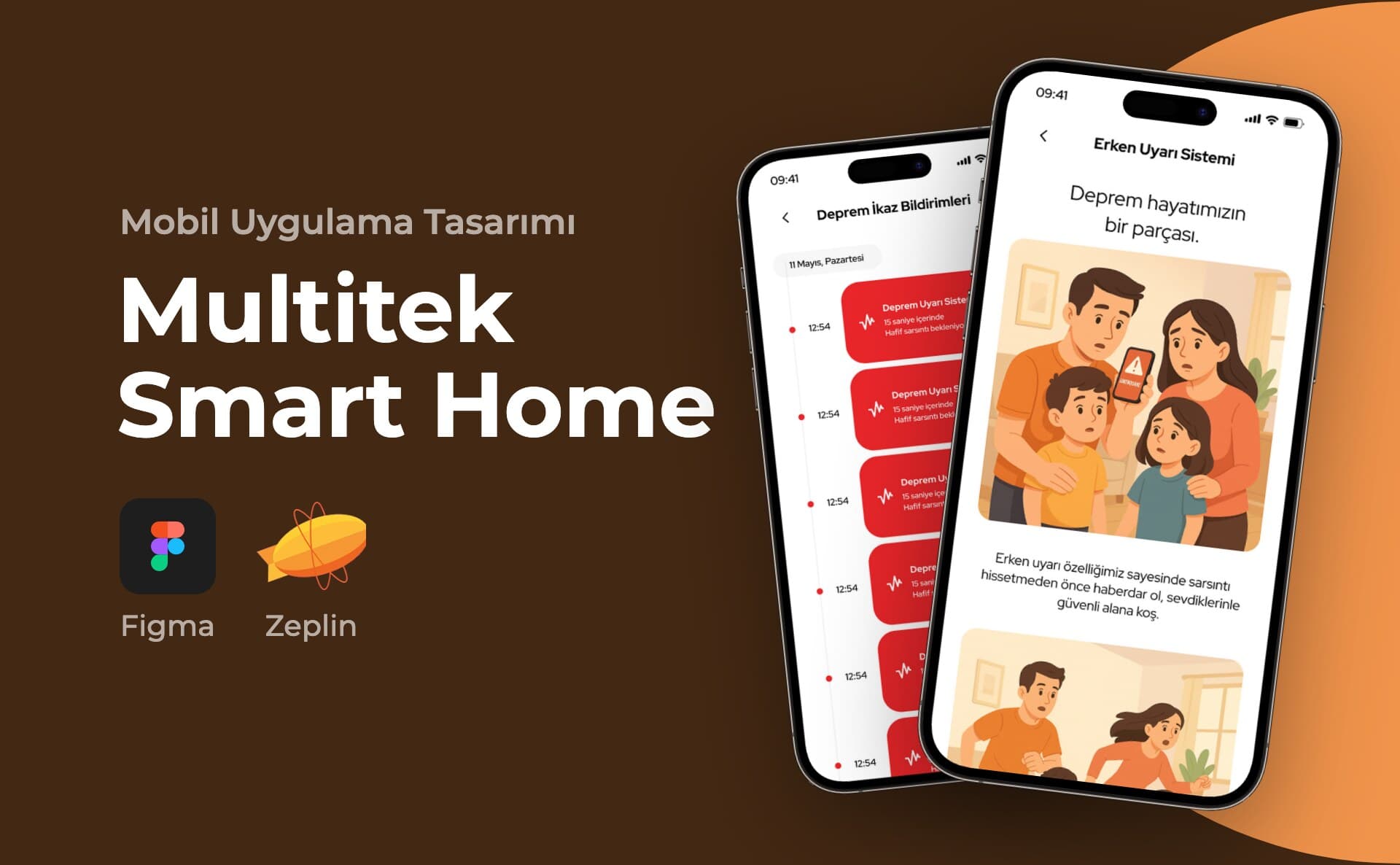
- I built the earthquake module as a separate section. The critical warning screen is full-screen and red. It shows the magnitude, the region and a "Konumunu Gönder" (Send Your Location) button.
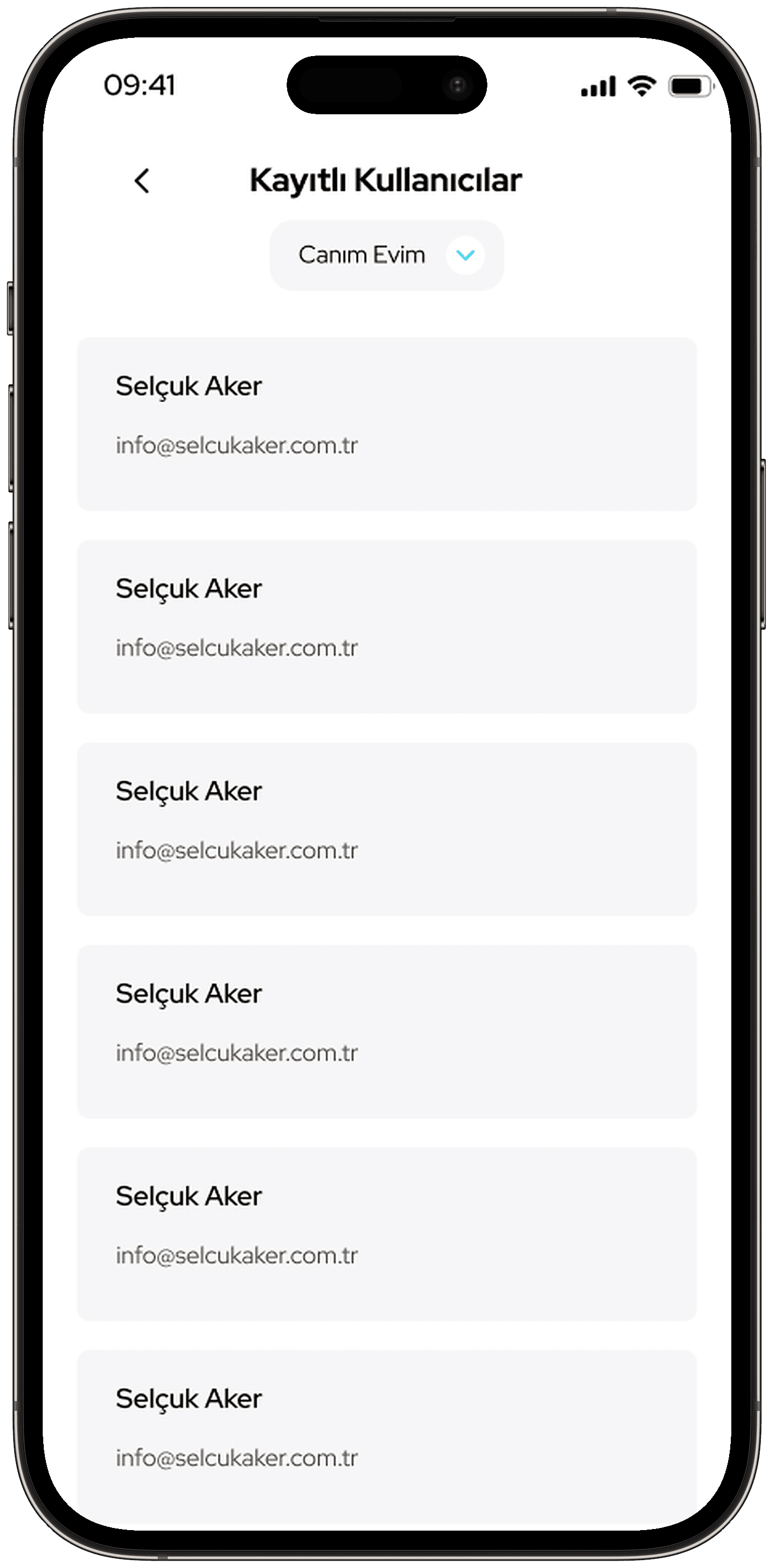
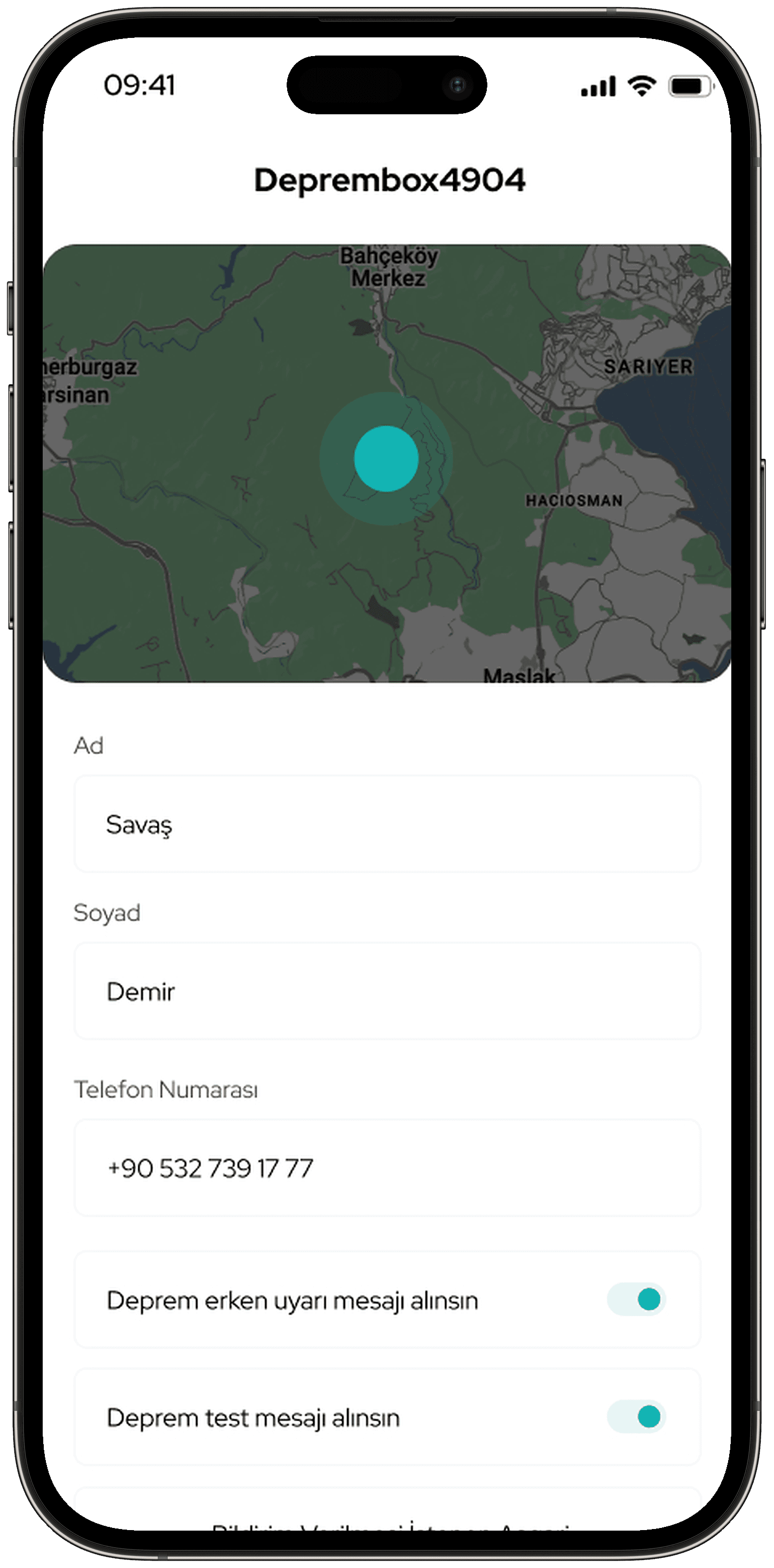
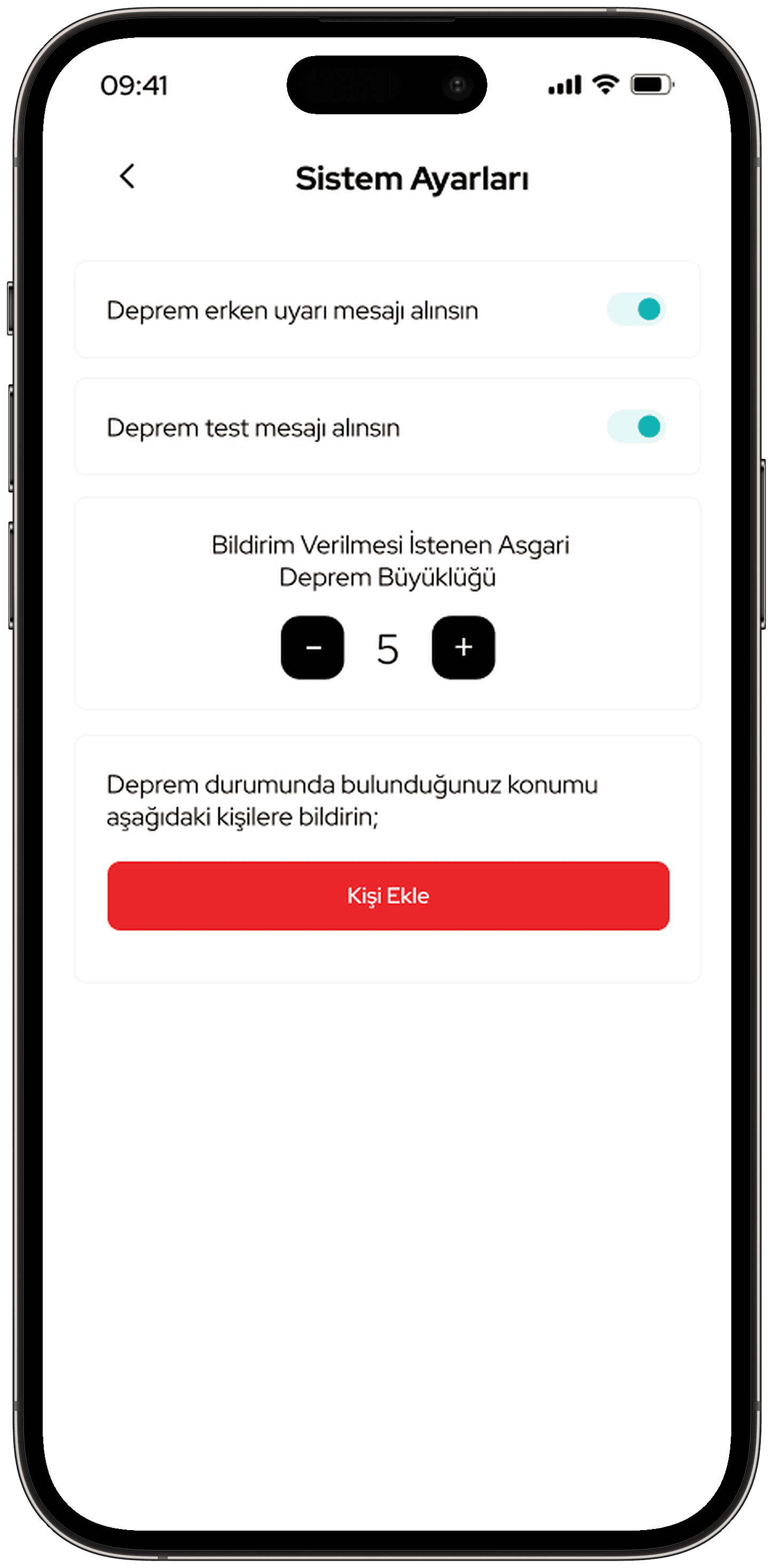
- The same module includes warning notifications and a table of past earthquakes. The user chooses the minimum magnitude for notifications. They can also add the people their location will be sent to during an earthquake.
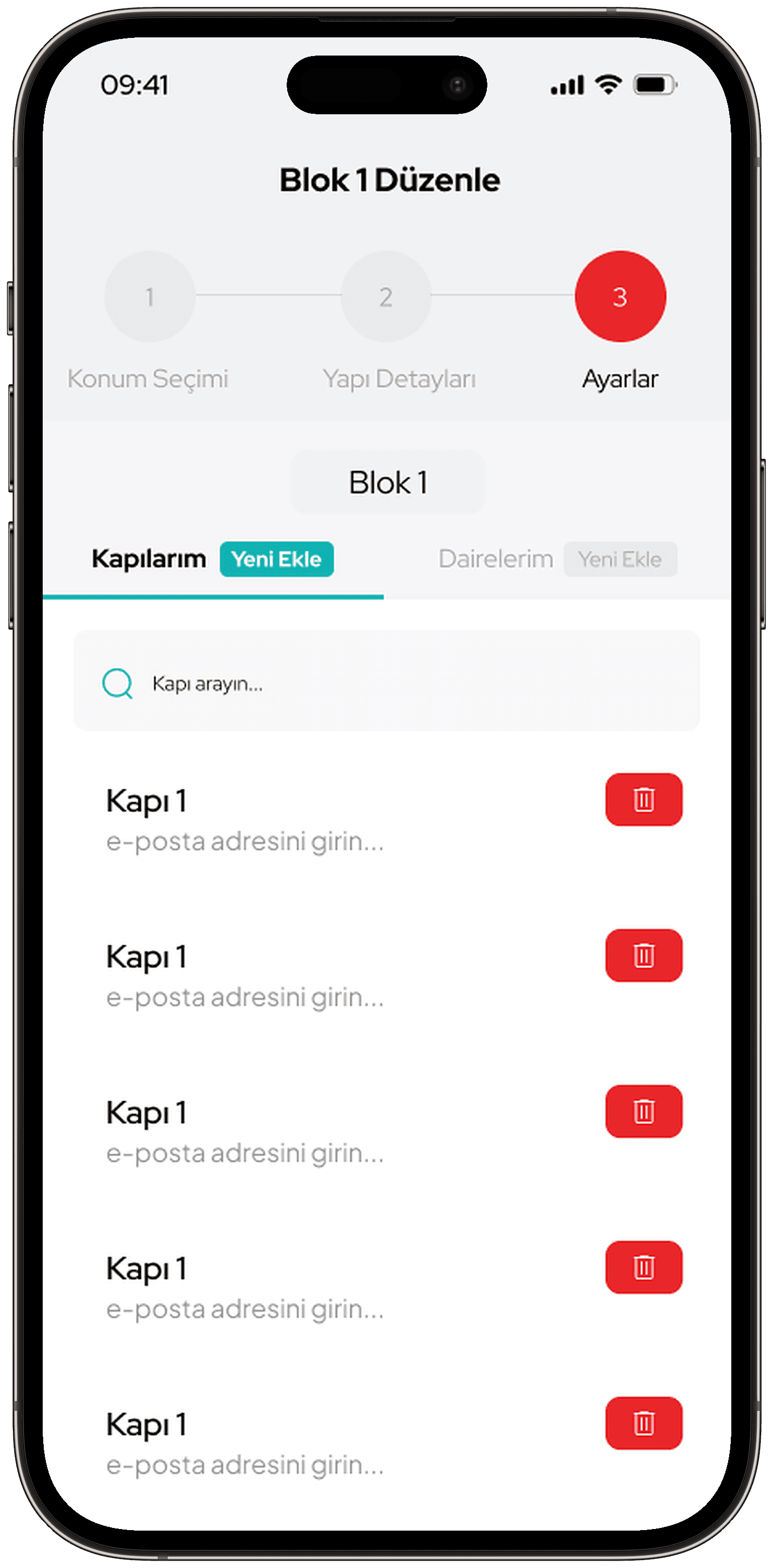
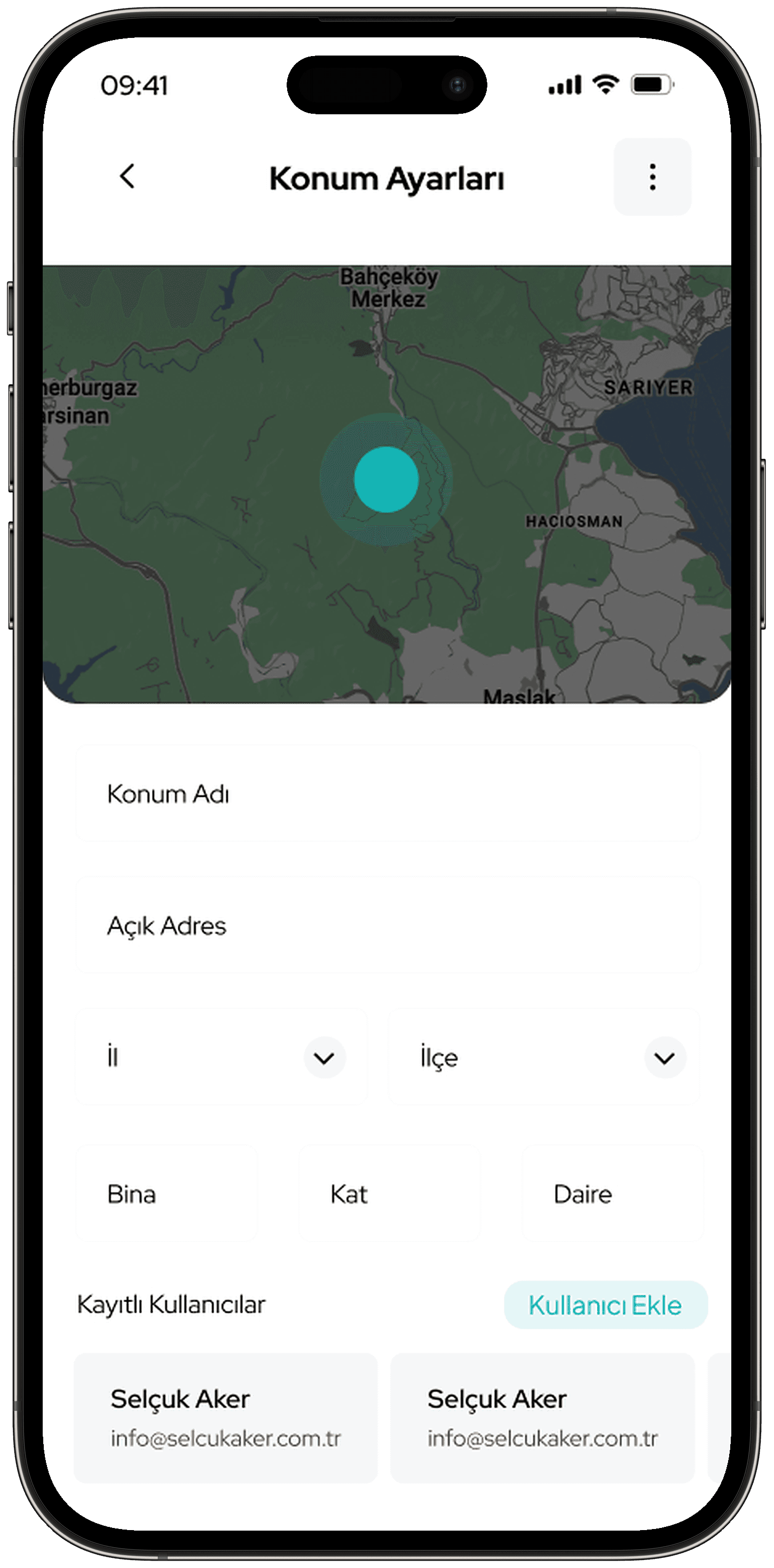
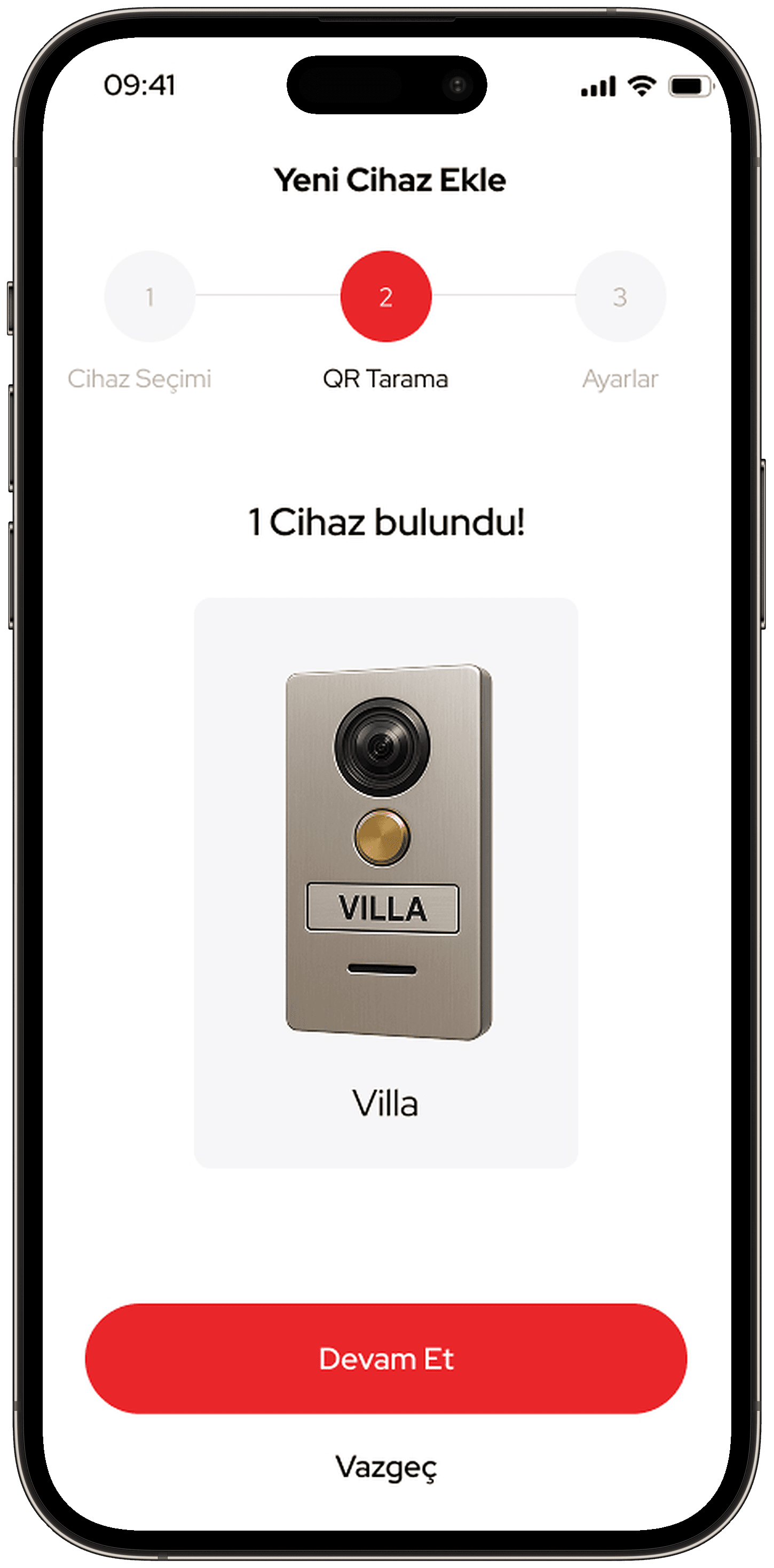
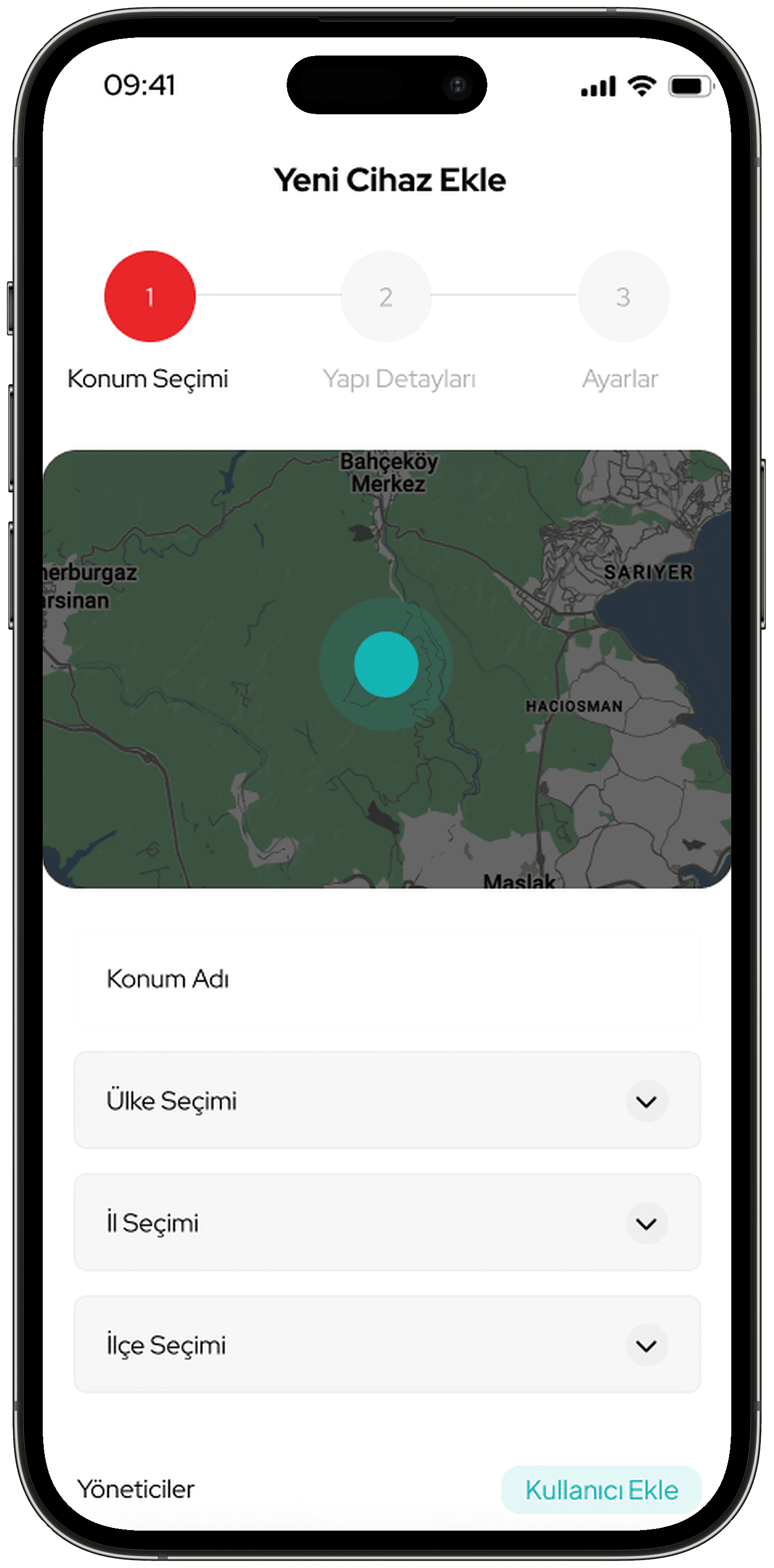
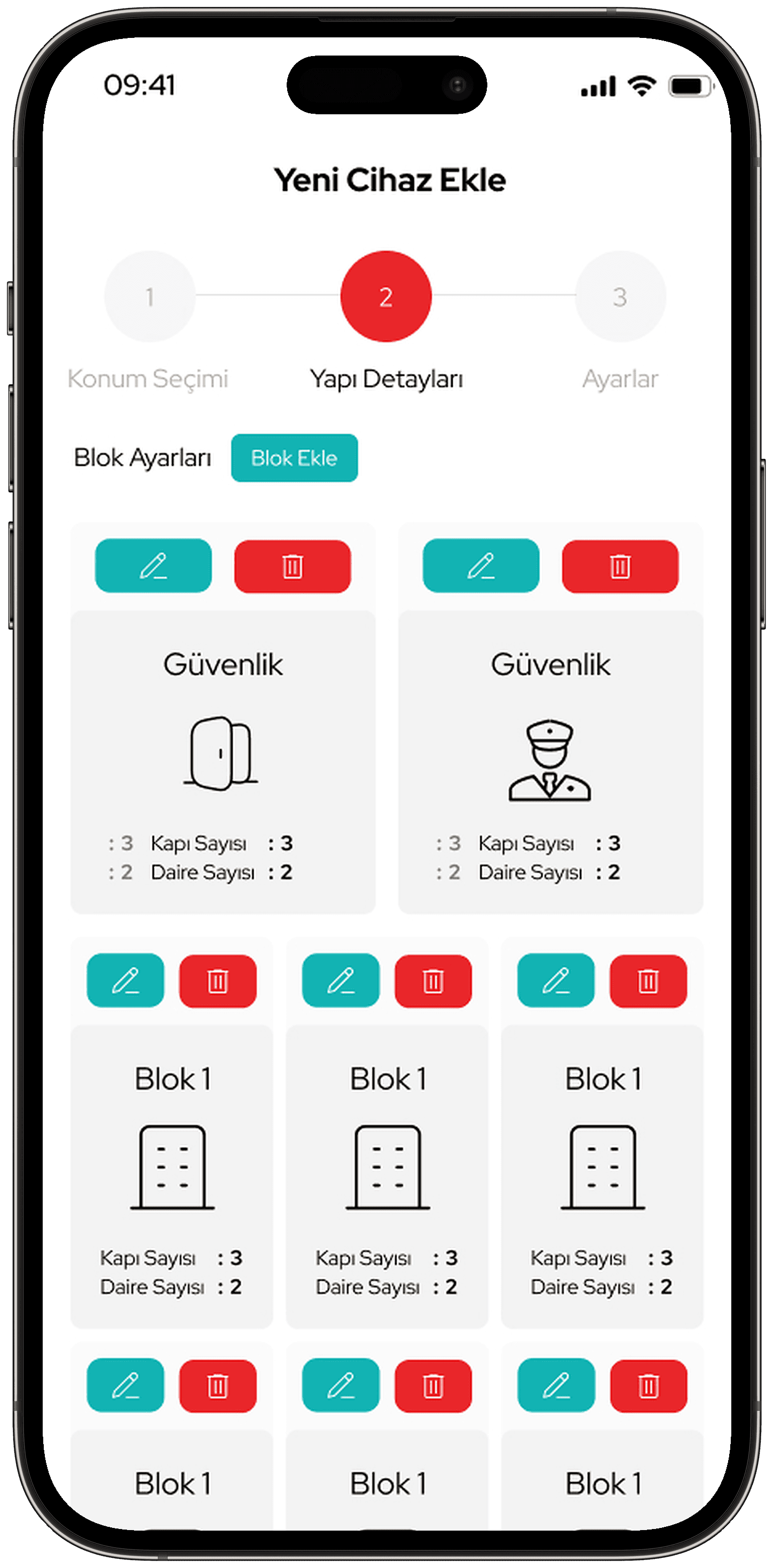
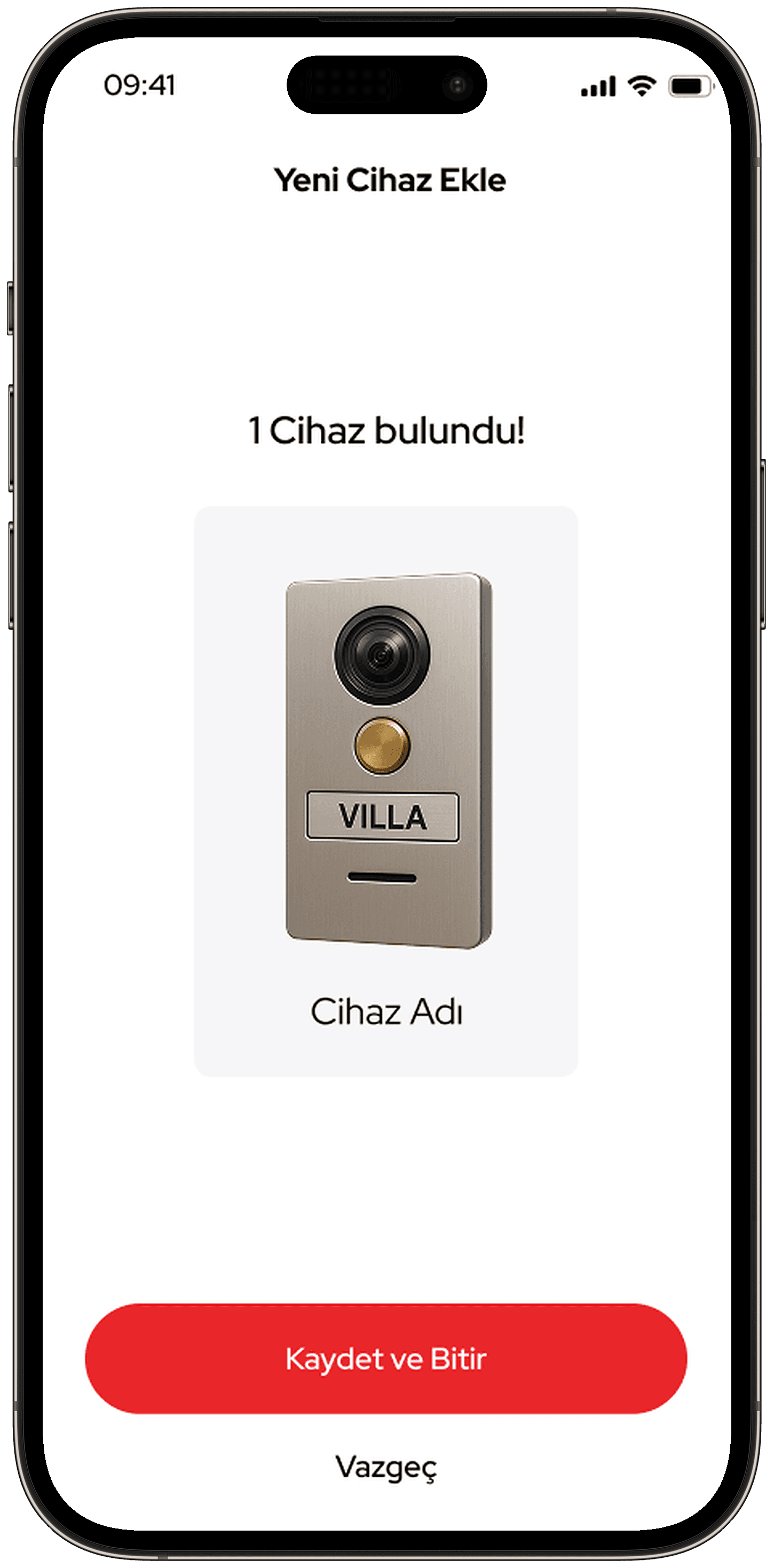
- I broke device setup into a three-step flow: device selection, QR scan and settings. There is a separate flow for residential complexes, where location, building details and block, entrance and flat definitions are entered.
- I used red as the brand colour on the main action buttons. I reserved turquoise for secondary accents and on states.
- The bottom tab bar has four sections: home, history, devices and settings.
Deliverables
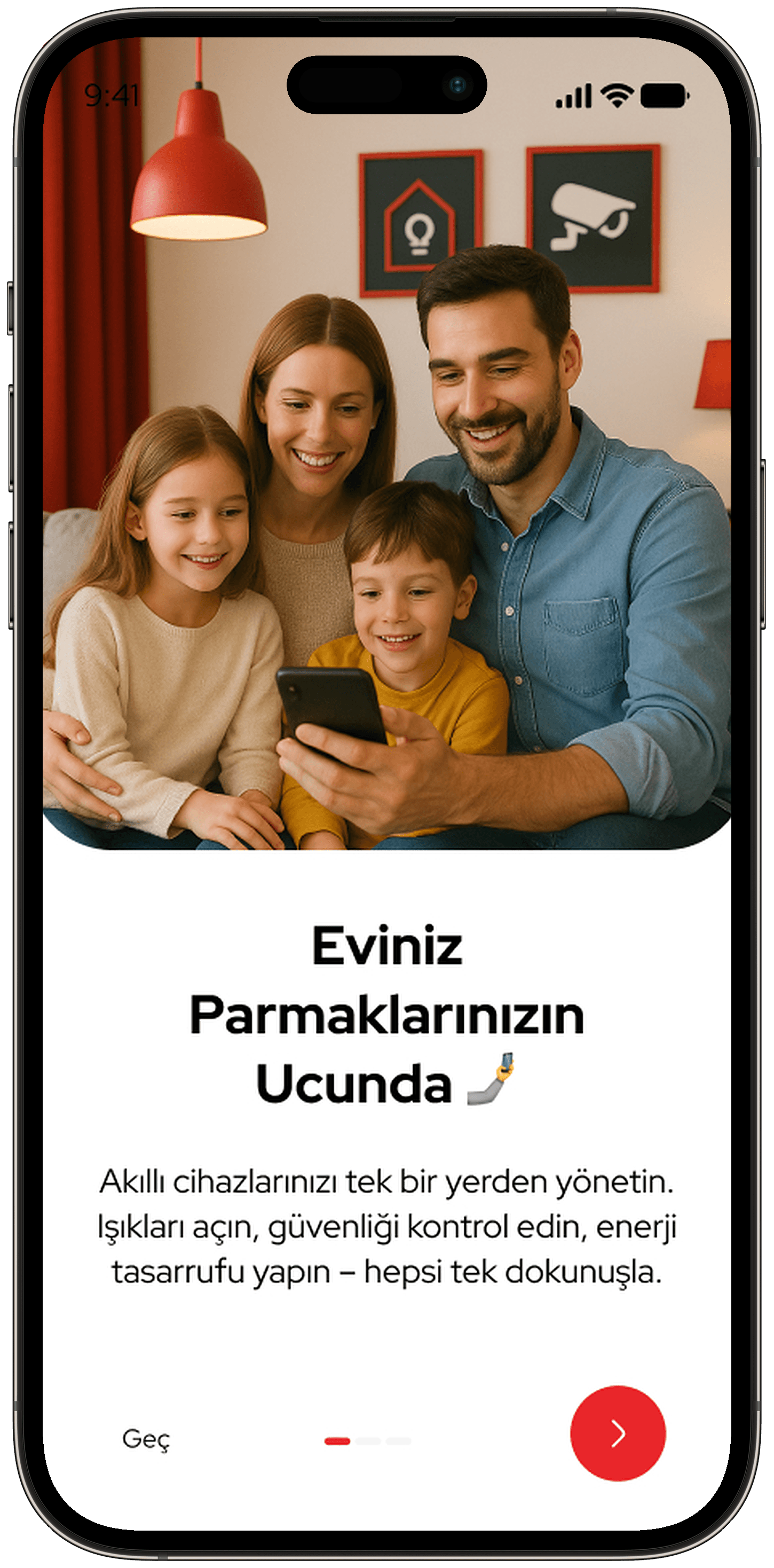
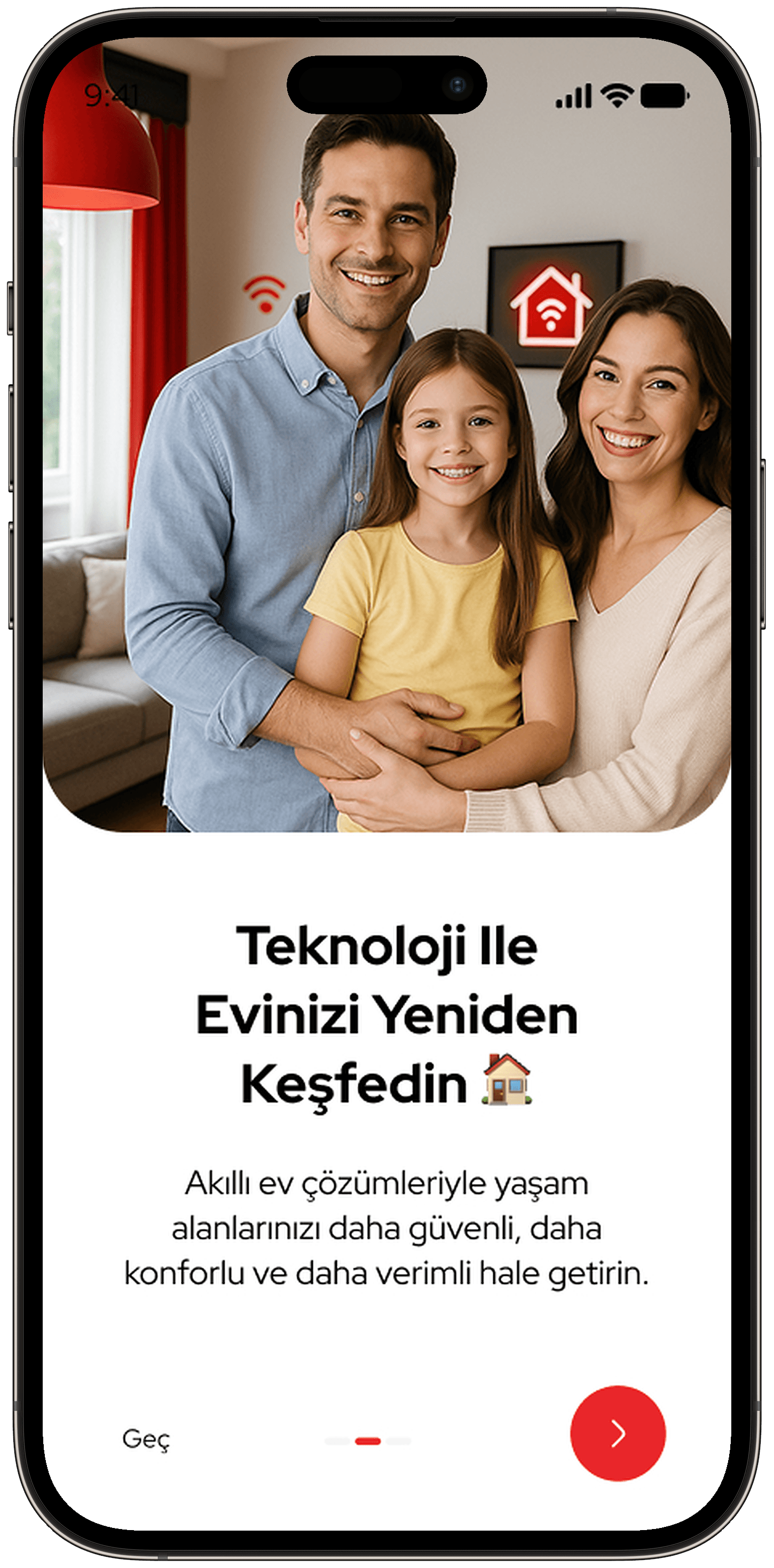
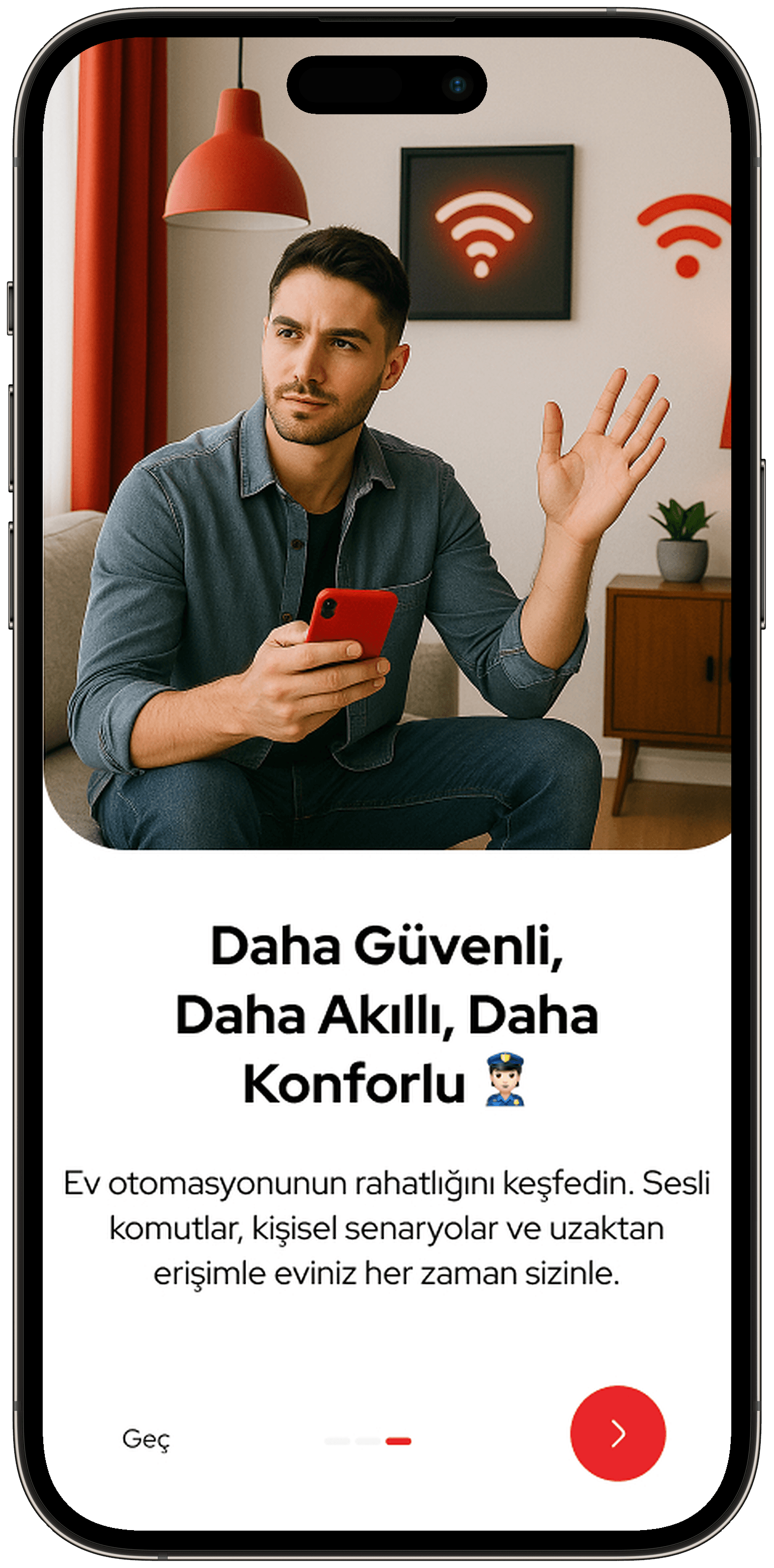
- Login, sign-up and three-step onboarding screens
- Home screen, room and device controls, air conditioner management
- Intercom call, incoming call and call history
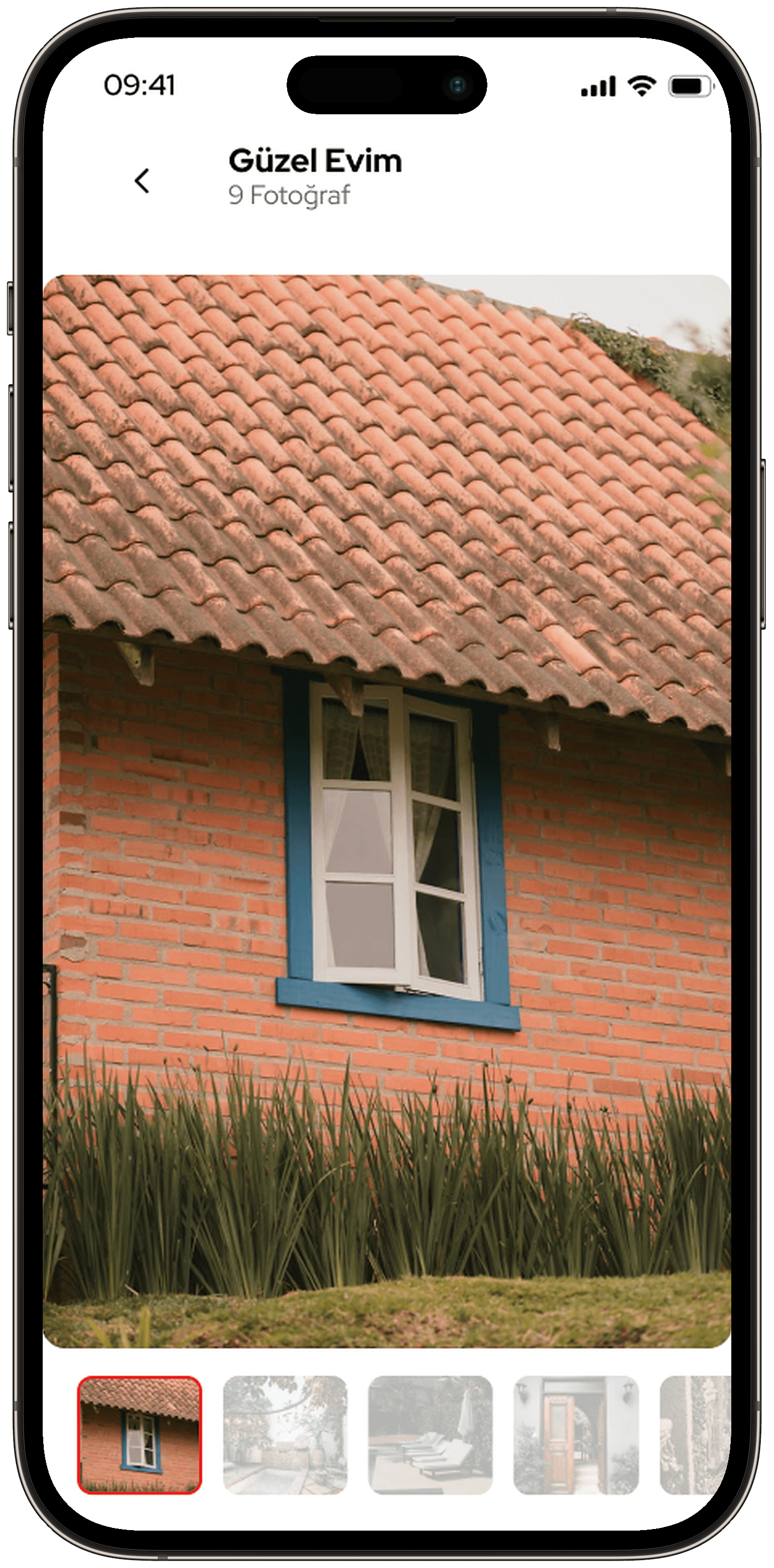
- Security cameras and image gallery
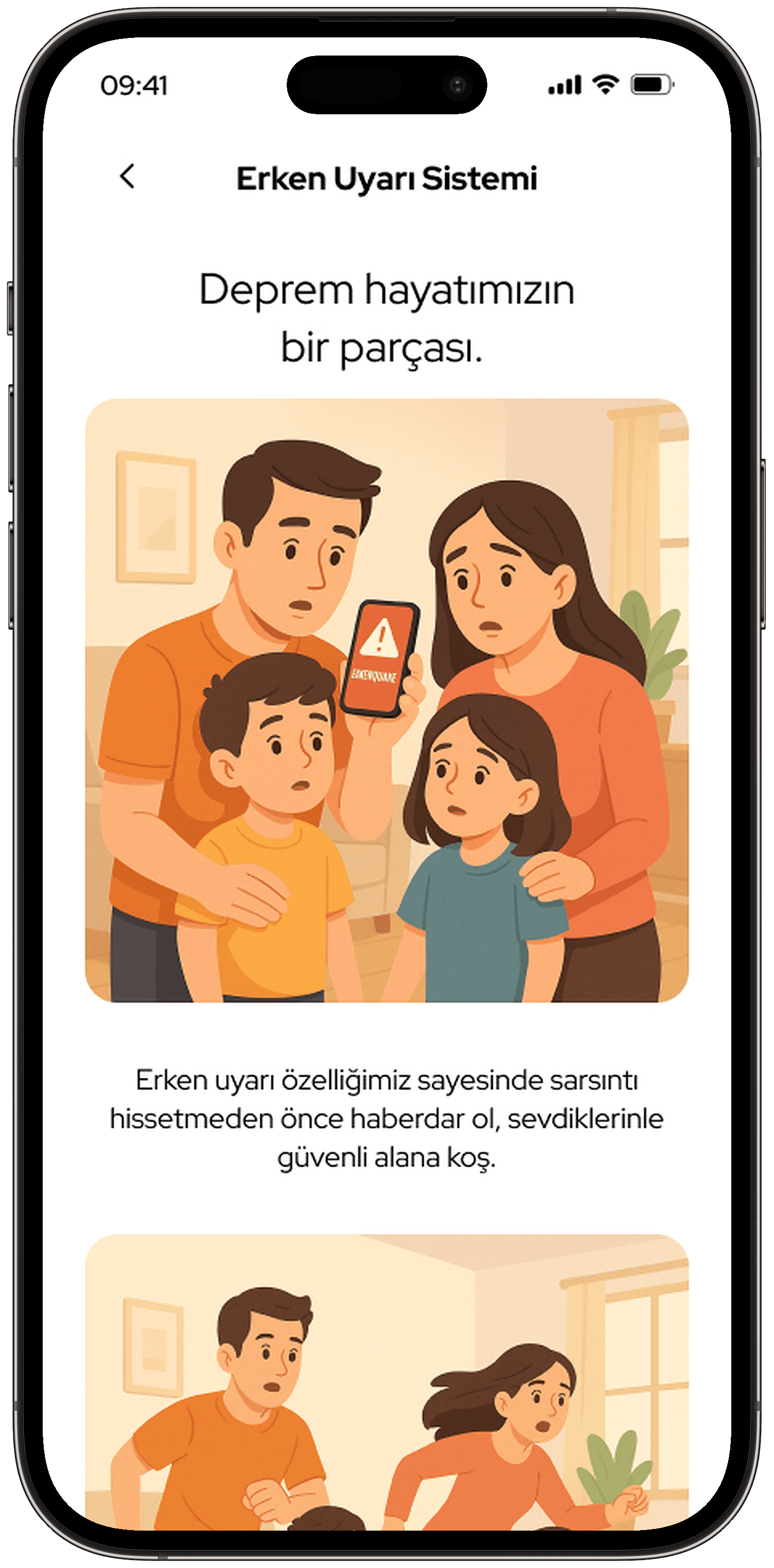
- Earthquake module: critical warning, notifications, past earthquakes, system settings, intro page
- Device setup and building definition flows
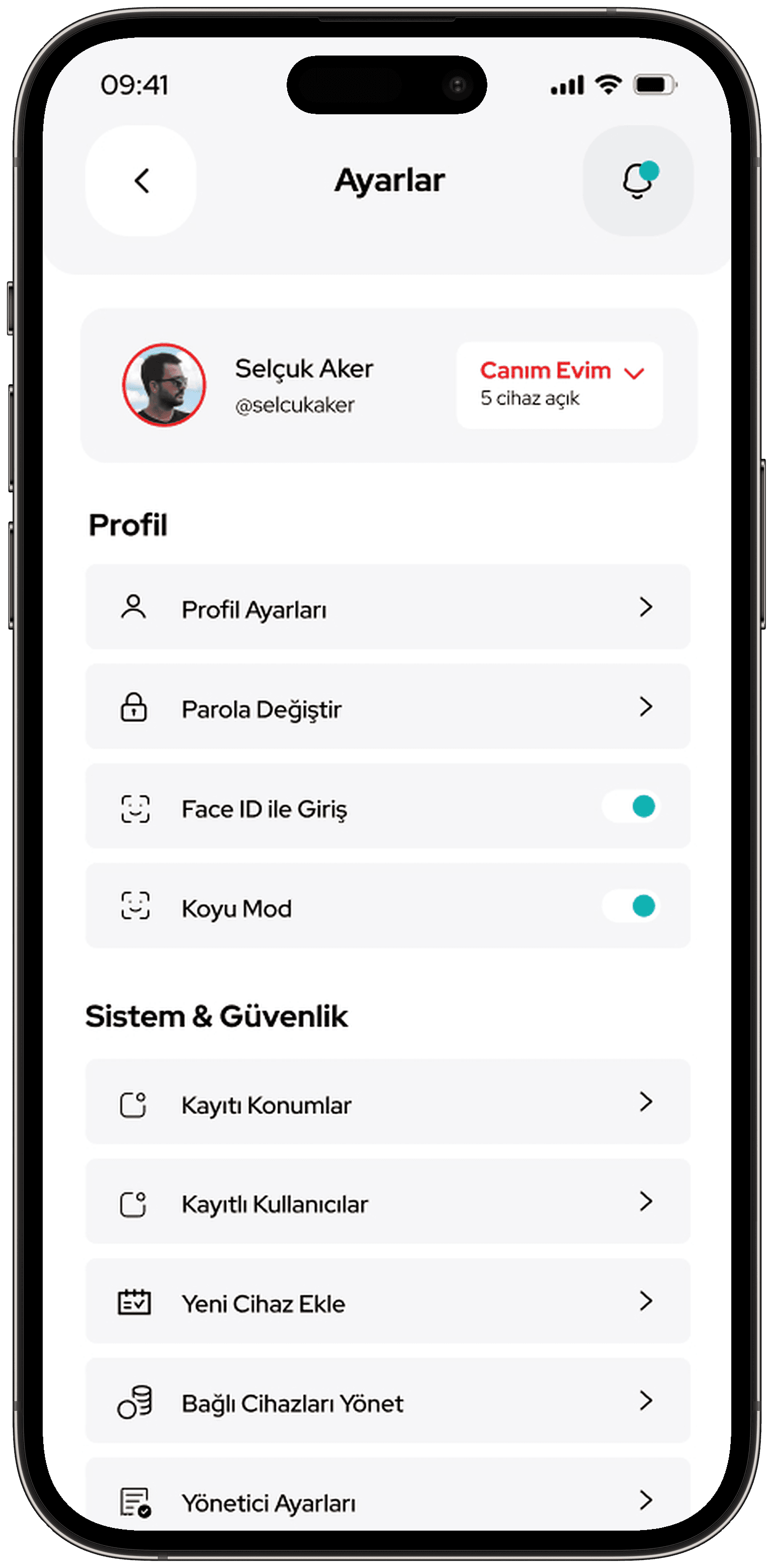
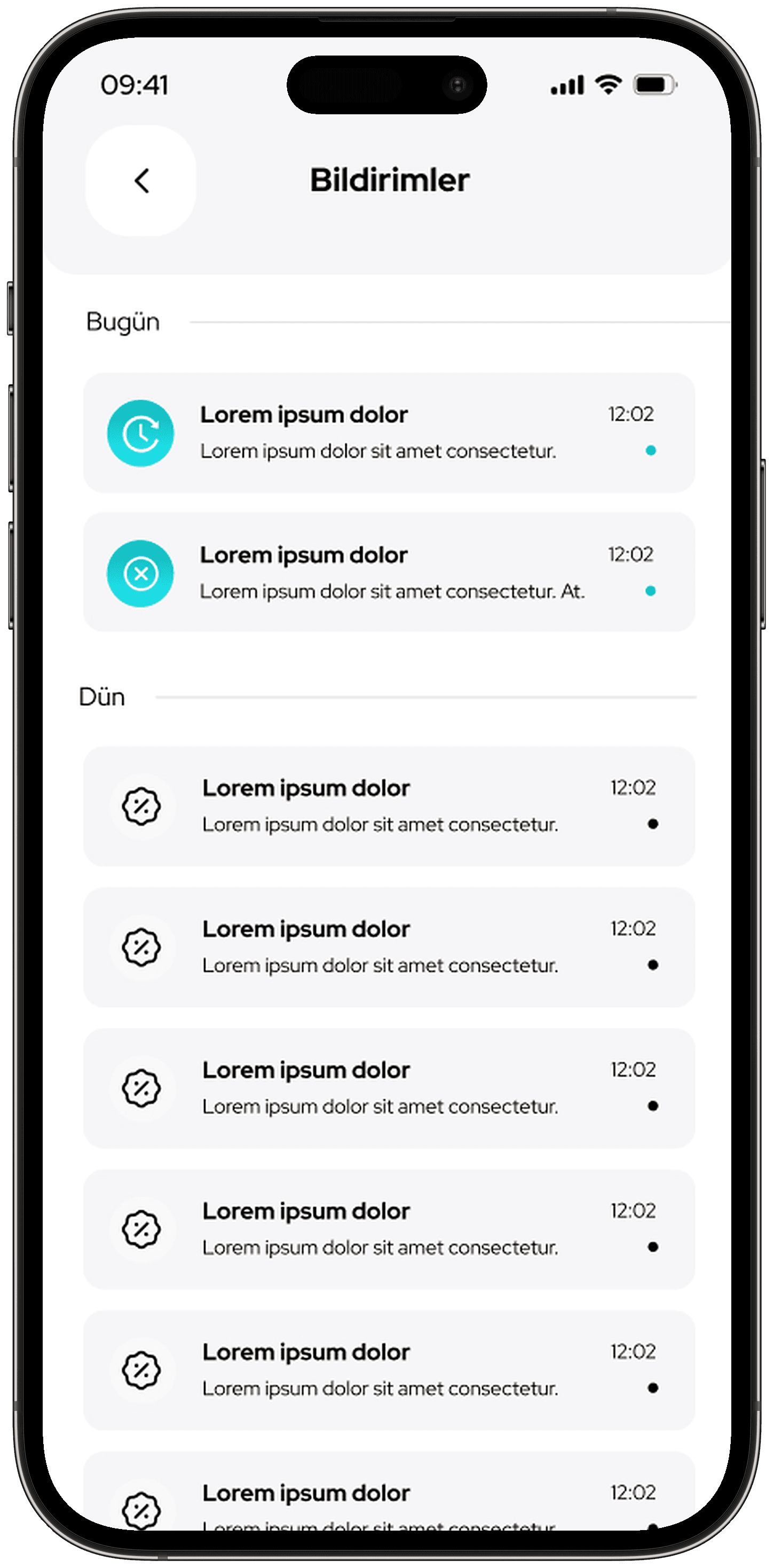
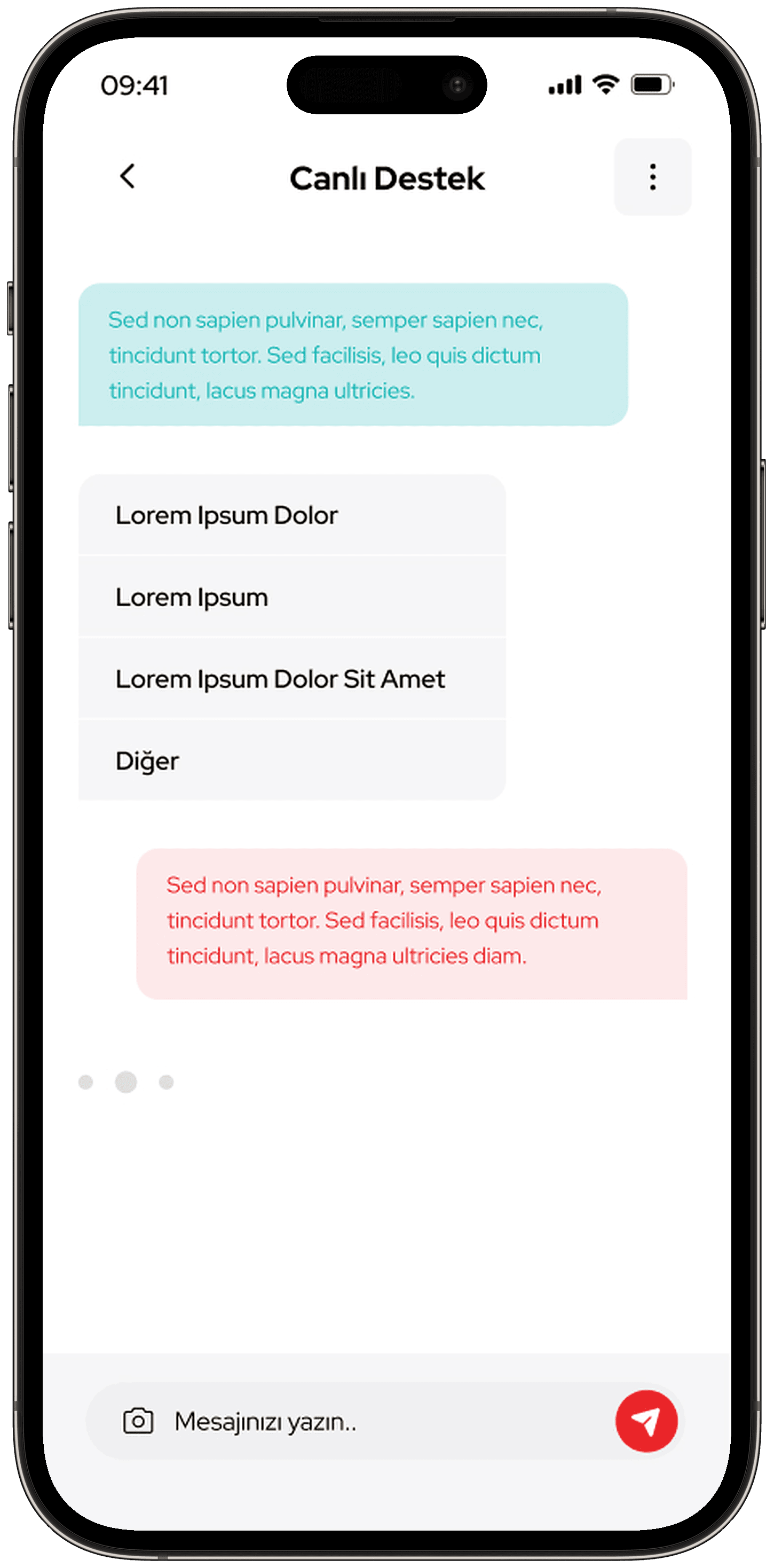
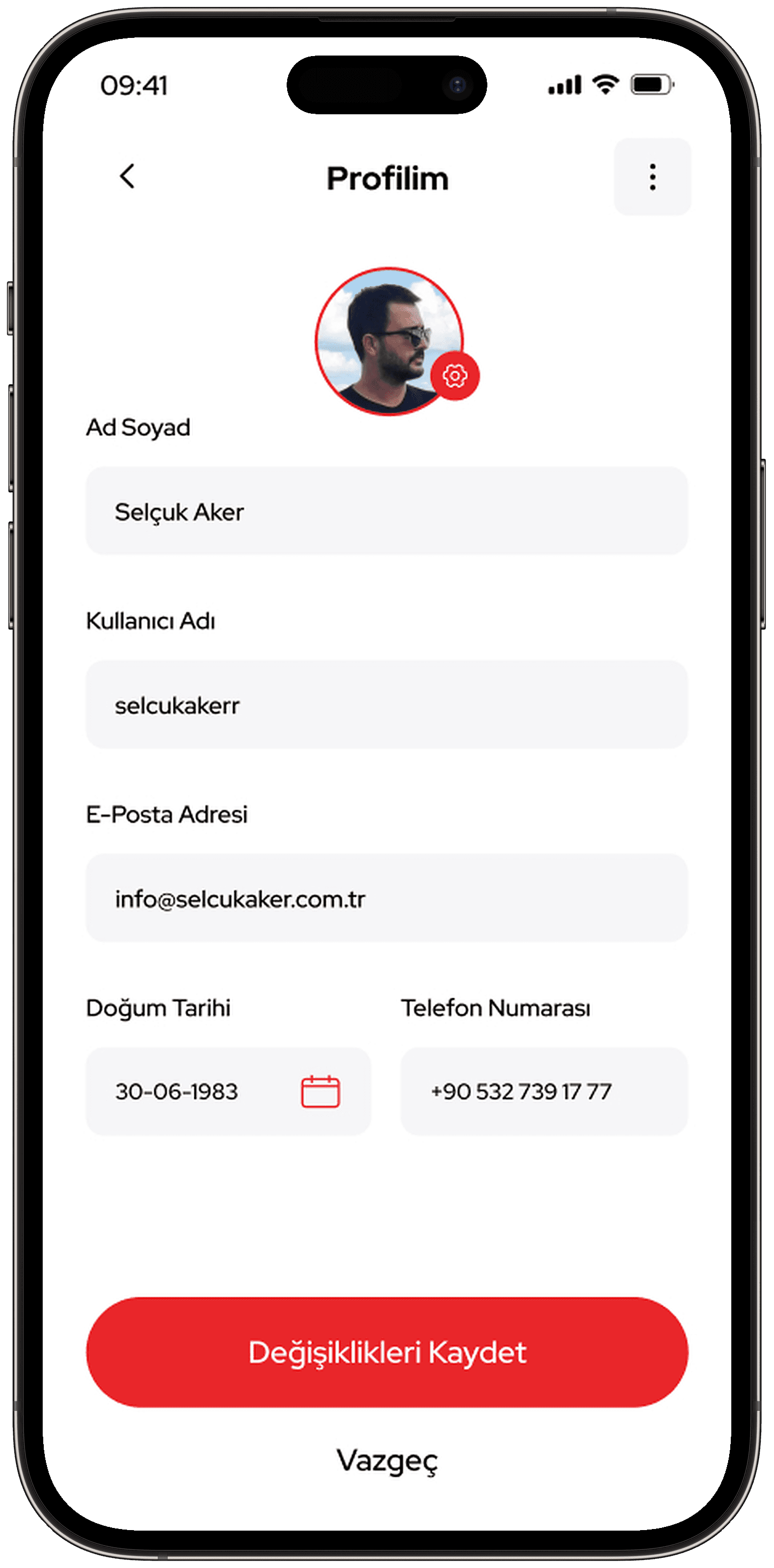
- Notifications, profile, settings and live support
Outcome
The portfolio shows 43 screens I designed for the application.
This project is an example of my mobile app design service.