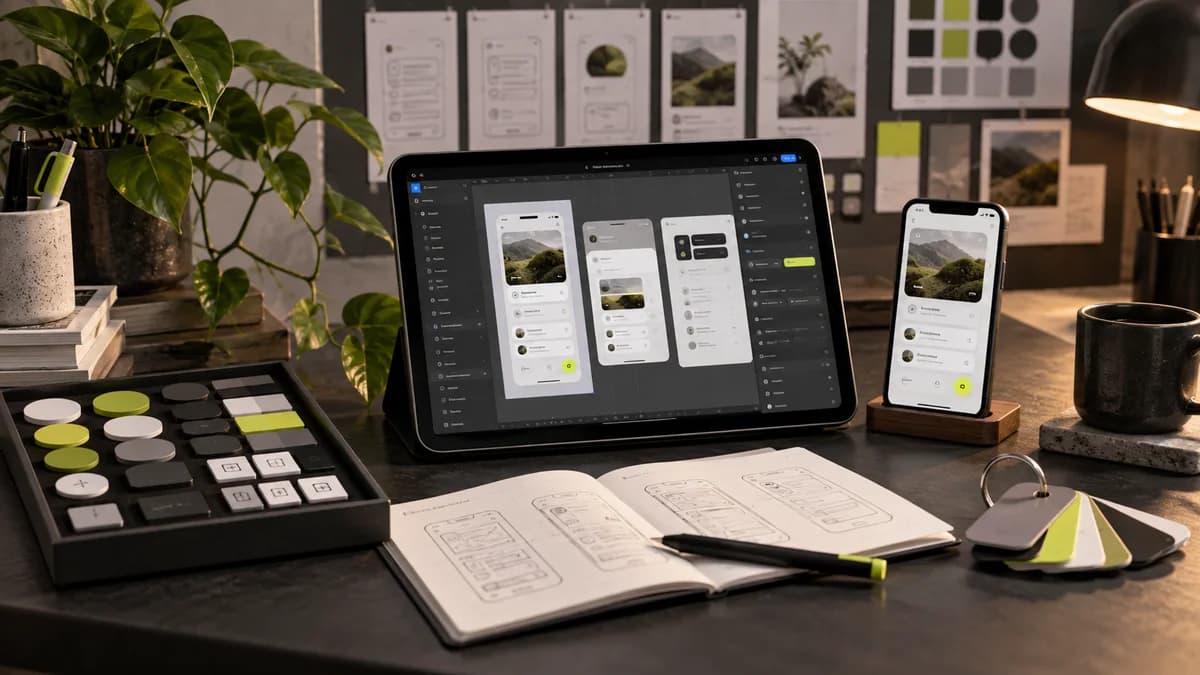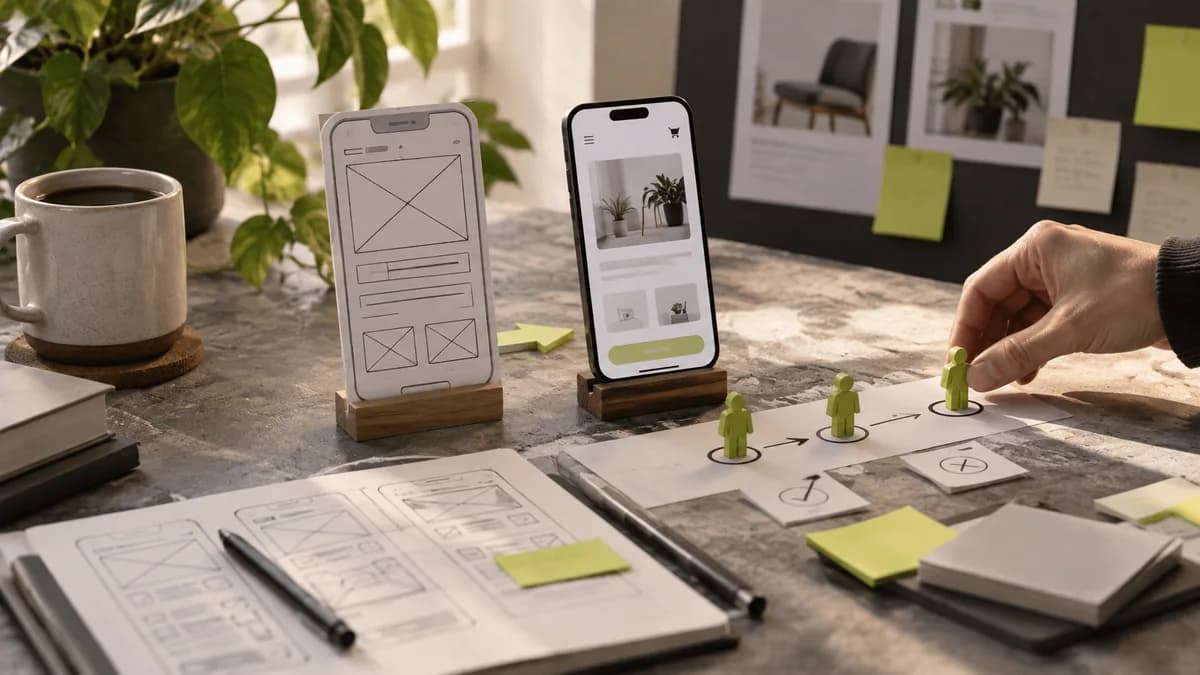
Wireframe and prototype do not do the same job. Wireframing enables quick discussion of content and layout decisions. The clickable prototype is used to test how the user moves between screens. The level of visual detail should be chosen according to the question to be answered; It is not necessary to reconstruct each screen from scratch.
Set up the layout with real content
Short sample texts fit easily into each box. The placement may be corrupted when the actual product name, long address or error message arrives. Use possible lengths in the wireframe phase. Clarify the role of the title, description, and action button. The more things everyone wants to see on a screen at the same time, the less clear the priority becomes.
Describe the test task in terms of the result
Telling the participant to “press the button in the top right” does not test the design. Give a goal like “change shipping address” and observe how it goes. Record where help was needed, feedback, and false expectations. If there is an area of the prototype that does not work, do not interpret this as a real product problem.
Don't just show the successful path
Missing information, cancellation, return and empty result situations are part of the flow. For example, when a suitable time cannot be found in the appointment application, the user should be shown how to continue. These decisions should not be made by chance during development.
Indicate which flows were tested in the delivery, what changes were made with the findings, and which areas have not yet been tested. A prototype does not mean that an application is complete; It is a working tool that makes certain assumptions visible before development.
Frequently asked questions
What is the main difference between wireframe and prototype?
Wireframe helps discuss information placement and structure. The prototype allows testing the flow and interaction. Choose the level of detail required based on which question you want to answer.
Should I tell the user where the button is in prototype testing?
If the goal is to evaluate the findability of the button, showing its location affects the test. Tell the user the task they will complete and observe how they proceed without prompting.
Flow, wireframe and delivery for the prototype designer
Specify which task should be attempted first in the search for a prototype designer. User flow design decision points; wireframe design information order; Prototype design can show the interactive way. The level of detail of these submissions should be selected based on the test question.
With Selçuk Aker, we can define user flow, wireframe and prototype scopes separately. The clickable file should not be assumed to be working software or verified product. Which decisions have changed and which uncertainties remain after the test should also be added to the handover note.