Client and sector
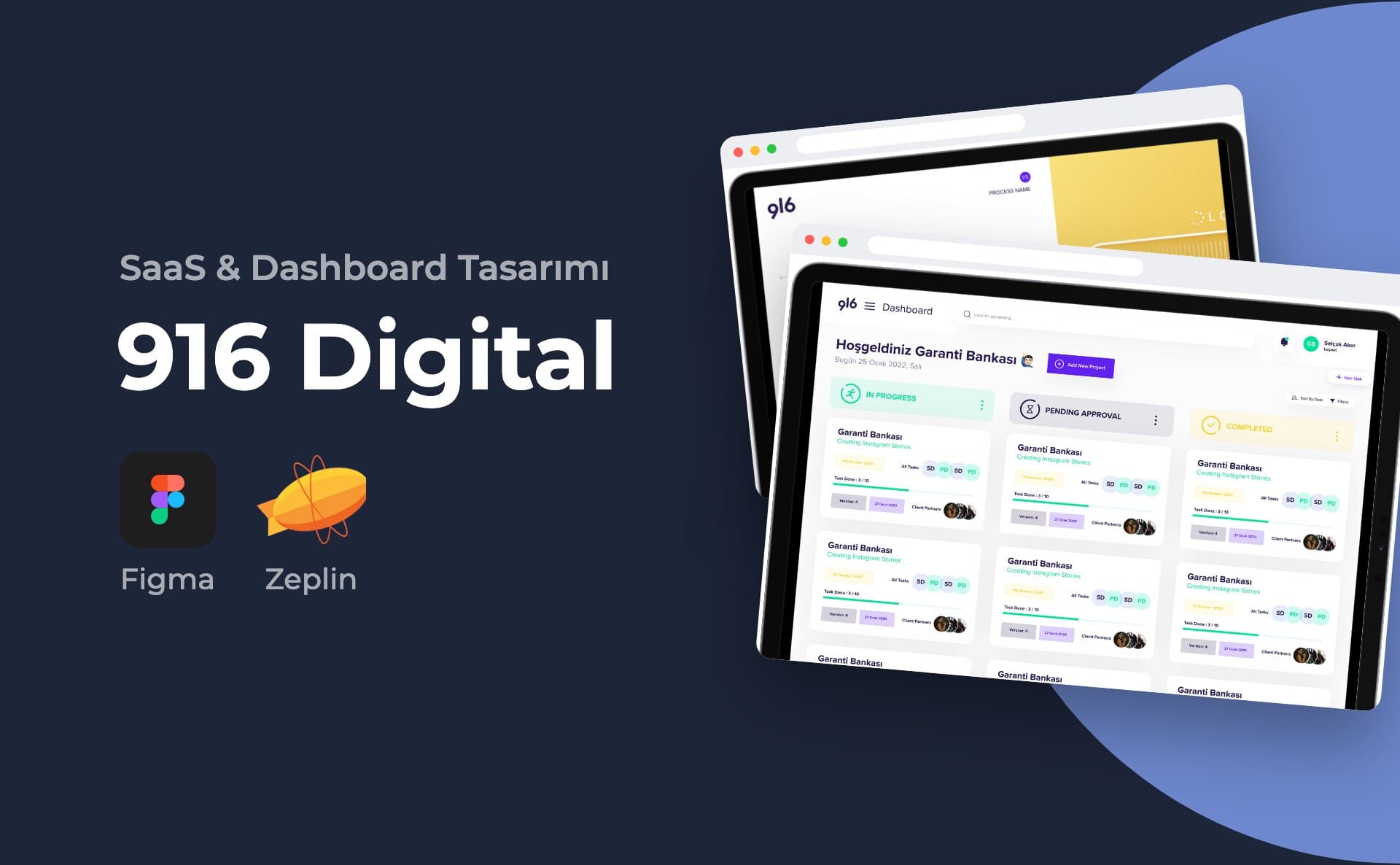
916 Digital is a digital agency. On the portfolio cover, the project is titled "916 Ajans Web App". The sample work in the app centres on social media and video production.
The brief
The purpose of the app is written in the headline on the login screen: "Proje ile ilgili her şey tek bir yerde." (Everything about the project in one place.) The client opens new jobs, uploads files and approves the result. The agency team shares tasks and tracks comments and revision requests.
My role and scope
I designed the interface of the web application. The cover states 20 screens. The portfolio includes 16 of them.
Process and design decisions
- On the main dashboard, I split jobs into three columns: In Progress, Pending Approval and Completed. Each column header carries its own colour.
- Each job card shows the client and job name, PO number and task progress. The bottom of the card shows the version, date and the people on the client side. I showed progress with a thin bar.
- I split new project creation into a form with a step counter. In the first step, the ad model, creative model and format are selected. The delivery date, PO number and file links are also entered in this step. In the next step, files are uploaded by drag and drop.
- I gathered the project details into seven tabs: Overview, Assets, Client Partners, Tasks, Comments, Design Results and Revision Request.
- In the Assets tab, files are listed with previews. Folders are separated by type: fonts, images, videos, documents and photos.
- On the task screen, the task details and task messaging sit side by side. Files and images can be attached to messages.
- In the task list, progress, assignees, status and due date can be read on the same row.
- When the client approves a job, a confirmation window opens. The window states that the team can deliver the files.
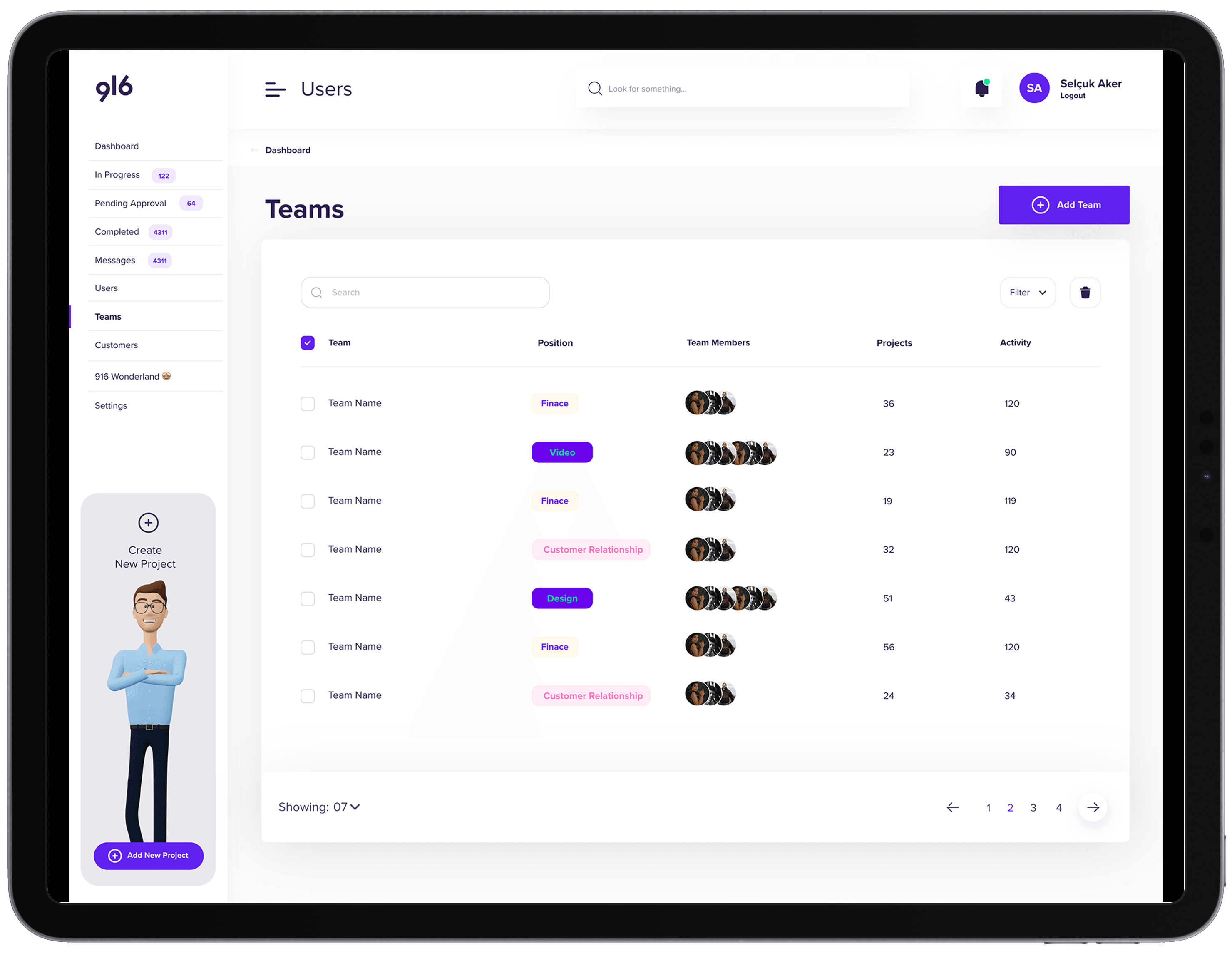
- On the admin side, there are screens for the user list, adding users, teams and settings. In settings, email, SMS and in-app notifications can each be turned on and off separately.
- In the left menu, the number of jobs is shown next to each status. At the bottom of the menu there is a fixed shortcut for opening a new project.
I used purple as the main colour on a white background. I reserved green and yellow as status colours.
Deliverables
- Login screen
- Main dashboard
- New project creation (two steps)
- Project detail tabs: overview, files, client-side contacts, tasks, comments
- Task details and task list
- Project approval window
- Users, add user, teams and settings screens
The cover image lists Figma and Zeplin as the tools.
Outcome
The portfolio shows 16 screens I designed for the application.
This project is an example of my admin panel design service.