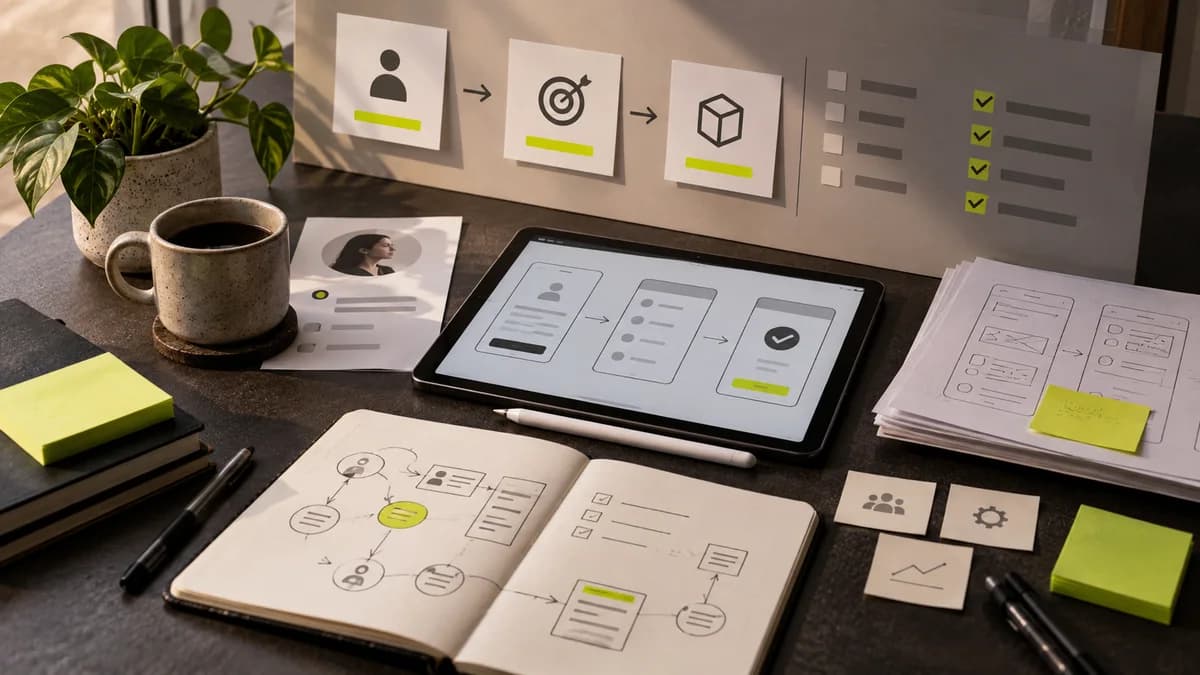
“Which is the best graphic design program?” There is no single answer to the question. Drawing a logo, preparing a hundred-page catalog and demonstrating the interaction of the mobile application require different tool features. Before choosing the program to learn, determine who will use the file to be produced and how.
Vector work for logo and icon
Curves, alignment, shape relationships, and readability on a small scale are important in logo design. Vector tools such as Adobe Illustrator or Inkscape are options for this type of work. Being able to draw in a program is not the same as developing an original and usable logo. Black and white usage, letter spacing and different application sizes are also evaluated.
Separate page design from photo editing
Pixel-based tools like Photoshop can be used for visual editing and composition. However, in a multi-page catalog, needs such as common styles, page numbers and text flow come to the fore. Page layout tools like InDesign are geared towards managing this task. Converting the entire catalog into one large image file can make content updating and print preparation difficult.
Just drawing a screen in the interface is not enough
In interface design tools such as Figma, components, prototypes and team sharing can be handled together. The choice here also depends on the way of working with the developer. Not only the normal state of a button, but also usage conditions such as focus, error and disabled states should be designed. Learning the tool does not automatically solve user flow or accessibility decisions.
When are template tools useful?
Template-heavy tools like Canva can be practical for teams that produce regular content within an approved visual system. But check in advance whether the design submission requires a print file, extensive vector editing, or a dedicated developer workflow. Choosing a ready-made template does not replace brand identity decisions. The license conditions of the images and fonts used should also be checked.
Link your learning plan to a small project
Instead of learning all the programs at once, choose a single project. For example, create a poster, social media announcement and registration screen for an imaginary event. Try transferring the design decision to different surfaces. Judge your work not only by the number of effects, but also by the understanding of the message, the readability of the text and the usability of the file. Fees and plan coverage may vary, so check current government terms before purchasing software.
Graphic writer and graphic designer guide explains the scope of the profession, and Figma design process explains an example digital production flow.
What is Adobe Illustrator, for which jobs is it used?
Illustrator is an Adobe application used for vector drawing and design. It is possible to work on logo, icon and shape arrangements; Photos can also be placed inside. Adding the photo to the document does not convert it to vector. When creating a delivery plan with logo designer Selçuk Aker, clarify the vector master file and output types to be used before the program name.
Try delivery when choosing a program for flyers
Text and image placement in a single-page flyer, front-back matching in a two-sided work, and common styles in a multi-page publication become important. Check with a small experiment that you can extract the PDF required by the manufacturer from the tool you have chosen. The same check applies for a free tool; Low cost does not automatically provide appropriate print output.
For learning, vector tools such as Inkscape can be explored. But verify what features a particular free plan offers today on its official page. File formats guide matches delivery need with application preference.
Separate three different tasks when choosing a web design program
Drawing the interface, coding the working web page, and updating the published content are different tool needs. Remember that a screen prepared with a prototyping tool is not a live site per se. The code editor alone does not complete the visual design process.
Instead of choosing tools based solely on “best programs” rankings, look at the current functioning of the team. Who will open the design file, who will update the components, who will manage the contents? License, file transfer and delivery format are also selection criteria. HTML, CSS and JavaScript guide explains the tasks between the design and the running page. Since program features and prices may change, verify current terms with the provider's own documentation.
Frequently asked questions
Is it enough to learn a single program for graphic design?
If your initial target is narrow, you can proceed with a single vehicle. Photo editing, multi-page publications and interface design may pose different needs; Tie the choice of vehicle to the job you will be delivering.
Why is team cohesion important when choosing a design program?
The person who inherits the file must be able to open it, edit it, and get the required output. Consider not only your own production speed, but also the sharing and maintenance phase.