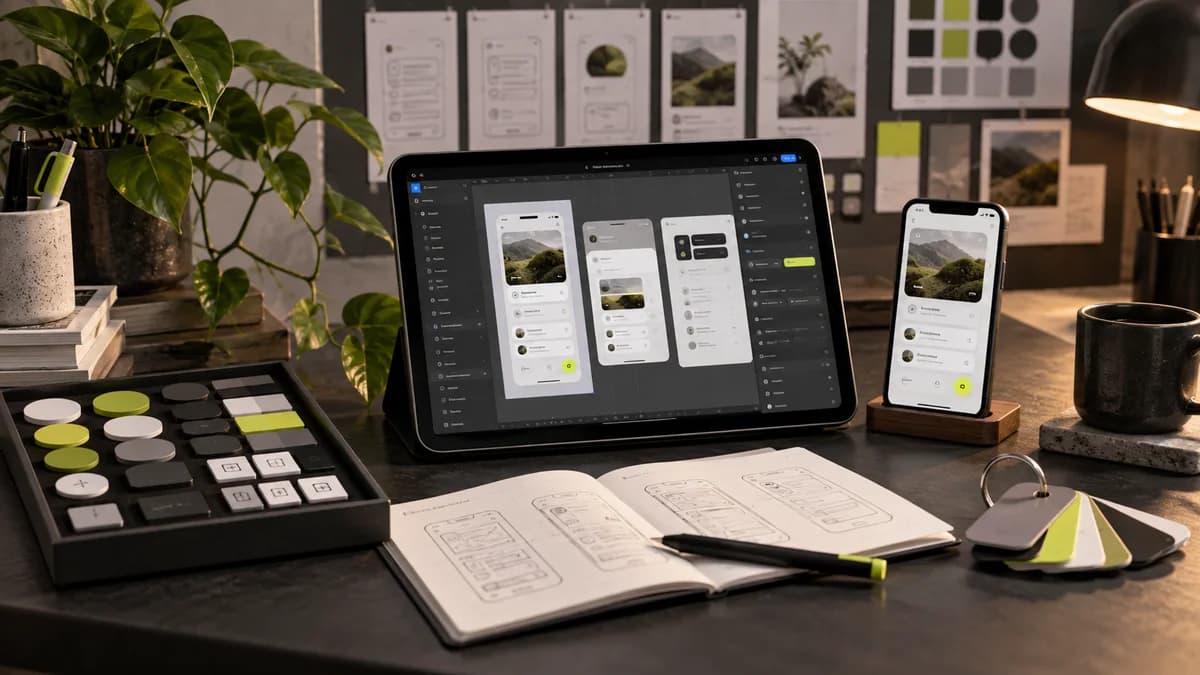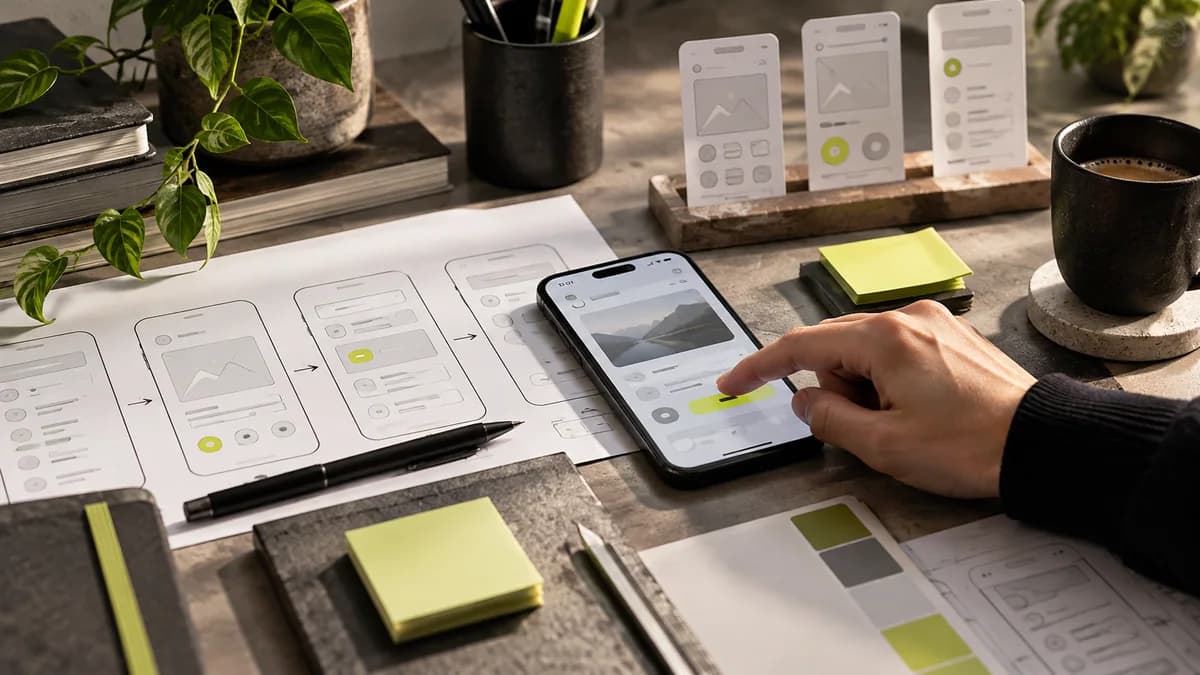
UI design is designing the visual layout and components of the interface through which the user interacts with a website or application. Buttons, menus, text layout, form fields and action states are covered in this context. The aim is not only to produce beautiful screens, but also to enable the user to understand what he can do and the result of his action.
What is the difference between UI and UX?
UI is the abbreviation of the English expression “user interface”; It means user interface in Turkish. UX is the user experience and covers the broader relationship a person has with the product. Nielsen Norman Group's definition of UX explains this distinction. It is not correct to define UX as only colors and fonts and UI as the background software.
Consider a dating product. The time selection component, visual priority on the calendar, and the check button are interface decisions. The user finding the time that suits his needs, being able to change his appointment, and meeting the expectations of the process are all parts of the broader experience. UI and UX therefore do not proceed in isolation from each other; are evaluated together during research, design and implementation.
What decisions does the UI designer make?
The delivery of a freelance UI designer should not only be the visual of the home page. Depending on the scope of work, the following decisions can be expected to be announced:
- Information hierarchy: What should the user read first, which action should stand out?
- Component layout: How should button, card, menu and input fields work together?
- Visual language: How should brand colours, typography, icons and spacing be used?
- Conditions: What should appear when data is loading, operation fails, or no content?
- Adaptations: How to maintain priorities across different screen widths?
- Delivery rules: Which file, version and behavior note should the developer rely on?
Not all projects require the same scope. The number of decisions for a promotional site and a multi-role admin panel is different. In the UI/UX design service interview, it is necessary to share user tasks as well as the number of screens.
Evaluate a good interface with a real task
If each field has the same visual weight in an example proposal form, the user may have difficulty understanding where to start. Making the mandatory information clear, placing the explanations near the relevant area, and explaining the submission result clearly provide a more functional evaluation framework.
Instead of saying “More modern” in the interface review, choose a specific task: Can the user find the service and request a quote? Can it correct a wrong area? Can he understand that the transmission is complete? Look for answers to these questions so that you can talk about the success of the design without depending on a single person's taste.
Consistency and accessibility should go together
Use the same names and component logic in similar operations. Don't convey information with color alone; For example, also show descriptive text for an error. Check the contrast between text and background, form labels, and keyboard focus appearance. W3C's design recommendations can be used to get started. The check in the visual file does not replace the accessibility review of the working product.
Making the same size on the mobile screen as on the desktop is not consistent. It may be necessary to change the layout while maintaining the relationship of the information. A product table may require a different layout on the phone; The user must still be able to understand the same product and process. This topic is detailed in the responsive web design guide.
How to deliver UI design?
Initially, user flows and screen sketches are clarified. Visual components and necessary screen states are prepared; critical interactions can be described with a prototype. Editable files, component names, images and explanatory notes are evaluated together during delivery. The prototype is not the working software itself.
It is important to checkpoint with the developer. If the data foreseen in the design cannot be technically provided or if a standard component behaves differently, the decision must be reconsidered. Design system and mobile developer collaboration guide support this process.
What should you ask when choosing a freelance UI/UX designer?
Next to the image in the portfolio, ask about the designer's role in the project. Which user problem has been addressed, which alternative has been evaluated and which deliverables have been prepared? If no real research has been conducted, it should be clear what the decision is based on, rather than describing it as if it has been done.
I am Selçuk Aker; I am a graduate of Marmara University, Faculty of Fine Arts, Graphic Design. I handle visual language together with user tasks in website, mobile application and SaaS interfaces. You can review my works, you can contact to determine the scope. When evaluating a budget, UI/UX design price guide explains which deliverables you should compare.
Interaction design: What happens after touch?
Interaction design considers the behavior between the user's action and the system's response. What happens when a button is pressed is as important as its shape. For example, in a file upload area, the name of the selected file, the status in which the transfer is continuing, the cancellation path and retry after error should be considered together.
Showing only the final version of the screen may not be enough to explain these decisions. Document the initial, in-progress, and outcome statuses at design delivery. It should be clarified with the developer what will happen when the user presses the same button again or whether his information will be preserved if he leaves the page. Prototype design makes critical behaviors negotiable before coding; It is not a substitute for technical practice.
Separating UI and UX sharply from each other can lead to these behaviors remaining unattended. User experience guide focuses on what problem to investigate, while interface work focuses on how to understand the decision on the screen.
Test visual hierarchy with real content
A screen that looks balanced with short sample text can fall apart when a long product name or two-line error message is added. Check out the UI design with realistic content: Turkish characters, different price lengths, empty spaces and extended button labels are also part of the design.
You do not have to separate the title, description and action fields by font size alone. Alignment, line spacing, and space between elements describe the relationship of information. For example, in the catalog download card, group the file information with the document name and make the download action clear. Making every element shiny or bold is not a priority. Also examine whether the same relationship is maintained in the mobile view.
Micro-interaction and swipe gesture should inform
Feedback is given to the user when a button changes state during operation or when the saved selection becomes visible. On the other hand, constantly moving decorations can make the task difficult. Content should not be hidden while scrolling; In choosing to reduce movement, essential information must remain accessible.
When adding a video or animation, ask what it explains more clearly. A brief description showing product usage can be meaningful; A large auto-playing file may delay content access. Give the user playback control and the necessary information does not remain in the animated content alone. Performance guide and UX writing plan visual behavior and description language together.
Frequently asked questions
What does visual hierarchy change in UI design?
It affects what information and action the user notices first. Instead of the title, description and buttons having the same weight, a task-related priority order should be established.
Does good interface design consist only of aesthetic preferences?
No. Readability, understanding of situations, consistency and use in different screen conditions are also evaluated. Visual decisions must support the user's task.
Does the UI designer have to write code?
UI design and software development are different responsibilities. It is helpful to understand the technical limits and communicate with the developer; Whether code delivery is included or not should be decided separately.
Is UI design done only for websites?
No. It is also done for mobile applications, management panels, e-commerce products and other interactive digital interfaces. The usage environment changes design decisions.
With which program is interface design done?
Interface and prototyping tools such as Figma can be used. Tool selection alone does not determine quality; The layout of the file, components, and clear delivery of behaviors are important.
Are interaction design and visual interface the same thing?
They complement each other. Visual layout addresses which elements are presented and how, while interaction design addresses how to respond to user actions. The appearance and behavior of the same component should be evaluated together.
Is it enough to use sample text in interface design?
It can help with the first draft; Realistic short and long content should be tried before delivery. An overflowing title, truncated description, or incomprehensible error message may require rethinking the visual layout.