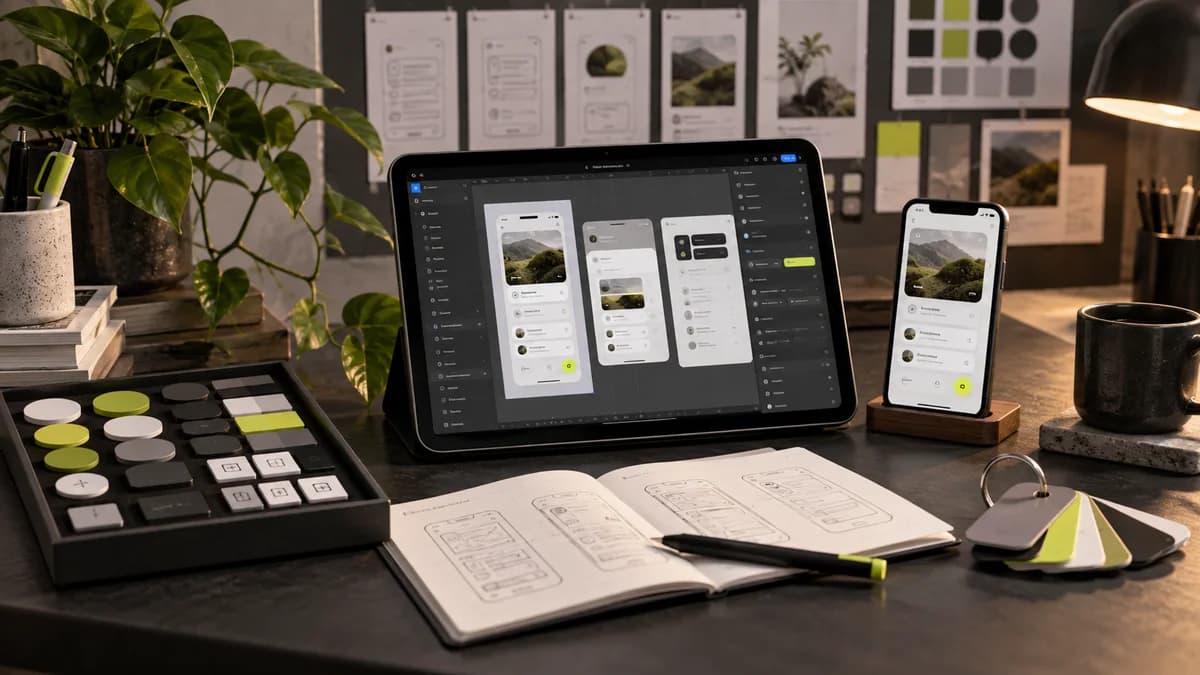
A good design delivery for a mobile application developer does not only consist of screens with certain dimensions. Interaction rules, component states, and explicit decisions should also be shared. The working order to be established with the UI/UX designer aims to reduce repeated product decision-making while writing code.
Share technical limits before design begins
Discuss the platforms that will be supported, off-the-shelf components, current API limits, and the design system that will be used. If the data that is intended to be displayed live on the screen is actually updated with a delay, the design should reflect this. Instead of rejecting an impractical idea at the last day, set a technical evaluation point early.
For example, it may not be appropriate to send a server request on every letter in a search field. When the search starts, when the wait indicator appears, and what is suggested when no results are found are decided between design and development. These decisions should not be lost in the comments of the file.
Receive the component and the screen together
The normal, pressed, disabled and operation-in-progress states of a button are part of the same system. The label, help text and error relationship of the input field must also be defined. Matching the names used in the design with the names on the code side as much as possible makes communication easier; It is not necessary to use exactly the same vehicle.
Design system work should not only consist of a list of colors and fonts. It should also be explained where the component will be used, in which situation it will not be used, and how it will behave with long content. Realistic data samples are valuable for testing these rules.
Set up decision record and change limit
Determine the version of the approved file. When the designer subsequently changes a flow, it should be visible which screens and components are affected. Do not group the new product request and the correction of the incorrectly implemented design under the same revision title.
In a short weekly check-in meeting, these three deliverables may suffice: implemented flows, open questions, and next deliverable. After the meeting, the owner of the decision and the solution date should be written. Instead of meeting for every detail, isolate the issues that actually require decisions.
Check design on real device
- Is the main action accessible when the keyboard is open?
- Do long names or large font settings disrupt the layout?
- Is the information entered by the user protected when he returns?
- Do errors and empty states appear only as technical code?
- Does the layout jump unnecessarily while waiting for the image?
These checks do not replace technical tests; It tests whether the product maintains the design intent. While Handover letter to developer focuses on file delivery, this guide covers ongoing collaboration.
You can [contact] Freelance UI/UX designer Selçuk Aker to plan mobile app interface, component system and post-implementation design control as separate scopes](/en/iletisim#teklif).
Frequently asked questions
Can development start before the designer finishes all the screens?
Phased work can be done through a clear flow and common components. However, it should be determined how subsequent decisions will affect the current business and how the changes will be managed.
Is the Figma link alone sufficient?
Not always. Behavior notes, situations, entities, and open questions should also be accessible. The prototype may not account for all technical scenarios.
What is the difference between design checking and software testing?
Design control evaluates whether the flow, appearance, and interaction fit the intended experience. Software testing also tests technical correctness and related quality requirements.