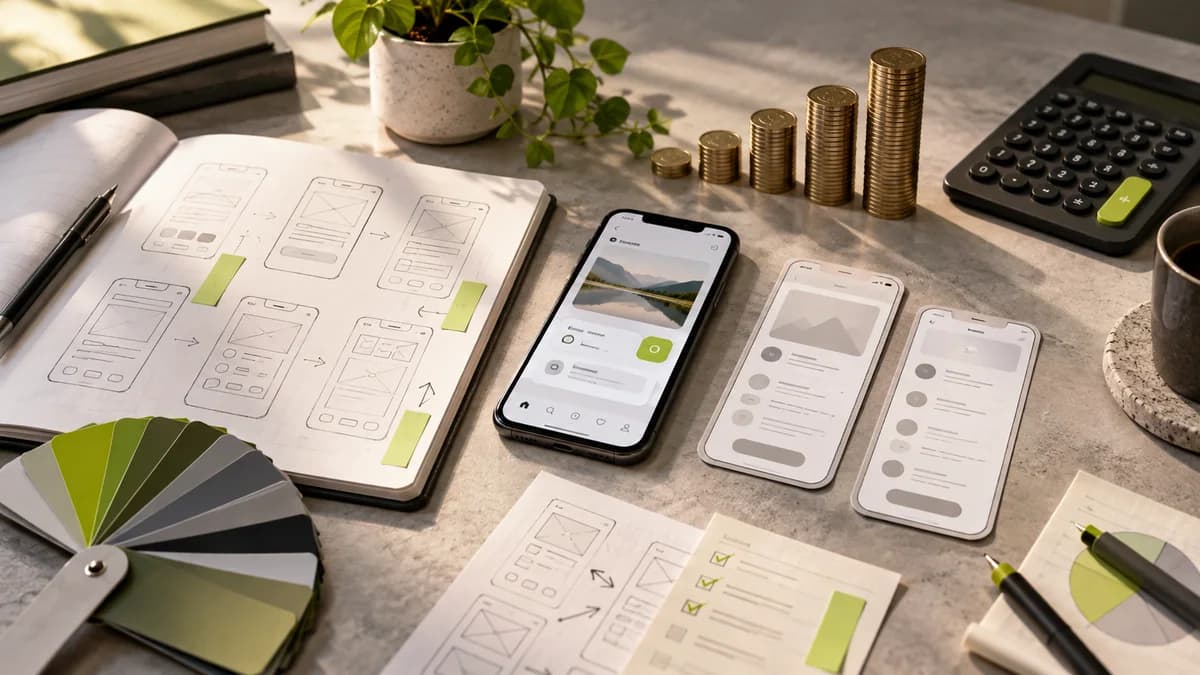
Mobile application designer transforms the tasks that the user will perform on the small screen into a clear interface. The work does not only consist of login and home screen visuals; Navigation, permissions, error states, and task completion should also be designed. Explaining what the application does with a user scenario in the first meeting clarifies the scope.
In the example of a booking application, the user does not just select the time; He/she may not be able to find a suitable time, may leave the process unfinished, or may want to change his/her appointment. Handling these situations in the design file prevents the developer from completing product decisions alone.
Remove screen list from task flow
First write down the target user of the application, its main task, and the features required in the first version. Then draw the flow from start to completion. Note that each feature does not mean a separate screen, and a screen can contain different states.
In addition to the number of screens, the mobile application interface design proposal should include flows, states and platform adaptations. If an existing product is being revamped, problematic screens and existing user feedback can be initial input.
Which paths should work in the prototype?
Determine whether the prototype will be prepared for demonstration, user testing, or developer release. In an investor demo, the main scenario may take precedence; In usability testing, alternative ways of the task may be required. Clearly indicate non-working fields and the data represented.
Prototype evaluation guide helps prepare test questions. A beautiful screen transition does not prove the performance or technical feasibility of the actual application.
What should be delivered to the developer?
Approved screens, components, visual assets, and interaction notes should be included in the organized file. Loading, empty, error and completed statuses should also be displayed. Describe expected behavior for content length, different device widths, and access permissions.
As Selçuk Aker, I plan user flow and interface deliverables together in my mobile app designer scope. It is necessary to talk separately whether software development and store publication are included. In Contact you can share the product idea, existing files and development team.
Frequently asked questions
Are mobile application design and application development the same job?
No. Describes design experience and displays; development turns them into working software. State deliveries and responsibilities separately.
Can only some screens of the current application be refreshed?
Yes. A limited scope can be prepared by examining the impact of the change on the flow and common components.
Can the application be started if the idea is not yet clear?
The target user and basic task can be worked on first. The flow should be clear without detailing all the screens.


