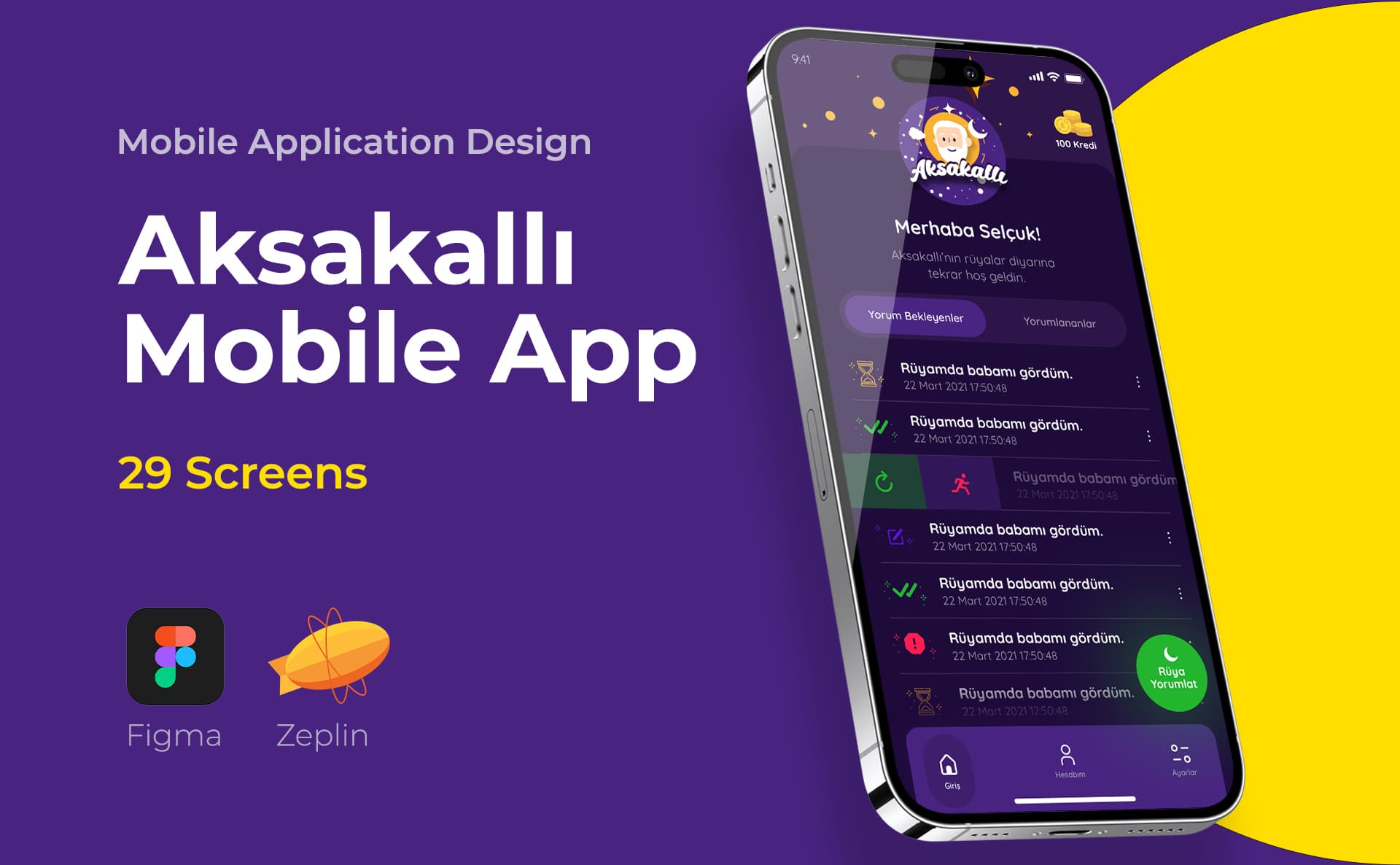
Correct flow before screens.
Flow, component and interaction decisions
Flow and structure
Clarify user tasks, page relationships, and decision points.
Interface and component
Status, consistency and responsive behavior with Figma screens.
Prototype and delivery
Prototype evaluating the flow and design explanations applicable to the developer.
Let's work together on the design side of your product team
If the user cannot complete an action, the problem is not always the appearance of the screen. The order of information, an unclear button, or missing feedback can also disrupt the flow. As Freelance UI UX designer Selçuk Aker, I first define the task and the stuck point, and base the interface decisions on this evaluation.
UI focuses on the visual and interaction layout of the interface, while UX focuses on how the user completes the task. I plan the two without separating them from each other in the project. You can review the expertise and scope of delivery on my Istanbul UI/UX service page; This page focuses on how you can move forward by teaming up with an independent designer.
In what situation does freelance UI/UX support make sense?
Design support may be required when setting up the first flows of a new product, when navigation confusion occurs in the existing product, or when screens become inconsistent in the hands of different teams. We first identify the known problem, user task, and technical limits. One customer review alone does not require a redesign of the entire product.
I separate user data from hypothetical. If you have support records, usage analysis or interview notes, we can evaluate them. If user research has not been done, I will not write results as if it was done. The need for interview, testing or measurement is also scoped.
Flow-to-interface operation
Task and information structure
We break tasks such as registering, searching, ordering or creating a report into steps. I determine where the user came from, what decision they made, and what happens when they want to return. We aim for a clear flow without multiplying unnecessary screens.
Figma screens and states
Associates visual language with brand identity; I organize the components so they can be reused. Empty list, loading, error, success and authorization statuses are as important as the basic screen. One beautiful screen is not a finished product design.
Prototype and developer communication
Clickable prototype helps evaluate transitions. It is not a replacement for working software. I collect component states, responsive behavior and necessary explanations in the design file that the developer will use. We determine at the beginning at which stage the application control will be carried out.
Design system or limited component library?
It may be unnecessary to install a comprehensive system for a small product. We evaluate the need based on the number of screens and teams, the product's growth plan, and recurring components. A structure can be created that starts with basic styles and components and expands as needed.
If you have an existing library, I would examine its usability rather than reproducing it. Design system service describes the scope of this topic. The aim is not to have many components in the file, but to develop the product consistently.
How to prepare a freelance UI UX designer proposal?
Streams, screen types, platforms, research need and current file status are evaluated. A settings screen and a multi-step checkout flow don't have the same workload. Seeing research, interface, prototype, and developer delivery separately makes the scope understandable.
We can start from a single flow or work together across a specific release. The decision maker within the team and the revision order are determined from the beginning. Instead of estimating the schedule based on the number of screens alone, we include uncertainties in the plan.
How do role and authority differences change the interface?
The administrator and the standard user may need to perform different operations on the same screen. If invisible fields, unusable buttons and authorization statements are not considered during design, decision gaps will occur in development.
I define screens not just as images but with the associated user role and status. Implementing security control in software is a separate responsibility; Hiding a transaction in the interface is not a substitute for authorization.
Frequently asked questions in UI/UX collaboration
What is the difference between UI designer and UX designer?
While UI is about the visual layout and interface behavior, UX is about the user's experience of performing the task. They intersect in projects; Research, flow and visual design responsibilities should be clearly stated in the proposal.
Can you take over my Figma file?
I can evaluate the structure of the file by examining the components and available screens. Taking over a regular design file with only visual output requires different preparation.
Is user testing included in every project?
No. The purpose, participants and method of the test should be planned separately. A study that has only been evaluated by an expert cannot be presented as a user test.
If I have a developer, can you work together?
Yes. We discuss the technical constraints and the components used at the beginning. I aim to prepare the design file, necessary situations and delivery descriptions at a level that the team can implement.
Do you design SaaS or admin panels?
Yes. Tables, filters, roles, authorizations and transaction statuses can be included in the interface. Business rules and technical authorization implementation are clarified with the relevant product and development team.
Can we work only for visual renewal?
Yes. By determining the flows to maintain, we can focus on visual layout and component consistency. If I detect a flow problem, I will share this as a separate decision; I don't grow the scope silently.
Share priority flow in your product
Talk to Selçuk Aker about UI/UX work. Let's examine the existing screens or your product idea and determine the first delivery and task sharing within the team together.
Where is the user having difficulty?
Describe the primary user task and known problem. Support tickets, screens or metrics, if any, guide the evaluation.
- Purpose of the product and user tasks
- Current screens and known issues
- Developer team and release schedule