When choosing mobile application technology, it is not enough to look only at the development language. Device features, current team, design expectation and maintenance plan should be evaluated together. Native, Flutter and React Native options may make sense in different circumstances of the same project.
Separate language from development framework
Kotlin is one of the languages used in Android development and Swift is one of the languages used on Apple platforms. Flutter is a development framework that allows creating interfaces with Dart. React Native, on the other hand, uses the native interface components of the platform with the React approach. Listing these names as if they were the same type of product could create confusion during the bid negotiation. The basic distinctions are explained in Android Kotlin documentation, Apple Swift page, Flutter architecture and React Native component guide.
Try the feature that will force the decision first
In a field application, a barcode reader and disconnected registration can be critical. For another product, the specific transaction on the camera or the specific payment provider is decisive. The team should demonstrate with a small technical experiment how the chosen approach will make these features work on target devices. Successfully producing the login screen alone does not validate the entire product.
The customer's question is "Which is best?" instead of “Under what conditions will our critical work operate?” should be. The developer's response should also describe the packages used, platform-specific additional work, and maintenance risks. The existence of a ready-made plugin does not mean that its long-term support is guaranteed.
Common code does not mean every screen behaves the same
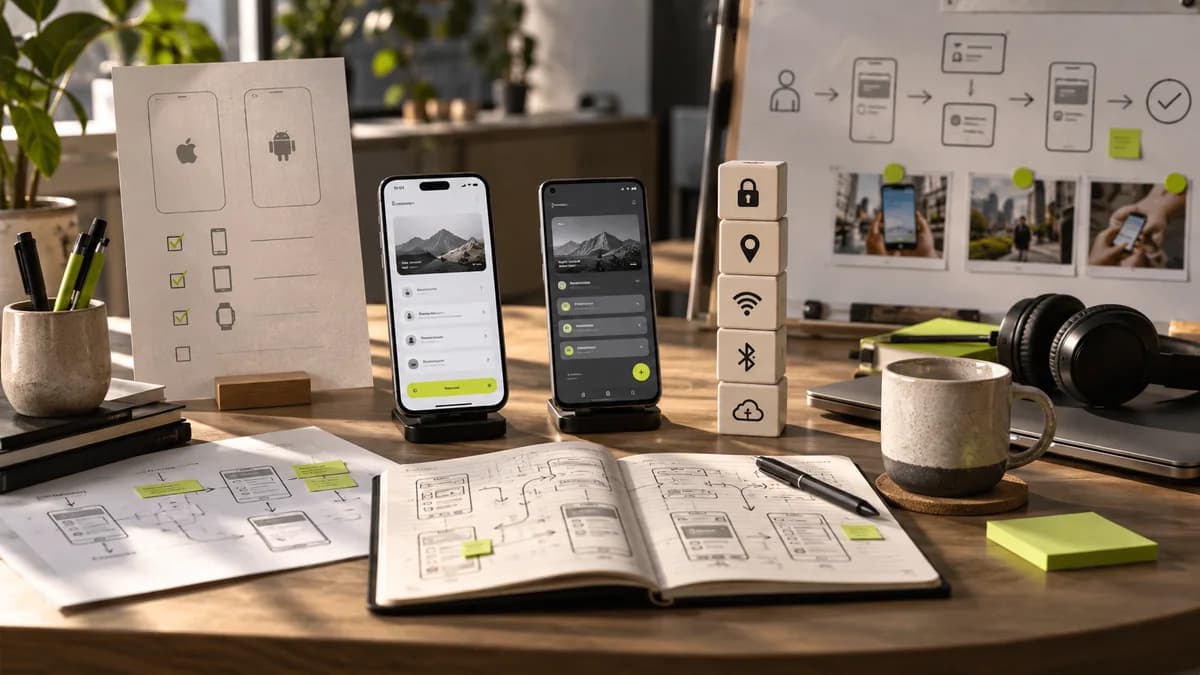
Brand colors and key ingredients can be kept common. However, back movement, keyboard, safe screen areas and system permissions are evaluated separately on different devices. Showing a single phone size in the design file is not a sufficient test plan.
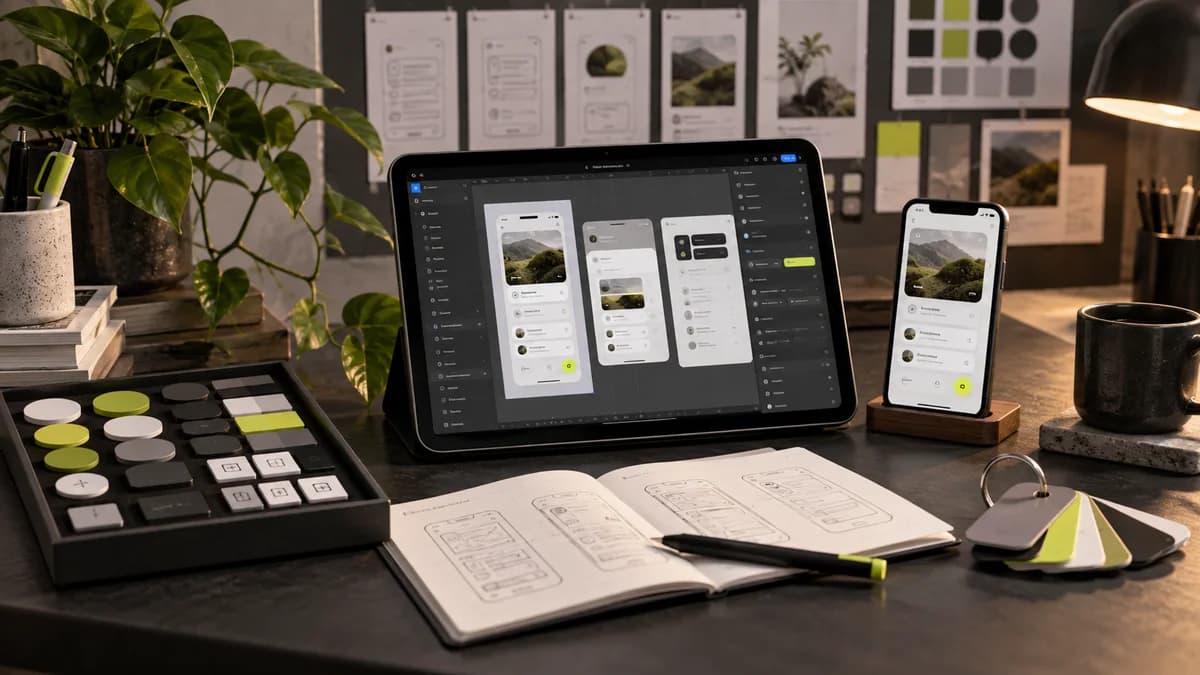
The freelance UI/UX designer and the developer should discuss the technical cost of custom drawn components early on. Designing a completely custom interaction to replace a standard selection component; accessibility can increase accountability for testing and maintenance. Evaluate the benefits of the special design together with this additional work.
Compare offers with the same acceptance criteria
- What are the platforms and device groups to be supported?
- Will there be technical trials for the riskiest integration?
- How will the source code, design files and calculations be delivered?
- Who is responsible for version upgrades and package maintenance?
- Are actual device inspection and design application review covered?
Using a single code base does not mean that the budget will automatically be halved. Integrations and testing continue. You can refer to developer handover guide to plan design delivery, and mobile application design service for interface coverage.
Frequently asked questions
Is Flutter or React Native better?
There is no universal winner. The decision should be made based on the team's experience, required integrations, target devices and maintenance capacity. For a critical feature, it is more useful to ask for a working trial.
Are native apps always more expensive?
Cost does not only come from the name of technology. The number of platforms, features, existing code and team structure are evaluated. Offers cannot be compared without defining the same scope.
Should the designer choose the programming language?
The responsibility for the technical decision lies with the development team. The designer describes user experience requirements and custom interactions; The decision is made by considering these needs together with the technical evaluation.