When choosing a computer for graphic design, the first question should not be the brand or model: Which files will you process, in which programs and in what size? Preparing social media images is not the same workload as producing a multi-page catalog, high-resolution photo or three-dimensional scene.
This guide explains the selection method rather than listing current product prices. Verify the system requirements of the software you will use from their manufacturers. Being able to open a program and working comfortably in your daily projects are not the same criterion.
Prepare a test file from your real project
Use your typical file with multiple photos, text and effects. See opening, saving, preview and export times. Do not base your purchase evaluation solely on a blank document opening or a general promotional video.
As freelance graphic designer Selçuk Aker puts it, the value of a computer should be considered in terms of how seamlessly it supports the workflow. It is not necessary to assume that the most expensive device is the optimal choice for every working arrangement.
Evaluate components together rather than individually
- Memory: Associated with simultaneously open applications and large documents. Look at the actual usage of your own file.
- Processor and graphics unit: It becomes important depending on which processes the application accelerates and how. Read the software's support descriptions.
- Storage: Plan capacity separately for working files, temporary space and archive. If the disk is full, it may disrupt daily work.
- Screen: Brightness consistency, color evaluation conditions and working area are as important as resolution.
- Connections: Check the connections you need for external display, storage, and peripherals.
Compare portability vs desk layout
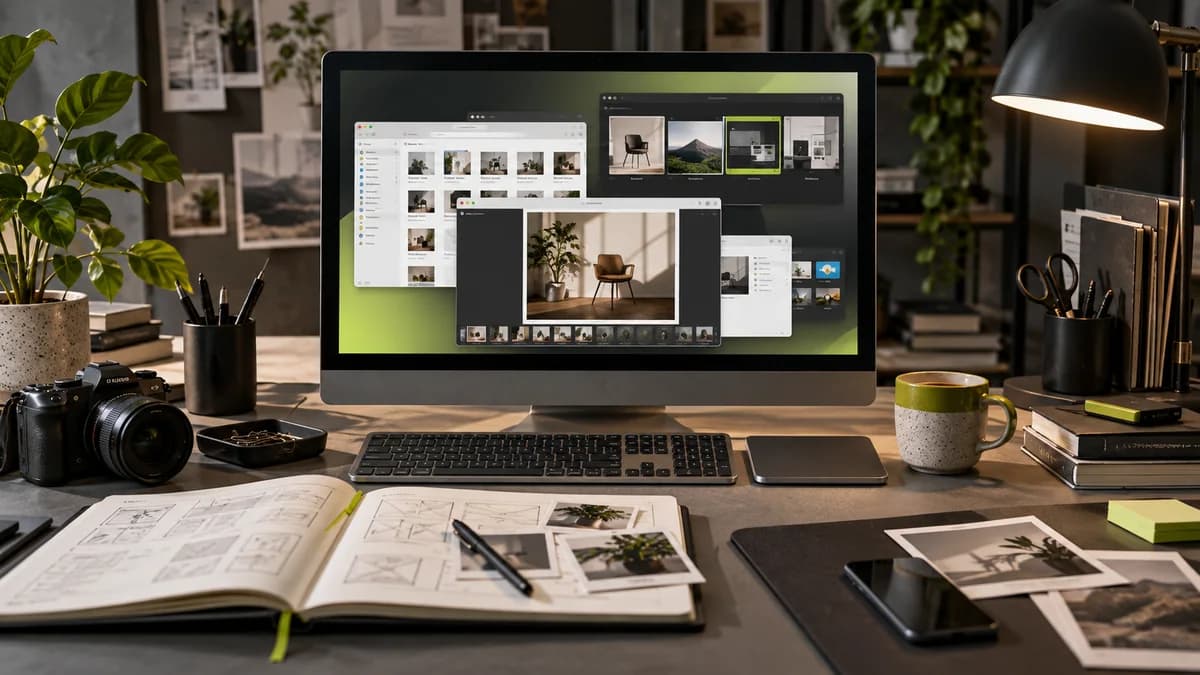
If you go to meetings frequently, weight and battery life become important. If you mostly work in a fixed location, you can establish a more comfortable layout with external displays and input devices. Just because the desk looks nice in the photo does not mean it is suitable for long-term use.
Consider screen reflection, keyboard and drawing area, cables, and ventilation. When buying a computer gift or accessory, compatibility with the user's existing device is more important than its popularity.
Don't forget the backup budget
A file copy on a single device does not count as a backup. Set up independent copies for the project archive and working files; Try to restore as well. Consider what work might be affected if the portable drive is lost or corrupted.
Design file sharing and release order completes how to maintain the delivery process after hardware selection. Consider the device decision not only with today's purchase price, but also with maintenance and business continuity.
What is a processor; Does that alone explain the wait in design work?
The processor is one of the key components that runs software instructions. However, slowdown in graphic design work does not depend only on the processor. Memory, storage, video card, file structure and the application used can be effective in different tasks.
Opening a catalog file, editing a large photo, and exporting a motion scene do not create the same overhead. Before choosing a computer, determine at what stage you are waiting in your own sample file. Instead of deciding based on whether the model name is in the upper segment, evaluate the application tests that represent your workflow. This guide does not recommend a specific current processor model; New model and test information should also be verified at the purchasing stage.
Frequently asked questions
Is a Mac necessary for graphic design?
No. A system that is suitable for the support, file exchange and working conditions of the applications you will use should be selected.
Can a single RAM recommendation be given for every designer?
A single number can be misleading as workload and software vary. Manufacturer requirements and actual project testing should be evaluated together.
Does it replace good screen print proofing?
No. The production conditions of screen and physical printing are different; Rehearsals for critical work are planned separately.