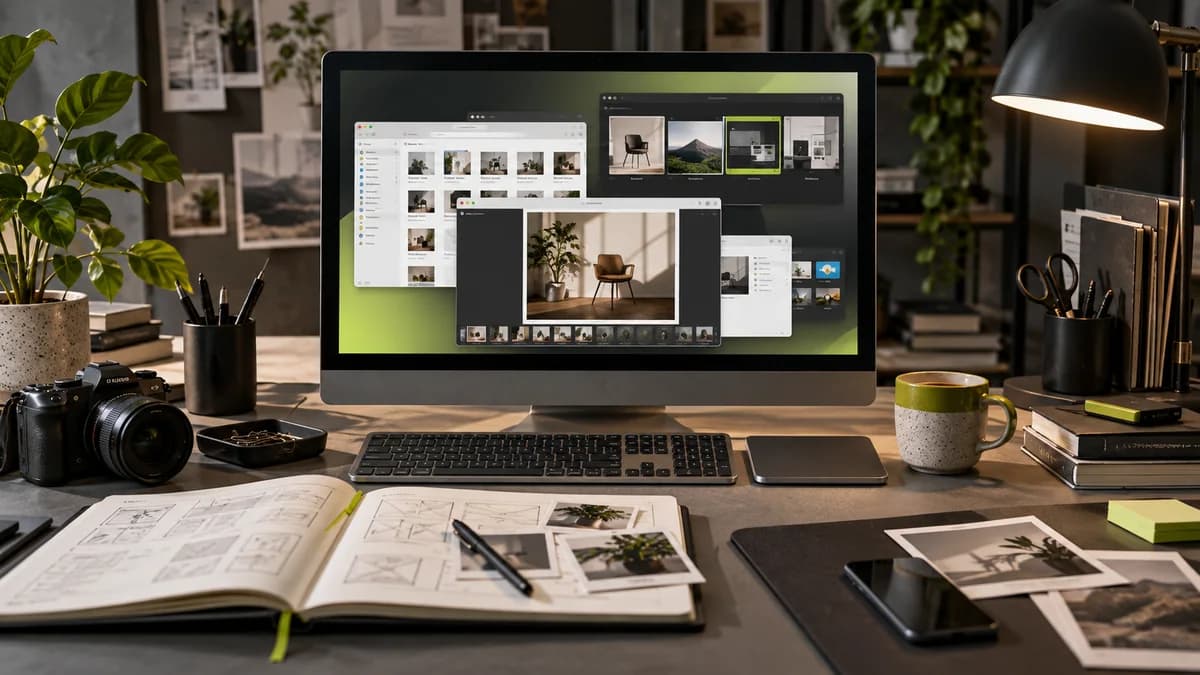
Stock photo and vector resources can make it easier to find the appropriate image for a design. However, downloading the first file that looks good does not guarantee the right choice. The message, the area to be used and the conditions of the source should be evaluated together.
As a freelance graphic designer Selçuk Aker, I recommend starting visual research by writing down the purpose of the design. Do you need a person, product, environment or abstract texture? A search without an answer to this question may waste time searching through many dissimilar images.
Select image type based on delivery need
The photo may show a real environment; illustration can simplify a complex idea; Vector, on the other hand, can make it easier to adapt symbols and formats to different sizes. The vector tag does not guarantee that every element in the file is vector. Pixel images embedded in the file should be checked separately.
If the same campaign has three different ratios, try vertical cropping as well as horizontal framing. The presence of a face or important product detail where the headline will appear may create the need to forcefully expand the image later.
Set up selection criteria before listing the resource
Photo sources like Unsplash, licensed stock collections like Adobe Stock, or assets offered directly from a designer can be explored. Do not assume that the same conditions apply on every platform and every file. Whether it is free or paid is not enough information on its own.
Keep the source link, download date, license description, and purchase record if available. Read descriptions of the type of use, especially for images that contain visible people, brands, or private property. Ask for clarification from the source in an unclear situation; Do not leave this check until after file delivery.
Test design quality in real size
An image that looks good when the preview is small may fall short in a large print. Conversely, uploading a very large file to a web page as it is creates unnecessary weight. The source resolution and the file prepared for broadcast should be kept separate.
If you are going to use two stock photos side by side, look at the relationship of light, perspective and color. Covering images from different worlds with the same filter does not always provide consistency. Photoshop image compositing guide explains why this choice is important before compositing.
Do not present the stock image as a real reference
A representative office photograph should not be shown as your office, or a ready-made product model should not be shown as the product produced by your customer. In the design presentation, the distinction between the example and the real application should be clear. If you can use photos from your own project, this can convey the context of the work more directly.
In the visual plan for website design and social media design, record the source, usage location and delivery size together.
Frequently asked questions
Can I use free stock photography anywhere?
Don't assume this. Check the current terms of use and any special restrictions at the source of the file.
Does the vector file grow to any size smoothly?
Vector formats are scalable; Embedded photos, effects and very fine details should still be checked.
Does using stock images hinder the original design?
The visual source and the design decision are different. The message, placement and visual relationship must be established specific to the project; The stock asset alone should not be considered a substitute for the original brand mark.