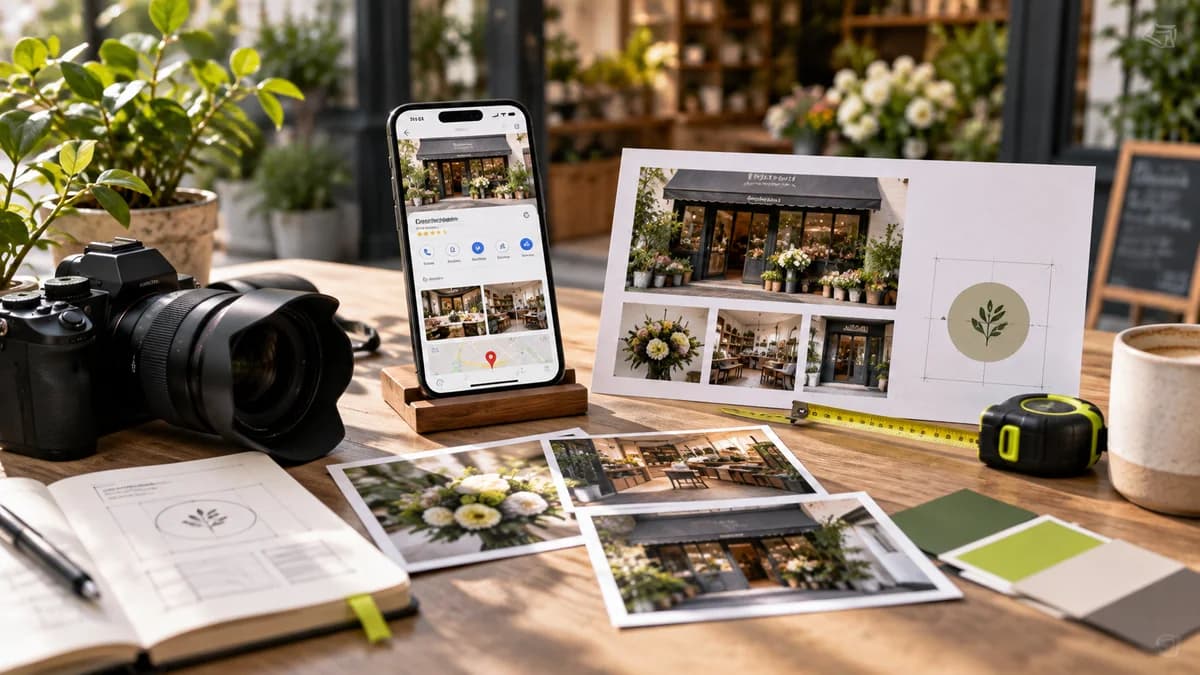
The task of Google Business Profile images is not just to decorate the brand. It should help the visitor recognize the right place, understand the service offered and reduce pre-visit uncertainty. It is more important that the image used in the profile matches the actual business than an overly processed promotional image.
From which source do you get the technical measure?
Google's business photos guide specifies JPG or PNG format, file range of 10 KB–5 MB, and recommended resolution of 720 × 720 pixels; minimum resolution 250 × 250 pixels. These are the photo guidelines at the time of checking this post. When preparing a new file, check the official link again. Don't use these metrics as a requirement for every ad placement or video.
Which photos should work together?
Exterior, entrance, interior and product or service samples answer different questions. If you have a physical space, an entrance photo taken from the approach direction can be more descriptive than a mere decorative detail. Do not present a stock office or imaginary team image that does not represent your service as a real business photo. Also clarify the permissions required for photo taking and sharing from the beginning.
Use strong focus on the cover instead of small print
Filling the cover image with too many services, phones, and slogans makes it difficult to read in the small preview. Important details of the message should be available in the appropriate information areas of the profile. Do not crowd the main object in the image to the edges; Check out different cropping formats. Do not assume that the cover you install will appear the same on every surface.
Look like a visitor after the broadcast
Do the photographs represent the current space and way of working? Old signage, a closed section, or a product that is no longer offered can create false expectations. Archive files with date and subject information; Make it easy to find which image needs to be renewed when there is a change. Also consider whether the technically accepted photo is correct in terms of communication.
If you are looking into profile findability separately, read the Google Maps visibility guide. You can review the scope of corporate identity design to ensure the compatibility of your visual identity with other channels. Adding photos alone does not guarantee search ranking.
Frequently asked questions
Is it a good idea to use a lot of text on a Google Business Profile cover?
Texts may be lost on small screens and different cropping. Choose a strong photo focus that accurately represents the business; Don't just embed basic contact information into the image.
What should I check after uploading business photos?
Check cropping in different views, image clarity, and whether the photo accurately represents the current business. Do not use misleading images that give the impression of a real location or service.


