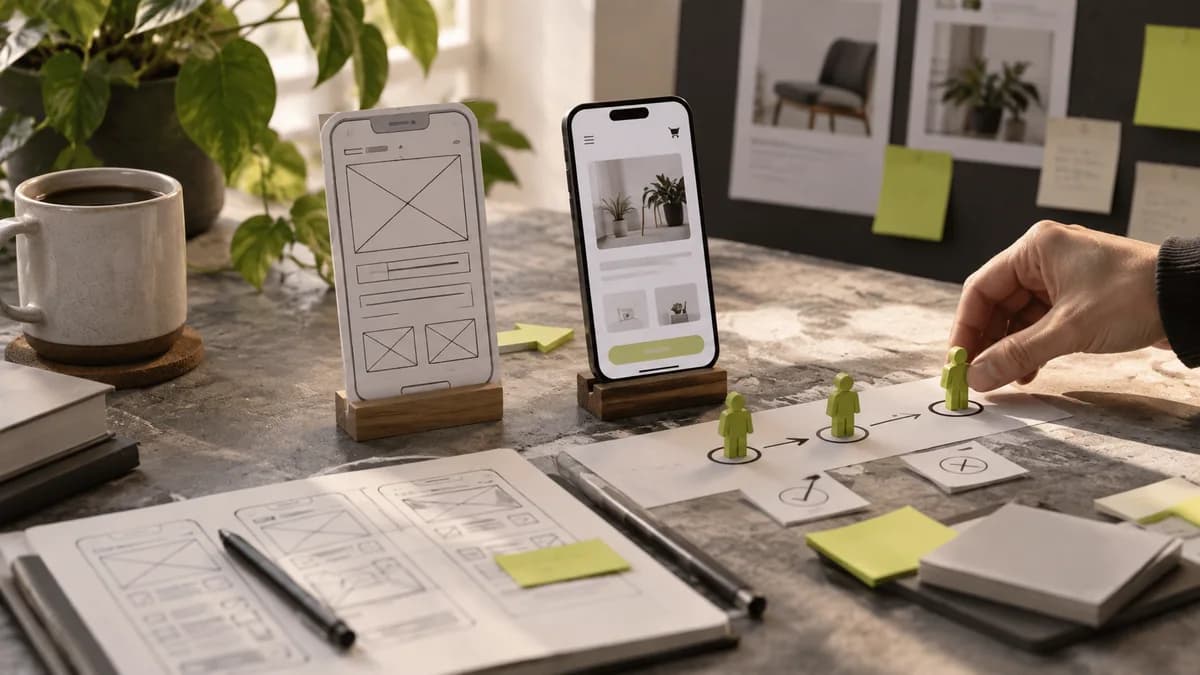
In educational institution web design, visitors do not all search for the same information. While the prospective student is comparing the program, the current student may want to access the current calendar and parent contact information. Dedicating the home page only to corporate promotion pushes daily needs to the background.
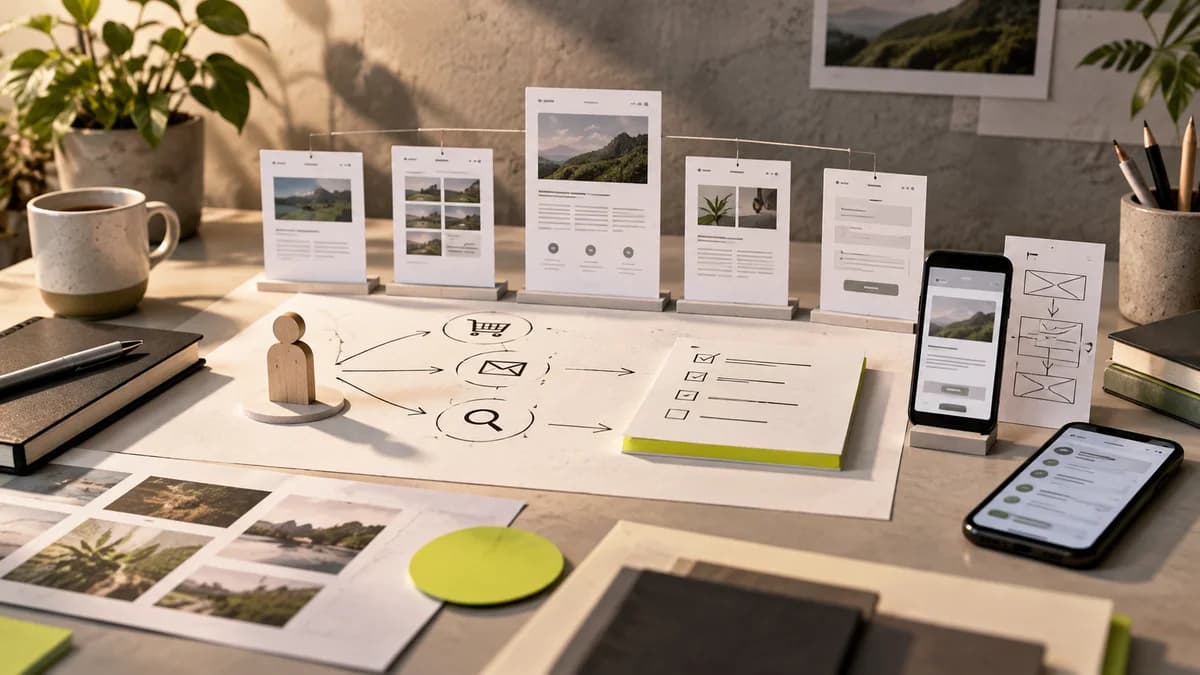
Set up user paths with real questions
In an example course center, "Which program is suitable for me?" and “What day is my lesson?” They are different starting points. Organize program introductions, active participant information and announcements with this distinction. Before listing internal unit names on the menu, check if an outsider understands them.
The target audience, content, duration and application format should be consistent with each other on the program page. If information is not finalized yet, do not present previous period information with the new date. Areas that will change should be marked in the content plan.
Define a lifetime for the announcement
The publication date, application deadline and relevant period of the registration announcement are different information. If the expired announcement remains ahead of the new announcements, it may mislead the visitor. Establish a clear relationship between archive, current announcements and calendar.
Similar distinction is required on federation or event sites: the upcoming organization, application requirement and completed event result should not be lost in the same card type. Content moderation guide helps identify the person responsible for updates.
Design each state of the application
Specify what to display when the application is closed, when the document is missing, and when submission is complete. Just drawing the empty form is not enough. If there is a document upload step on the phone, the name of the selected file and the error description should be readable. Connection with the in-house student system is a separate technical task from the visual design of the promotional site.
With the freelance graphic designer Selçuk Aker, web interface and the visual communication of the organization can be planned together. You can share the program information, application flow and current system list confirmed by your institution in the first meeting.
Frequently asked questions
Do all users need a separate site?
No. Different entry ways and content groups can be tried first. The decision for separate sites depends on management and technical needs.
Can we share announcements only visually?
Also present title, date, and transaction information in readable text. Visuals should not be the only carrier of information.
Can design alone solve application density?
No. Besides the interface, server capacity, data processing and error management should be evaluated by the development team.