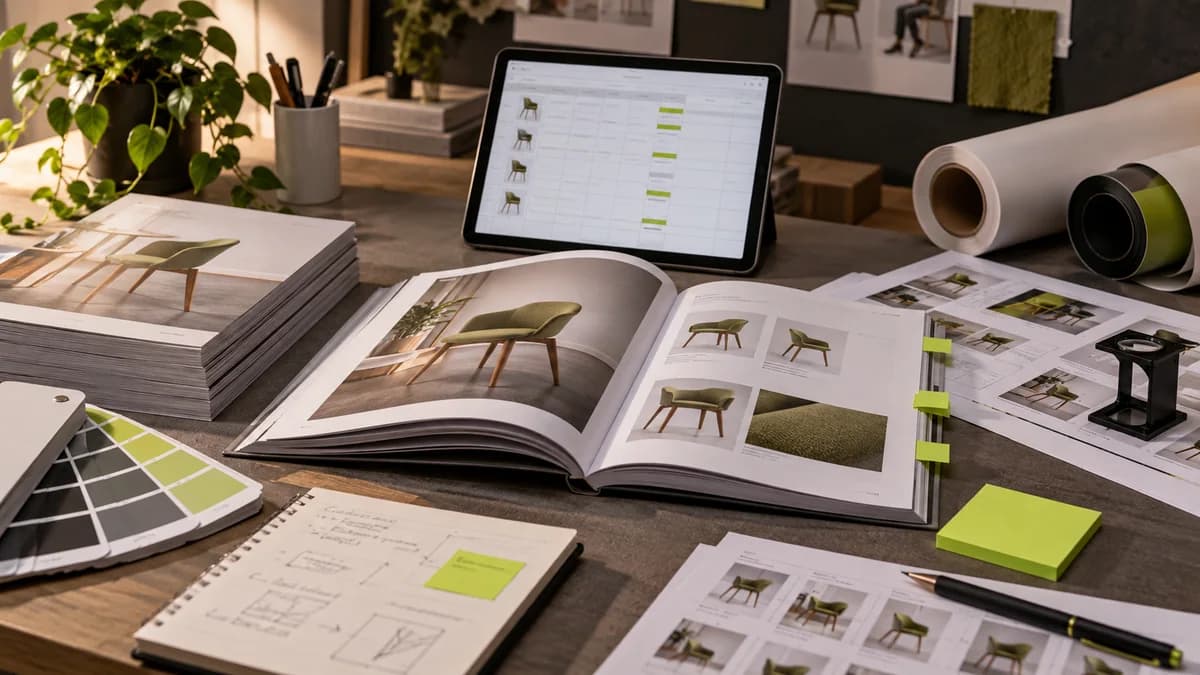
A poster mockup is a representative presentation that describes how the design might appear in a frame, on a wall, or in another usage environment. It is not a replacement for the print file or physical print proof. Realistic lighting and texture can help the client understand the idea; However, the readability and production preparation of the text should be checked separately.
In this article, I explain how you can evaluate A4 and A3 poster designs in PSD mockup. A downloadable PSD package is not offered. The aim is to choose any ready-made presentation file consciously and to preserve the true nature of the design when using it.
Look at the use of the design when choosing a mockup
It may be tempting to display a campaign poster in a store window within the frame of a luxury gallery; but it does not explain the actual usage condition. The presentation environment should resemble your intended location. Light, viewing distance and visual intensity in the environment affect the understanding of the message.
Check the editable areas in the mockup file: is it only the banner that changes, can the frame or background also be edited? Read the terms of use of the file from its source. Just because a file can be downloaded for free does not mean that it is granted unlimited permission for every use. Saving presentation resources separately in the project folder reduces uncertainty in subsequent work.
Maintain proportion in A4 and A3 design
A4, 210×297mm; A3 measures 297 × 420 mm. Since the two sizes follow the same A-series ratio, the basic layout can be adapted by enlarging it. However, text size, photo resolution and viewing distance should be evaluated separately. Not every design that fits technically will be read equally in every use.
If the ratio of the area in the mockup is different from the design, do not stretch the image horizontally or vertically. Choose a mockup with appropriate proportions or rework the layout of the design. Cutting off the title or contact information when fitting a poster into the frame will cause the presentation to obscure the real work.
Edit Smart Object in PSD
Many PSD mockups present the area where the design will be placed as a Smart Object. You can open its contents by double-clicking on the relevant thumbnail in the Layers panel. Insert your own banner into this content document; Check and save the boundaries. When you return to the main mockup file, the presentation is updated.
Layer names may be different in each file; Confirm the area to be edited from the description that comes with the file. If you accidentally change the shadow, reflection, or frame layer, the design may look unrealistic. Keeping the startup file and using a working copy makes it easier to roll back. Adobe's Smart Object description demonstrates this organizing logic.
Don't let effects hide the design
Intense perspective, harsh lighting and paper texture can obscure some details of the design. Also share the flat view of the banner in the presentation. The customer can directly evaluate both the impact within the environment and the text, color and placement.
The actual proportion of the product photo or logo must be preserved. Do not represent apparent color variation due to mockup as actual printing color. For a major print job, discuss the proofing process with the manufacturer. Guide to evaluating brand color on screen and print explains why these two looks are controlled separately.
Deliver presentation and print file separately
JPG or WebP prepared for presentation allows the client to evaluate the design. The size, bleed, color and other technical conditions of the file going to the printing house must be prepared as requested by the manufacturer. Mistaking a mockup photo for a poster file to be sent to printing is a confusion between presentation and production.
When determining the scope of poster design with Selçuk Aker, flat design, representative media presentation and production output can be discussed as separate deliverables. If it is clear from the beginning how many presentations will be prepared, design approval will proceed more regularly.
Short checklist before approval
- Are the poster's proportions and main message preserved in the mockup?
- Is flat design also included in the evaluation file?
- Do the texts on the presentation match the current content?
- Is the mockup image clearly identified as a representative presentation?
- Is the print file prepared separately from the presentation file?
Frequently asked questions
Can I send the mockup file directly to the printing house?
Mockup is usually for presentation. The production file of the design prepared in the correct size and technical conditions must be sent to the printing house; a framed media image is not a substitute.
Can I use A4 design in A3 mockup?
Their proportions are harmonious; However, image quality and readability of texts in real use should be checked. Just because it looks good in a mockup does not prove that the print resolution is sufficient.
Does using mockup reduce the originality of the design?
The ready-made presentation environment and the design of the poster are different things. Mockup can be used to illustrate the design; The assessment of originality should be based not only on the ambient photograph but on the prepared design itself.